
HELP!!! Bleed and Crop Boxes wrong for publication.
I am trying to set up bleed and crop marks for my publishers requirements in InDesign (and exporting them to PDF) but she was very vague on the instructions. She sent me an example:
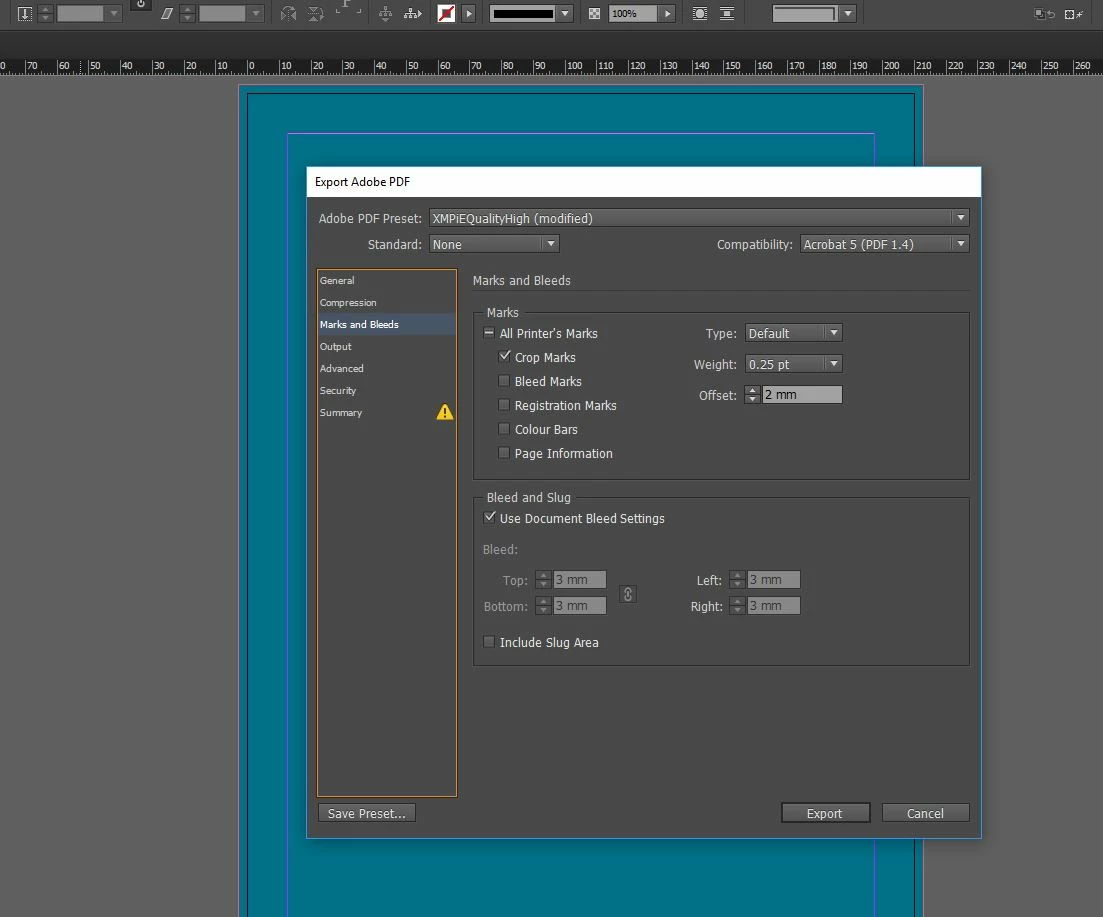
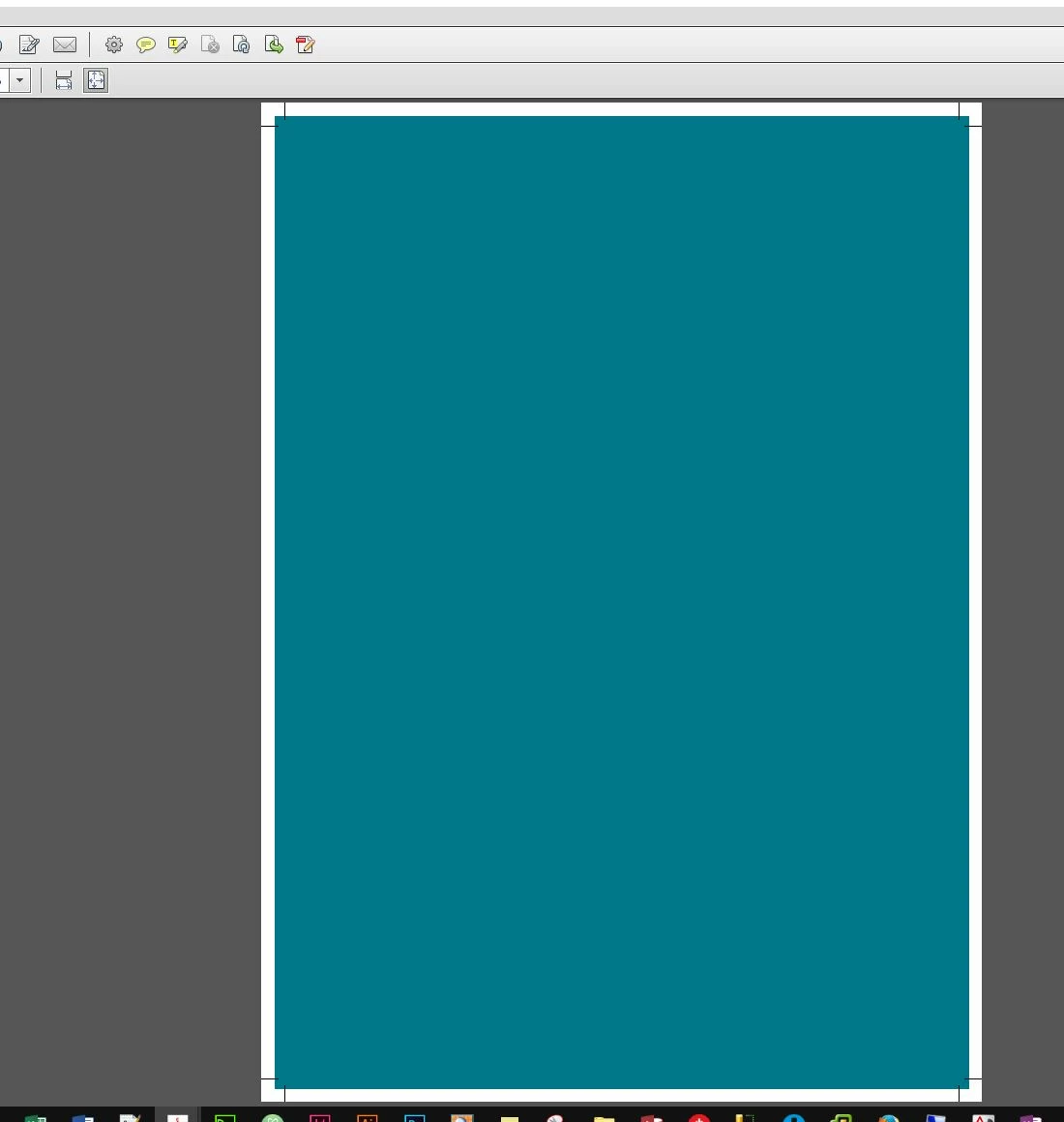
I have fiddled with EVERYTHING, from the bleed marks, to the crop marks, the slug, the offset, but my document still appears slightly outside the bleed area. I want it to be slightly inside the bleed area like the above example. This is the best I can do:

How do I get my image to be slightly inside the bleed area? I tried minusing the offset but it starts at "0"
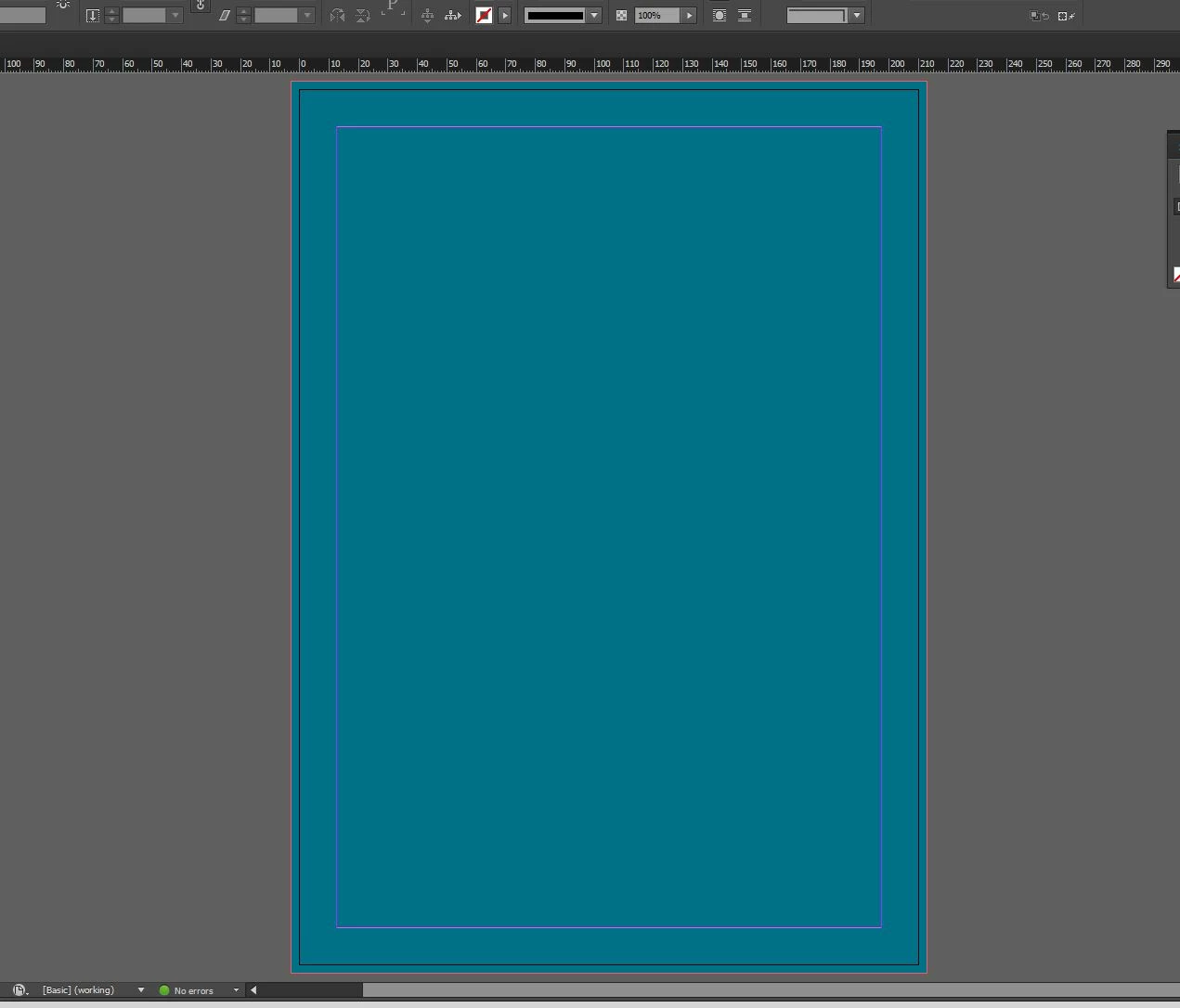
These are my current settings:
WIDTH 49p7.276 (AUS A4 size)
HEIGHT 70p1.89 (AUS A4 size)
Bleed: 0p5.669 As instructed by publisher. Left, Right, Top Bottom
Slug: 0. she didnt mention this
MY CURRENT EXPORT SETTINGS:
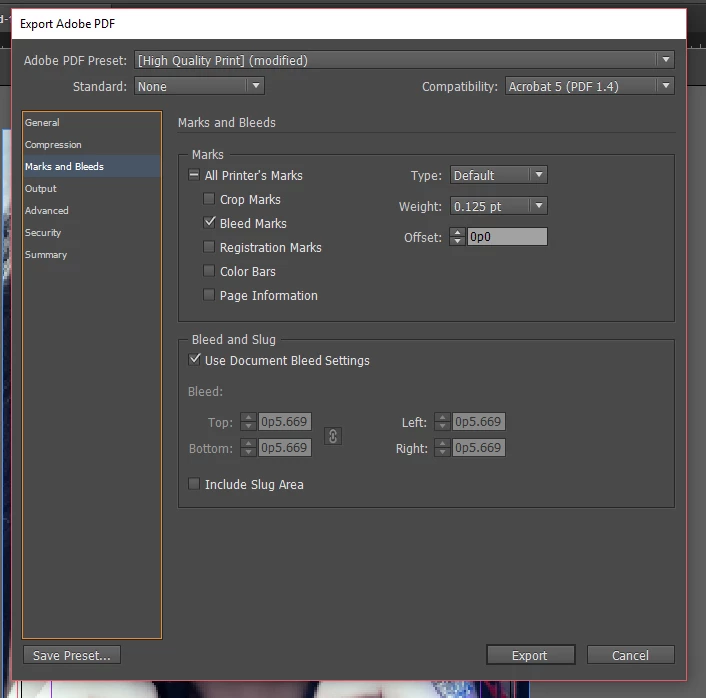
I have tried everything I can and it is DRIVING ME INSANE, please help. The publisher offered to fix it for me for a fee, but its probably something simple and they charge enough already! I am obviously missing something simple or doing something wrong.


 AdChoices