Typothalamus
Known Participant
February 6, 2025
Question

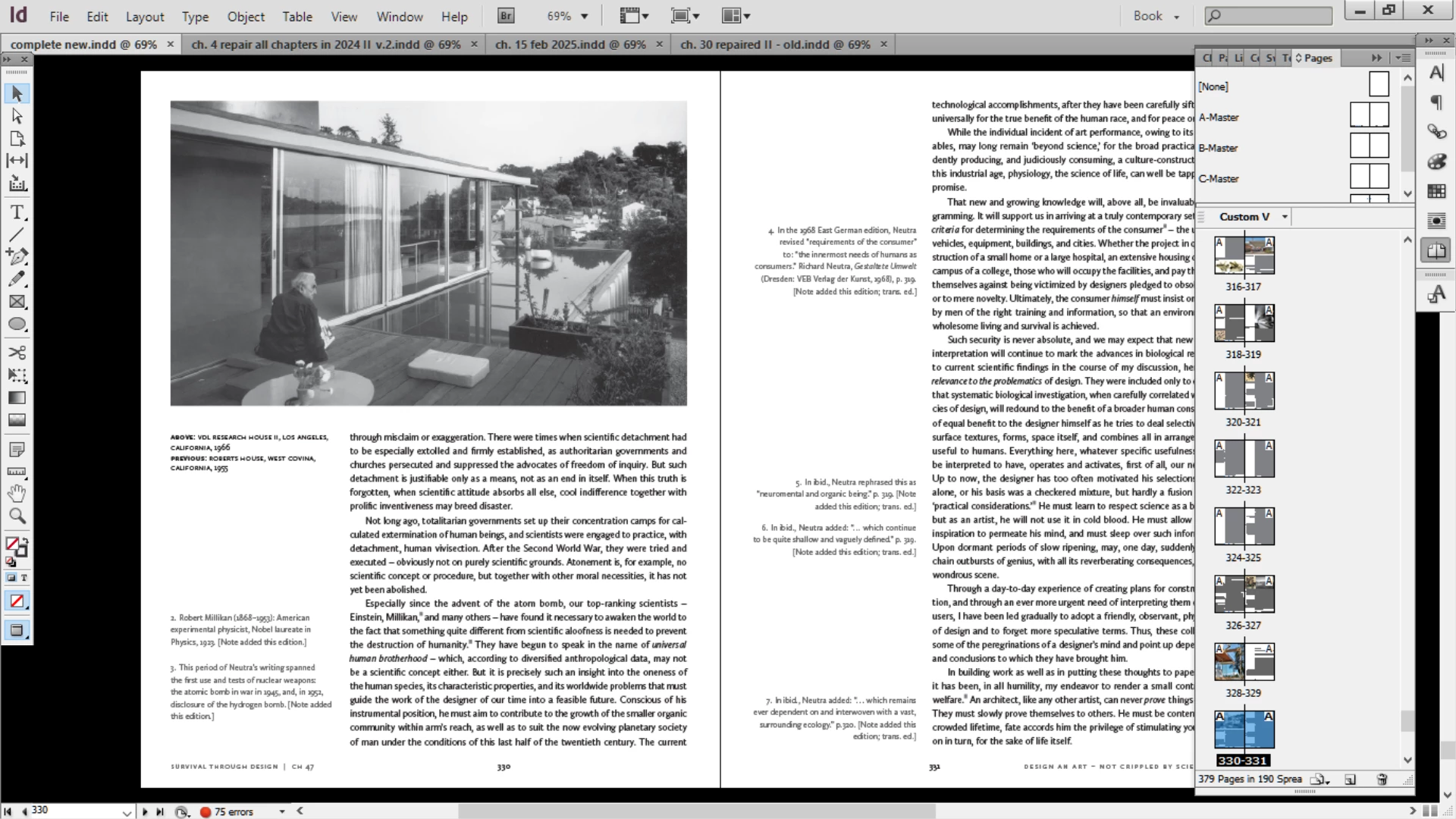
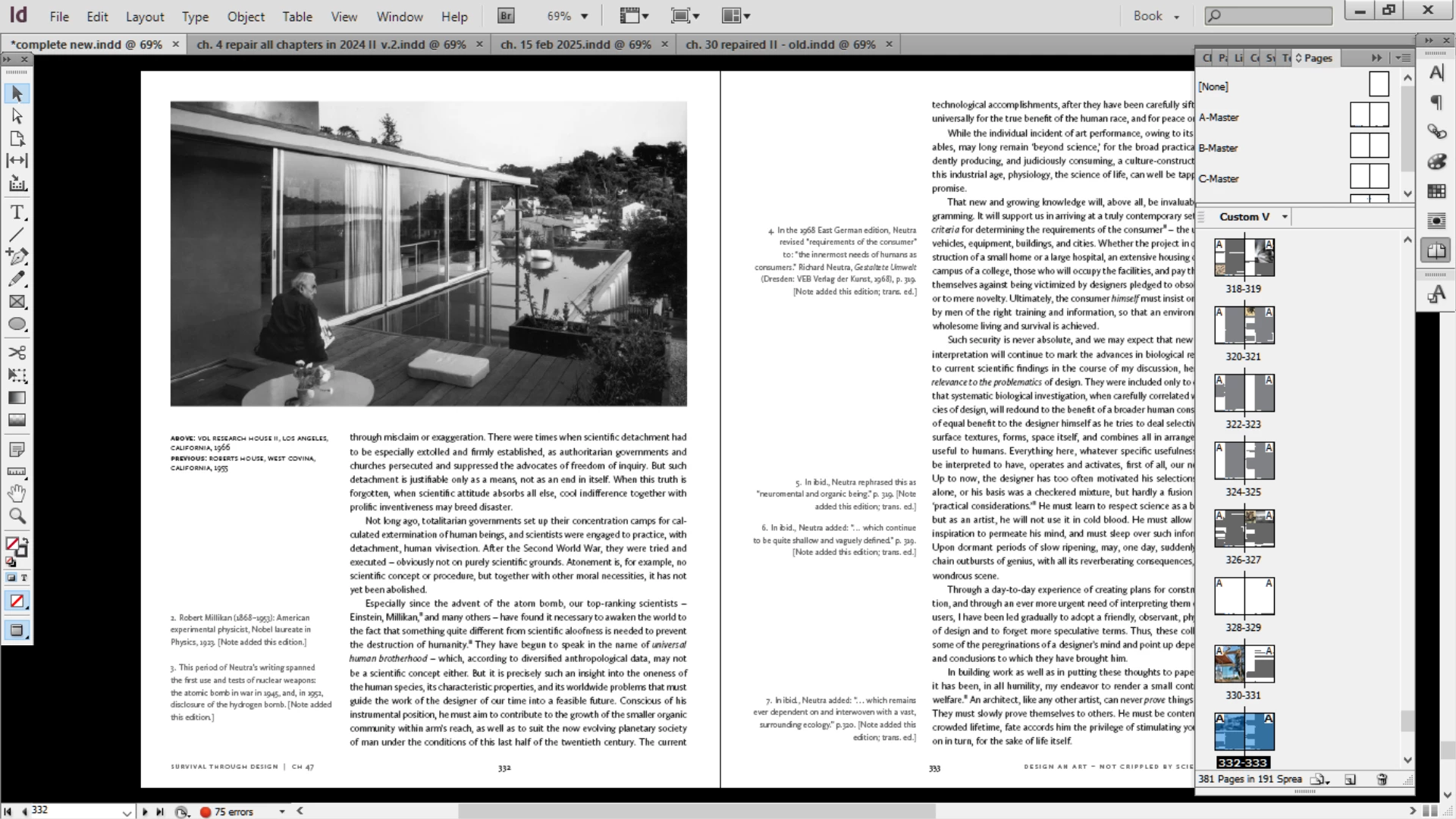
Help diagnosing why the same B&W image goes flat on some pages

  • February 6, 2025
  • 1 reply
  • 1196 views

Help me diagnose why the following happening – I notice how this image is rendering differently, going from having good blacks to becoming flat and washed-out depending on which page it's on. I'm not altering anything when this happens – it automatically changes depending on which page.


1 reply

Bill Silbert
Community Expert
Community Expert
February 6, 2025

Just to clarify: the image is part of your Parent/Master Page A and it has been imported into InDesign using File/Place? What version of InDesign and what operating system are you using?

Typothalamus
Known Participant
February 6, 2025

Master A is applied to the document page, onto which the image was then placed (placed on the document page, not the master, to be clear). It's CS6, Windows 10.

Robert at ID-Tasker
Legend
February 6, 2025

Have you checked if there are any transparency settings applied to the image / container?