
Participant
March 1, 2022
Question

Help! Exported PDF Page Exporting Strangely.

  • March 1, 2022
  • 4 replies
  • 169 views

Hi y'all! I'm trying to prep the digital version of my newsletter to go out. Print versions are converting fine, but one image in particular is not uploading correctly. 
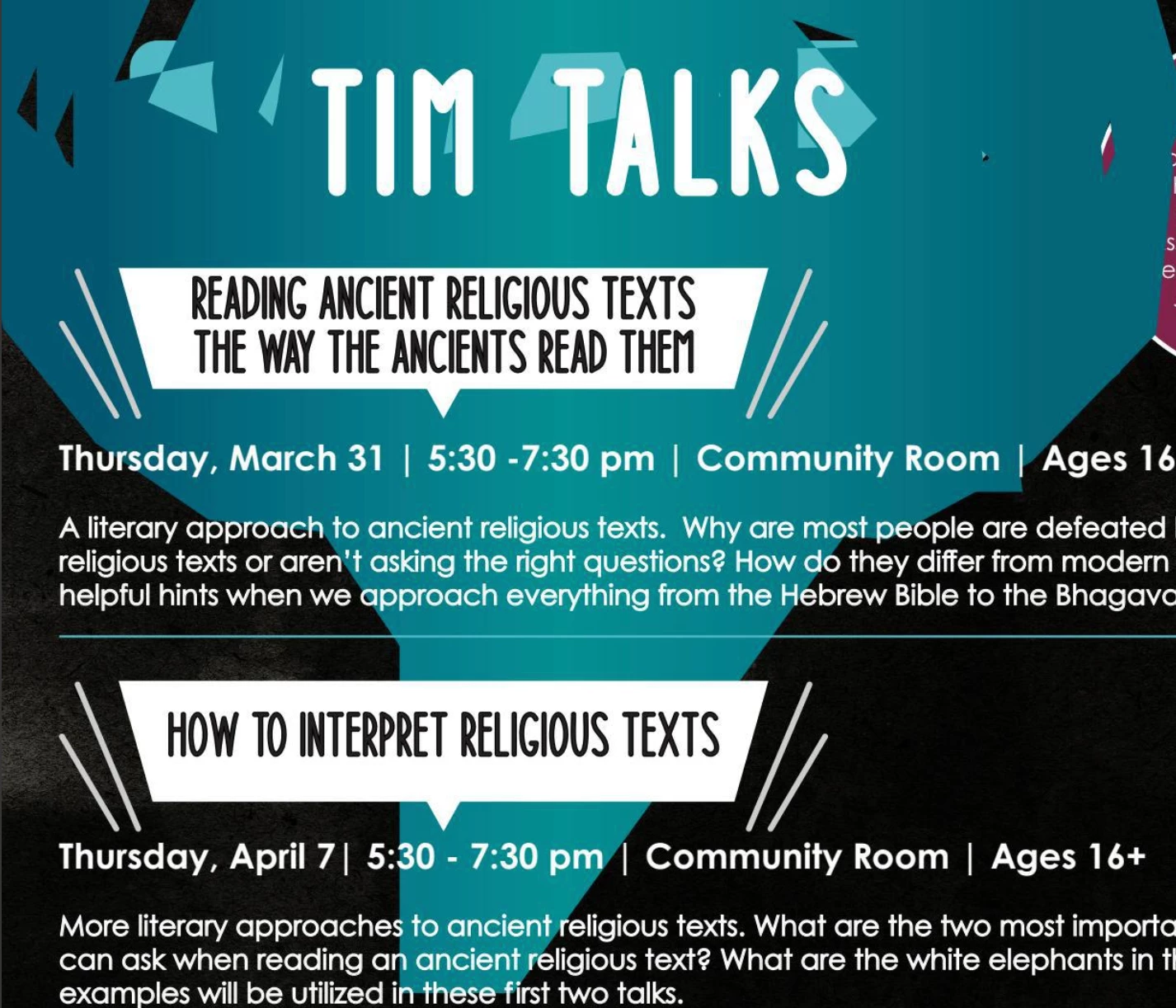
This is what it looks like once uploaded. Not how it looks in my document.
 

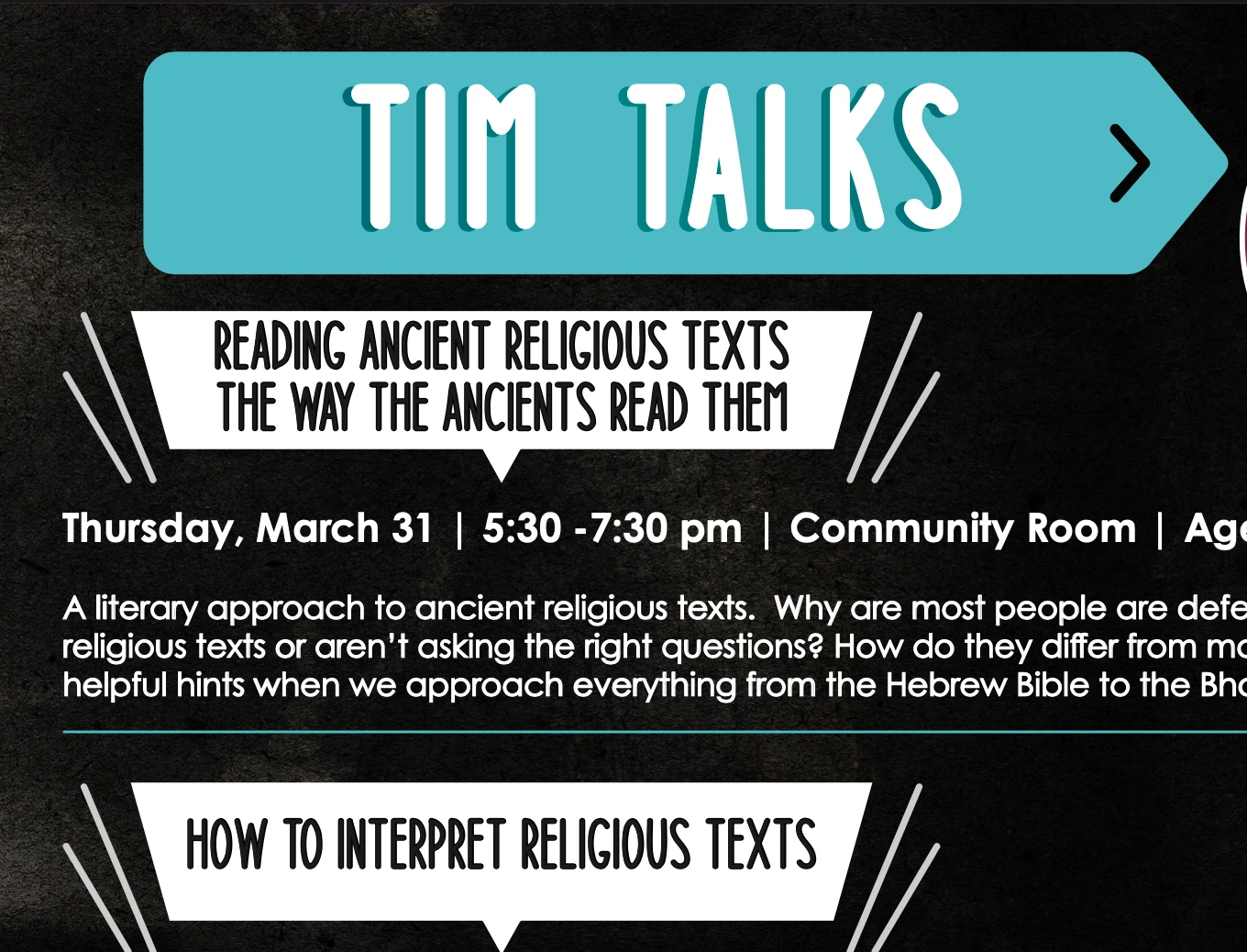
In preview (Mac user). This is what it should look like. Also looks the same in Adobe Reader. 

It's just for some reason when the PDF is uploaded to Google Drive, Dropbox, or Issuu, I'm having the issue shown in the top image. Any ideas as to why this may be happening?

Settings: Acrobat 7, No color conversion, profiles included, no errors listed in pre-flight panel.
This topic has been closed for replies.

4 replies

rob day
Community Expert
Community Expert
March 1, 2022


It's just for some reason when the PDF is uploaded to Google Drive, Dropbox, or Issuu, I'm having the issue shown in the top image. Any ideas as to why this may be happening?


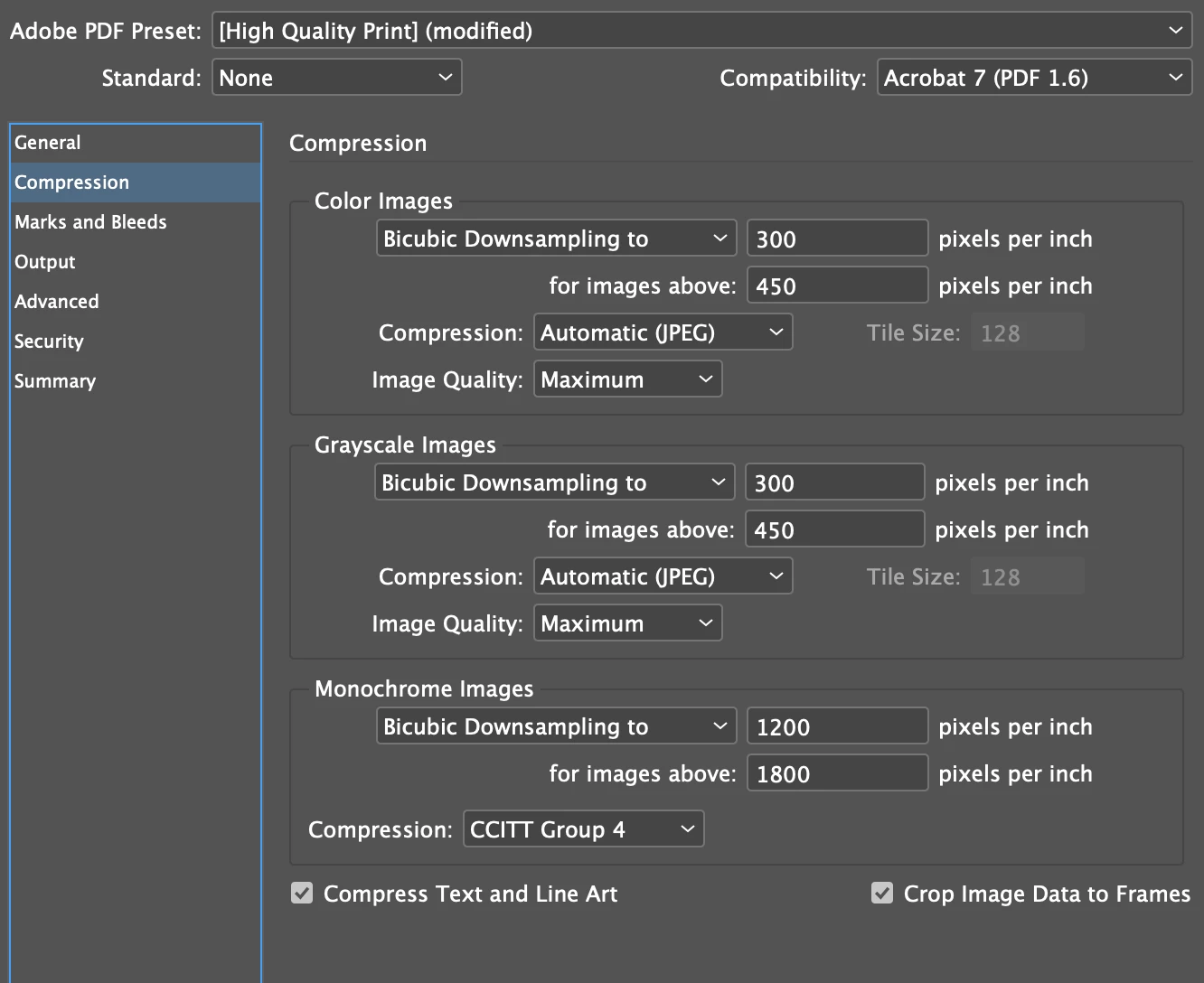
How are you viewing the uploaded file? In a web browser? Browsers can have problems with any kind of complex transparency. For screen viewing try this Output setting, which flattens the transparency, and converts all color to sRGB:


Community Expert
March 1, 2022

"This is what it looks like once uploaded."


Hi N5CBA,

what's the PDF viewer application you see the destorted graphic?


Try the following PDF export preset for your digital-only version:


Regards,
Uwe Laubender

( ACP )

Eric Dumas
Community Expert
Community Expert
March 1, 2022

Can you confirm:

  • the file type of the image, did you try to convert it (jpg >> png fro example) and replace it?
  • is the image embedded (copy-paste) or linked (File>Place...)
  • did you try the lowest compatibility (Acrobat 5)
  • use zip for compression (not JPEG) - that one is just a shot in the dark because that's what I usually use 😉


James Gifford—NitroPress
Legend
March 1, 2022

I would say the 'TIM TALKS' graphic is corrupted. Re-export it (from Illustrator?)