Participant
January 25, 2017
Answered

HELP! My text is black, however, once placed over an image it turns transparent?!

  • January 25, 2017
  • 1 reply
  • 710 views

I need to have text over an image (as shown below), however the text has turned transparent. How can I ensure the text still remains black?

This screenshot below shows the original text before it is dragged onto the image.
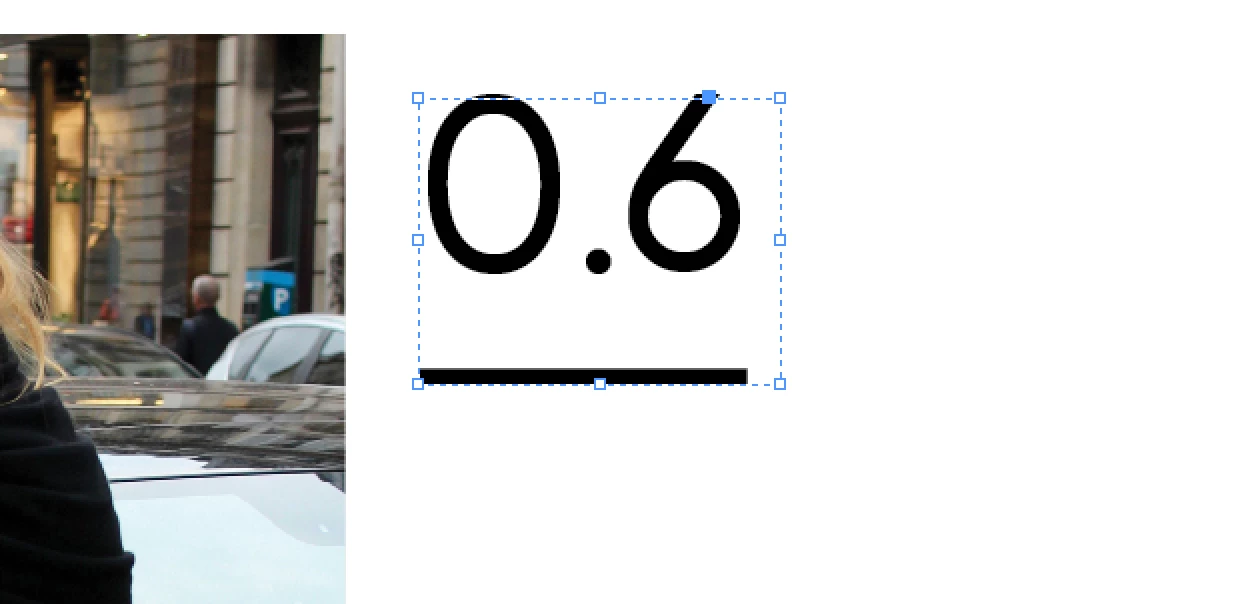
This topic has been closed for replies.
Correct answer Derek Cross

Yes, I have clicked on all options and it is not making any difference. Any other suggestions?


Check the blending mode of the text – select the text then: Object > Effects > Transparency – Mode

1 reply

Just Shoot Me
Legend
January 25, 2017

What Adobe program are you using?

mm109107Author
Participant
January 25, 2017

InDesign

Just Shoot Me
Legend
January 25, 2017

I've moved it over to that forum.