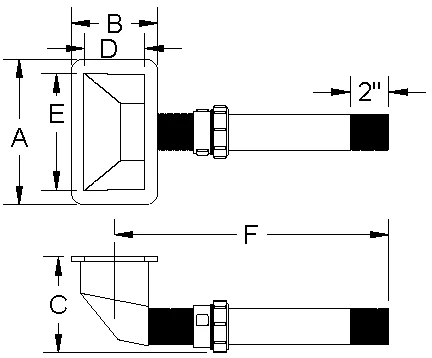
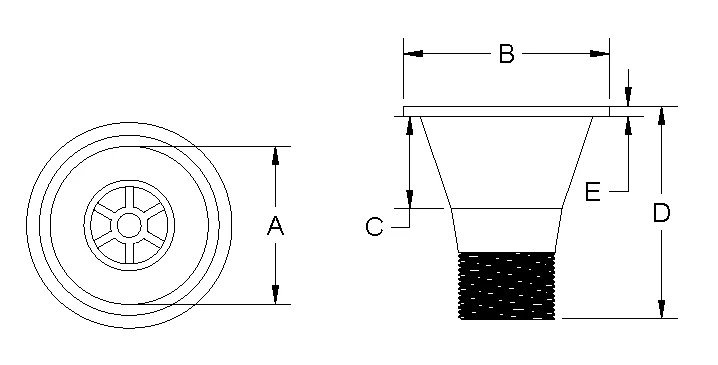
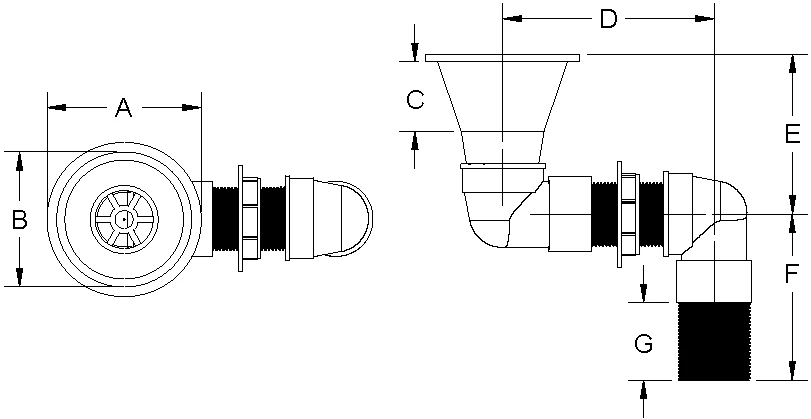
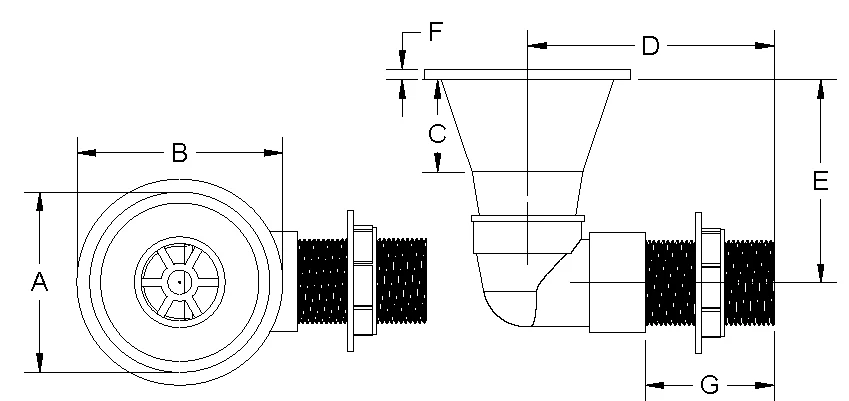
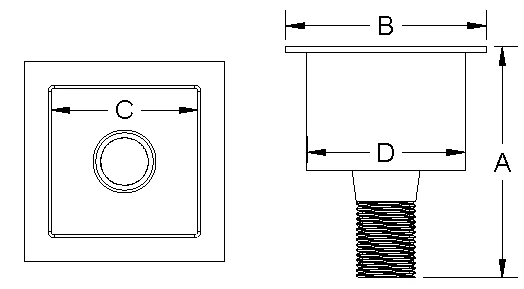
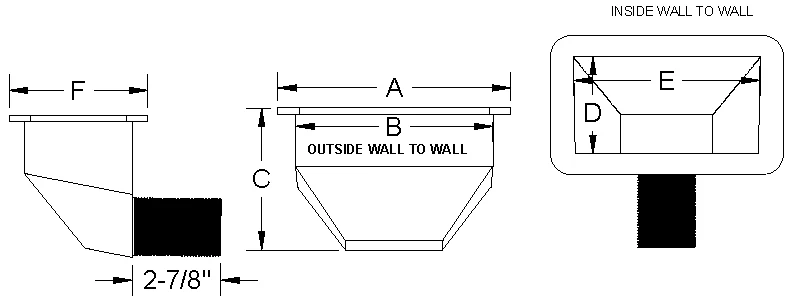
One last thing i am trying to make a go at using these images in Adobie IN DESGIN utilizing a template for ease of building the Book with the content. It was here that i realized when i was importing the drawings as Jpeg or PNG format most of them came in just fine as however beings the smaller cup sink W39021 is truly the smallest item. Could scaling it bigger help it not be so pixelated when i create a PDF drawing using my Fusion Software? My process was within Fusion software create PDF drawing using Models created. Then after exporting PDF open up in Adobie pro to arrange then cropped and saved as PDF PNG OR JPEG and i have found all formats to apear pixelated. Thus thr reason to see if i could fix them in illustrator 2020 then try and import into My template within Adobie IN desgin
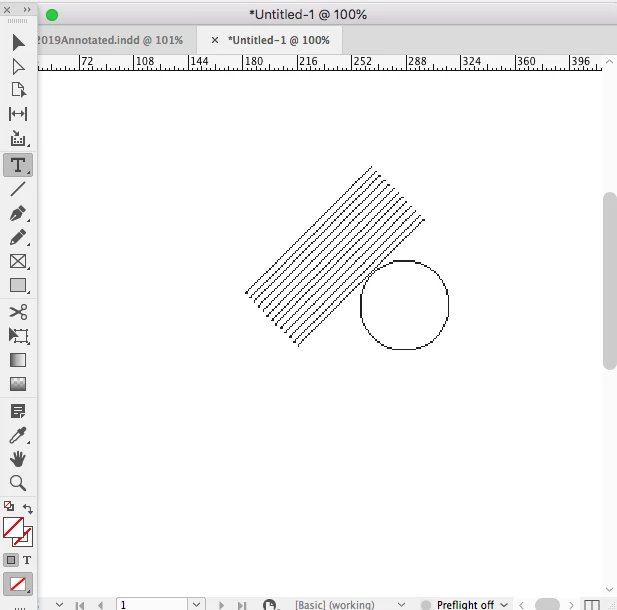
Keep in mind that InDesign displays a preview proxy for linked files, and you can’t necessarily judge output quality from the preview proxy even if the format is vector. View>Display Performance>Typical Display would preview linked vector lines like this:
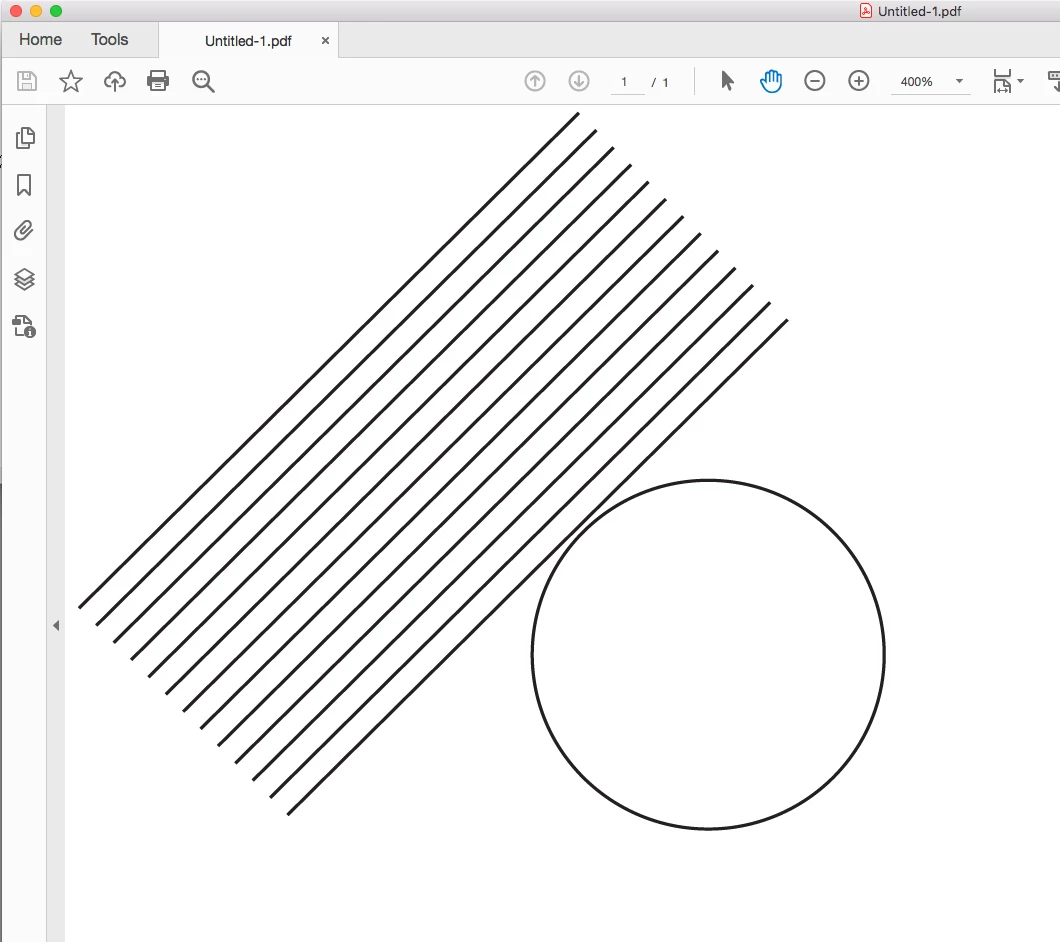
If you export the page to PDF and zoom in to over 400% in Acrobat you will get a better view of the actual print output.
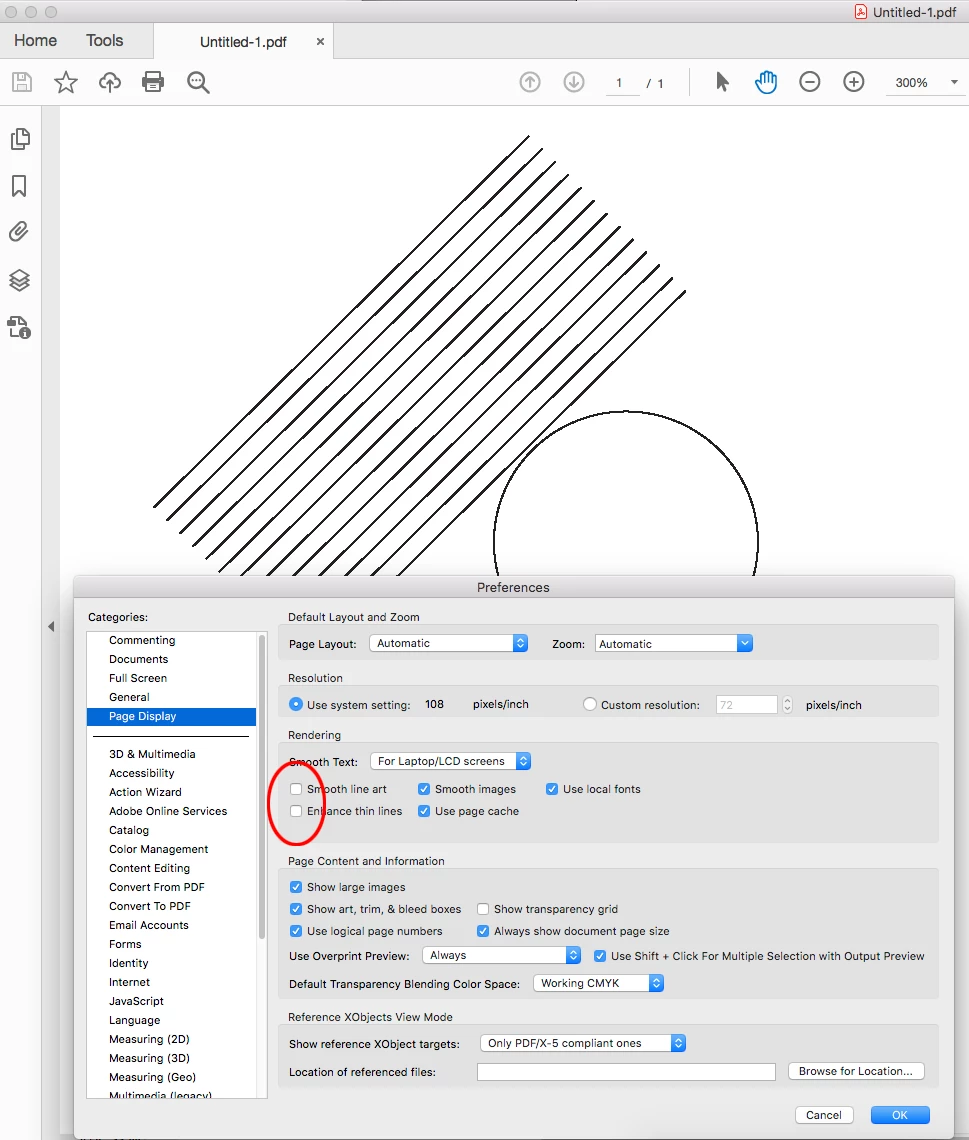
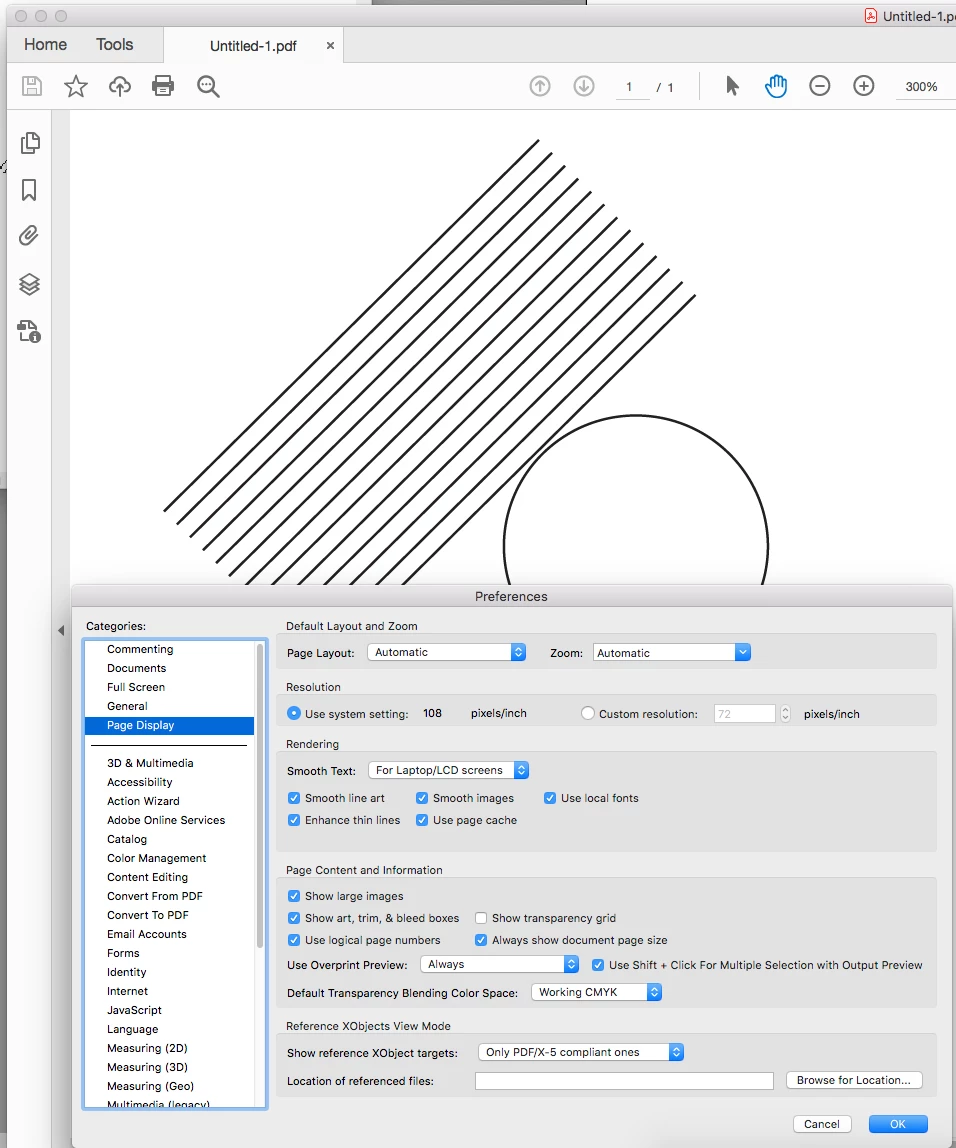
And Acrobat’s Page Display Preferences also affect the Acrobat preview but not the print output—Smooth line art unchecked:

 AdChoices