
Help with links & color profiles
Hi,
I am trying to troubleshoot a color profile issue. Here is the setup:
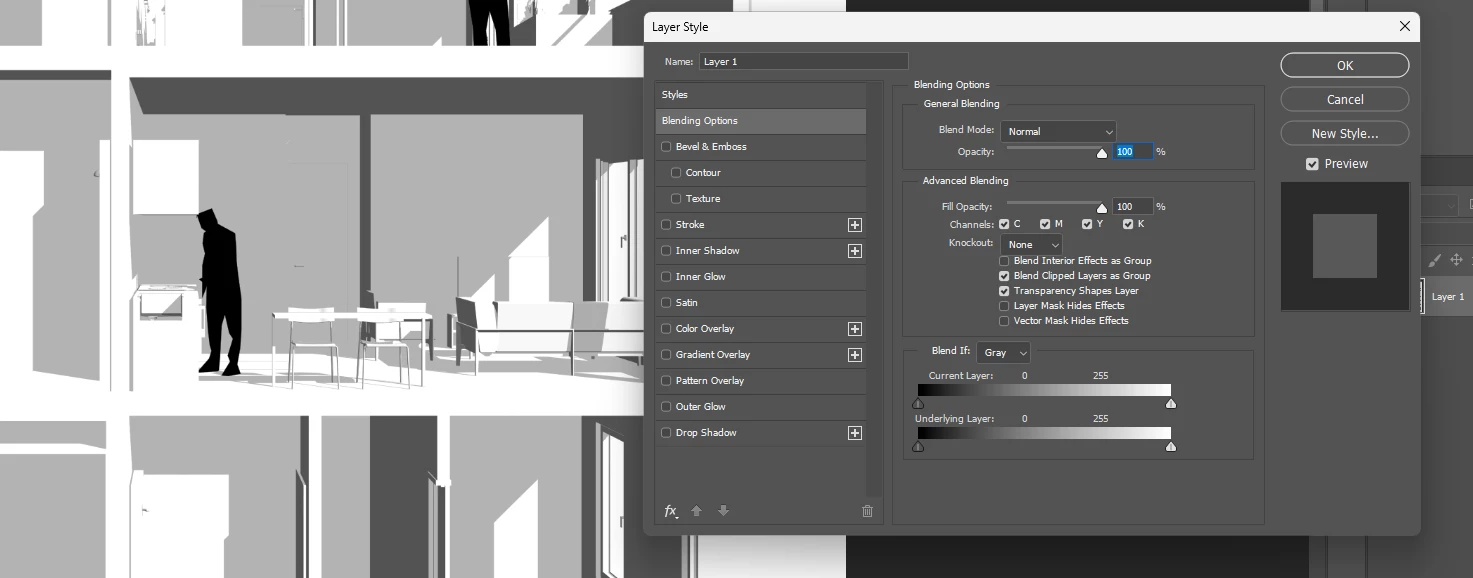
Photoshop contains JPG - channel blend applied to remove black
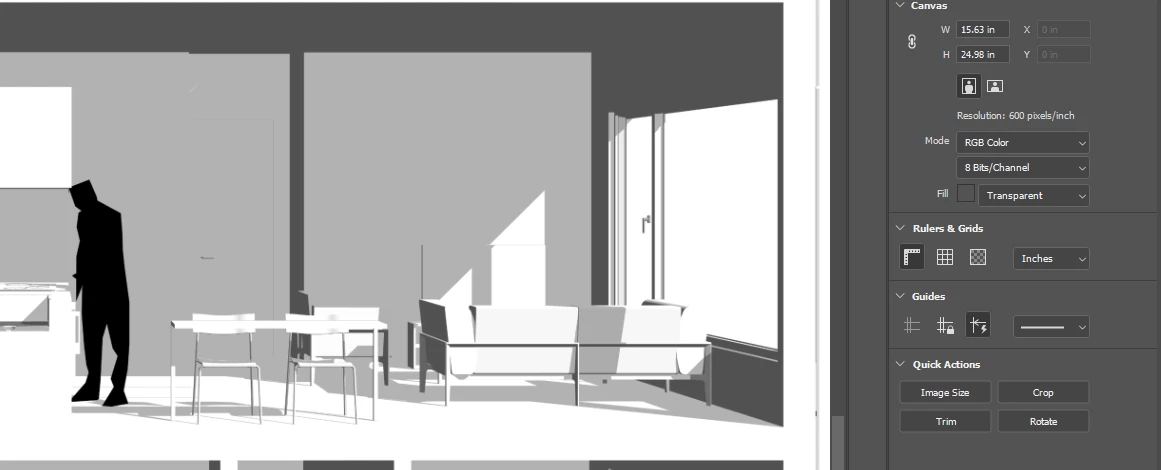
I believe the color profile of the JPG is RGB:
This is linked into an Illustrator file, which also contains a linked vector PDF
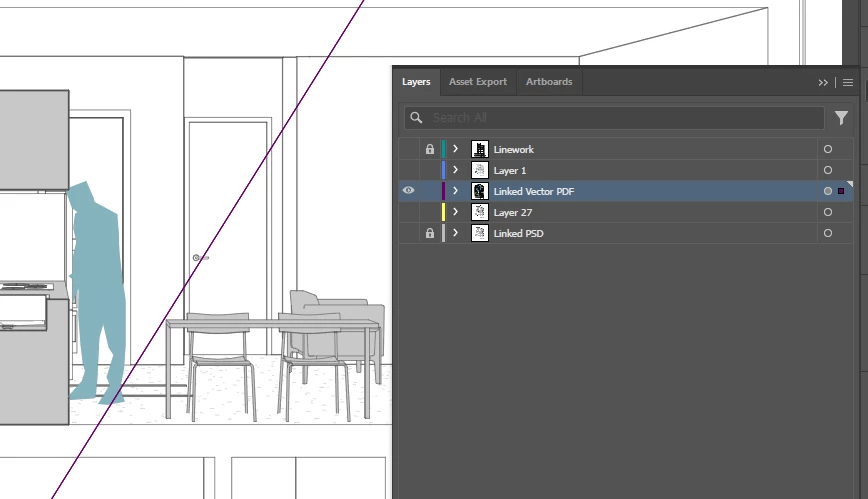
as well as some linework.
My Illustrator document mode is RGB. When I export the file using Illustrator Default, I get a PDF that looks correct:
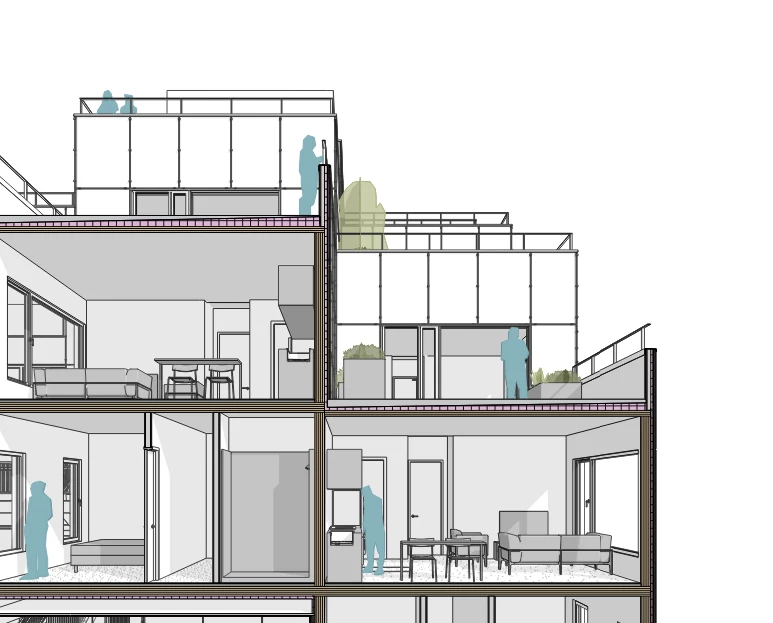
But when I link into InDesign, the colors are wrong and there is a band at the top where one of the links is offset from the artboard.
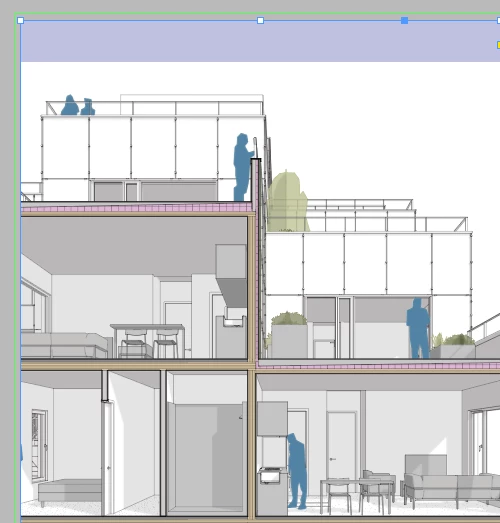
My suspicion is something to do with the linked vector PDF, which shows no color space when linked in Illustrator:
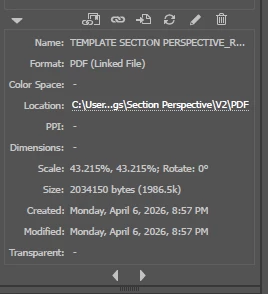
I have been playing around with different settings and tutorials but I am not sure how to correct this. I would be very grateful for any help with this, I am new to color profiles. I assume that it is related to the way InDesign is handling the file because the output appears correct in PDF viewer as shown above.
Here are the color settings of my ID doc:
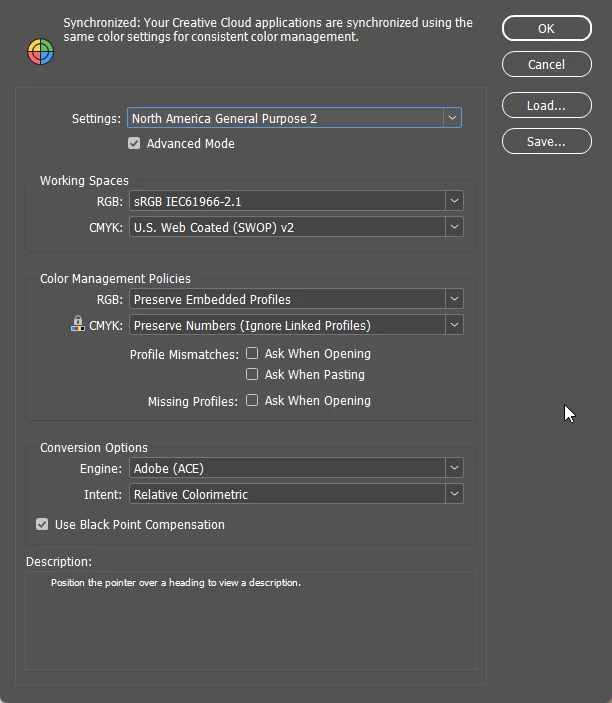
Thanks for any suggestions! I am linking the Vector PDF linked file for reference.
 AdChoices