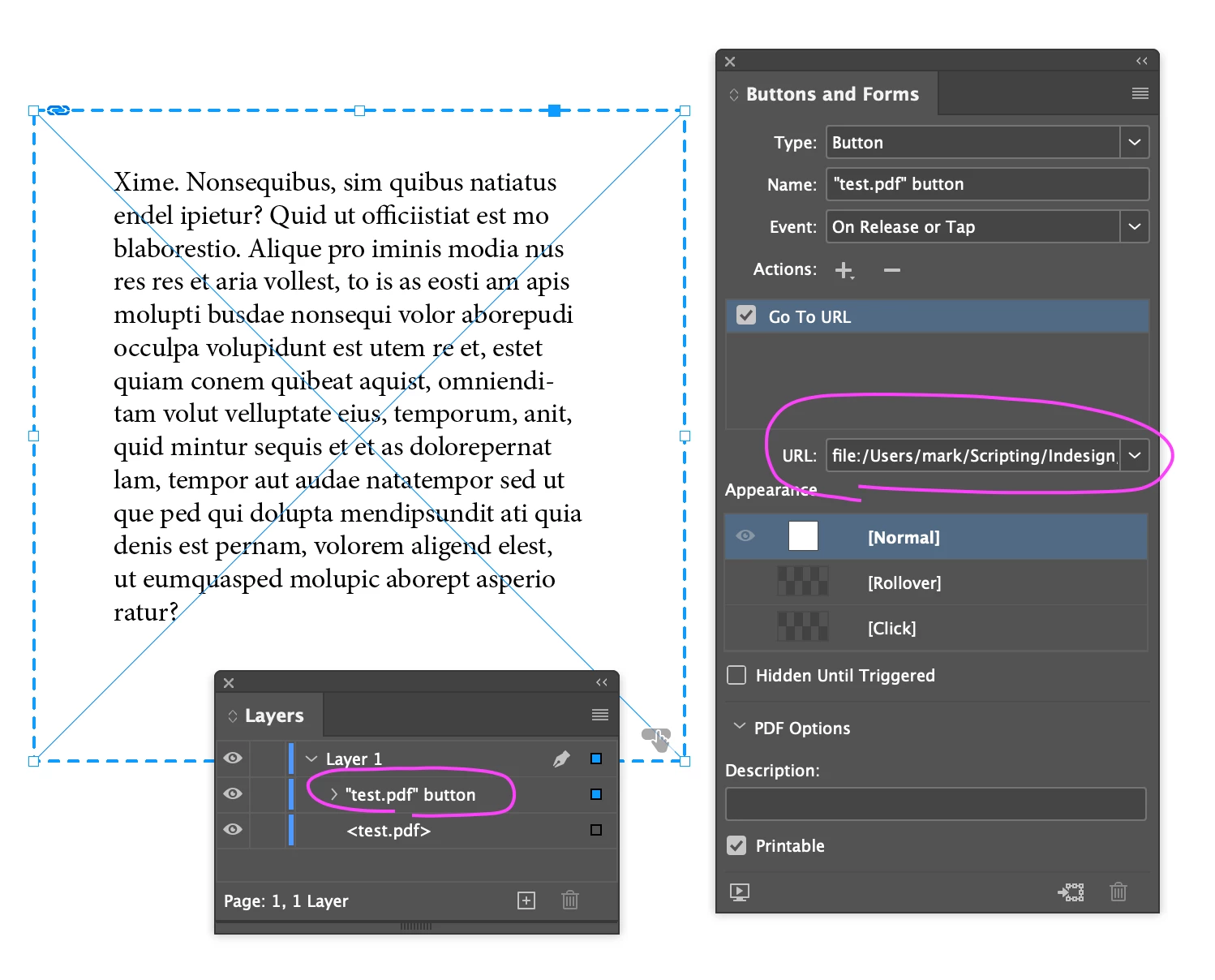
Hi @Ryan33910431r01h, here is a quick demo script that—if I understand you correctly—does what you want. Or at least it may give you an idea of how to do it. I tested the output and the button worked as expected in Acrobat—it opened the linked pdf file in my browser.
Let me know if this is on the right track.
- Mark
/**
 * @file Make Button For Linked File.js
 *
 * Usage:
 *   1. Select a linked image (must have a valid URI).
 *   2. Run Script
 *
 * Script will create a button over the top of the linked image.
 * The button, when exported as interactive PDF, will attempt
 * to open the linked file's URI.
 *
 * @author m1b
 * @version 2025-01-30
 * @discussion https://community.adobe.com/t5/indesign-discussions/help-writing-a-script-to-create-a-button-that-opens-a-linked-file-s-path/m-p/15109743
 */
function main() {

    var doc = app.activeDocument,
        item = doc.selection[0];

    if (
        !item.hasOwnProperty('graphics')
        || 0 === item.graphics.length
    )
        return alert('Please select a linked image and try again.');

    var graphic = item.graphics[0],
        link = graphic.itemLink,
        URI = link.linkResourceURI;

    var button = item.parent.buttons.add({
        geometricBounds: item.geometricBounds,
        name: '"' + link.name + '" button',
    });

    button.gotoURLBehaviors.add({
        behaviorEvent: BehaviorEvents.MOUSE_UP,
        url: URI,
    });

};
app.doScript(main, ScriptLanguage.JAVASCRIPT, undefined, UndoModes.ENTIRE_SCRIPT, 'Make Linked File Button');




 AdChoices