where do you view your exported PDF? Acrobat Pro? Adobe Reader? On macOS or on Windows? Or a different app for viewing PDFs? That could be the reason why some elements do not show up in the app.
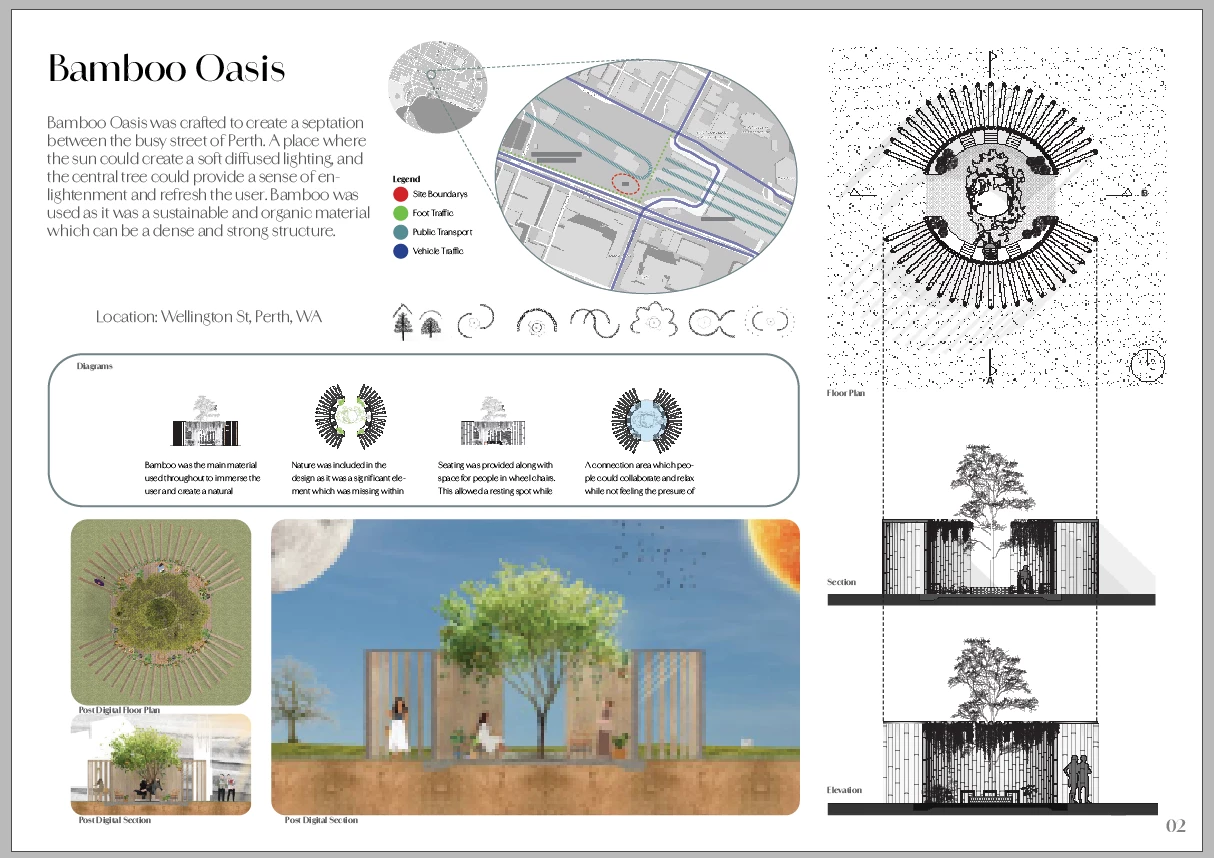
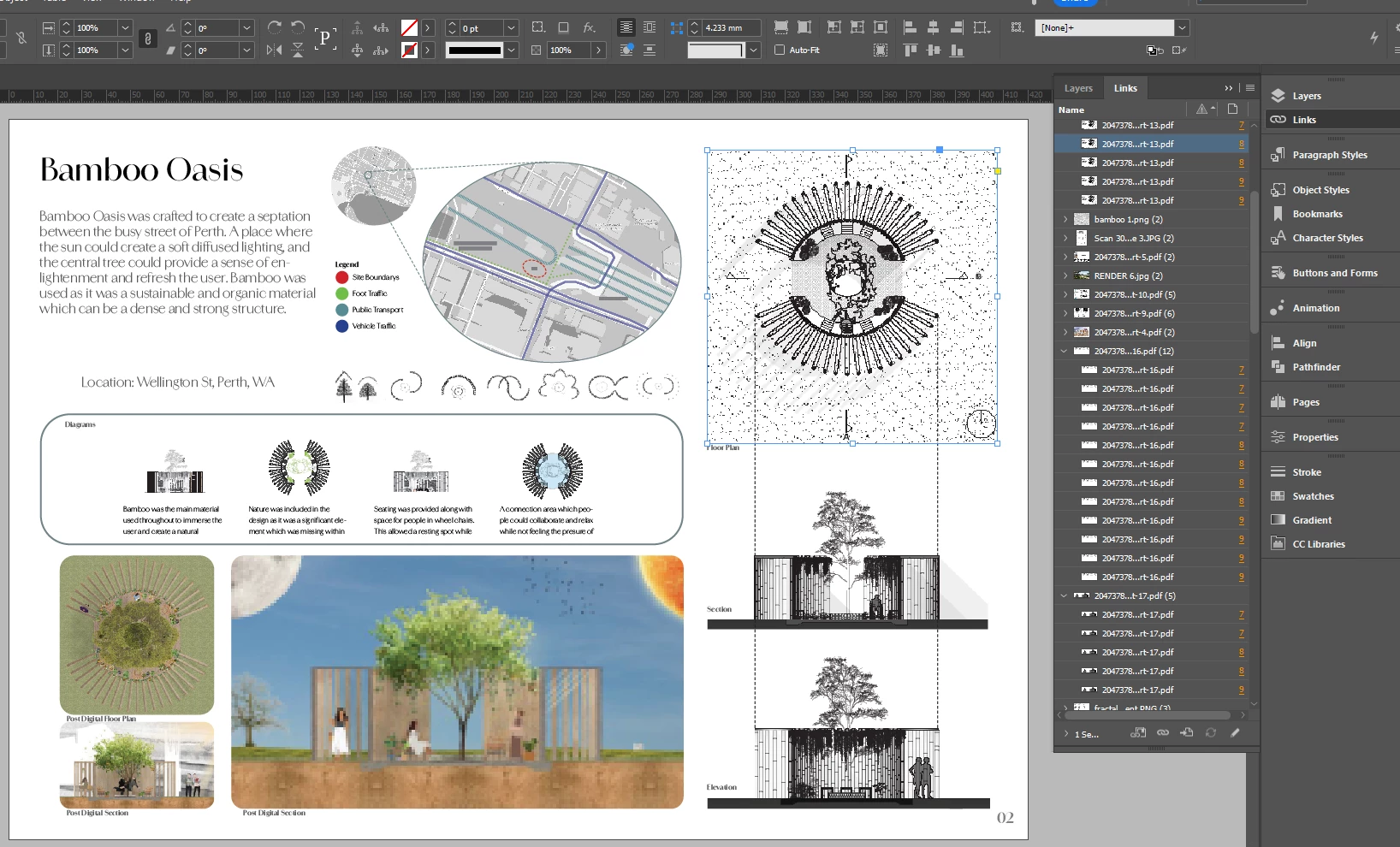
Please do not mind the grammar; I am in the drafting stage of my portfolio. I have checked my link to the image, and I have also checked to make sure the image does not have a fill; I have only had problems with this one page. The rest of my portfolio is exporting fine. I have also tried to make a whole new page, but I have a different problem every time.
@Adah386042808snr When exporting your file as a PDF, what is the 'Compatibility?' Try exporting your InDesign file for an older PDF version. Maybe it's the compatibility issues can sometimes arise with the latest version? I did a sample text, and I am working on a MacBook Pro 2013 i7 with InDesign 2024, and it works for me.



 AdChoices