

dublove
Legend
July 23, 2025
Answered

Hi rob day,I dug up an old post you replied to. Perhaps you could add a version that fits the column

  • July 23, 2025
  • 1 reply
  • 552 views

Hi @rob day 

What a coincidence! I actually found this. 

I know you've done a lot of research in this area.

Here it is:
https://community.adobe.com/t5/indesign-discussions/resize-image-script/m-p/14141572#M544801


The original post you replied to already equi-scaled fits the layout(typearea?).

Could you add a version that Image equi-scaled fit to the column width?


When fit to  typearea, align X and Y to the upper left corner.
When fit to column width, align X to the left and leave Y unchanged.


Please forgive me for posting this separately, as I would like to add some new information.
For example, determining whether the current selection is a text box or an image.

Thank you very much.


However, I found that the original post was not scaled.
Its width fits the layout, and the frame fits the content.


Actually, the cropped content should not be released.
But it doesn't matter, as it is irrelevant to the initial layout.
At least there is hope.
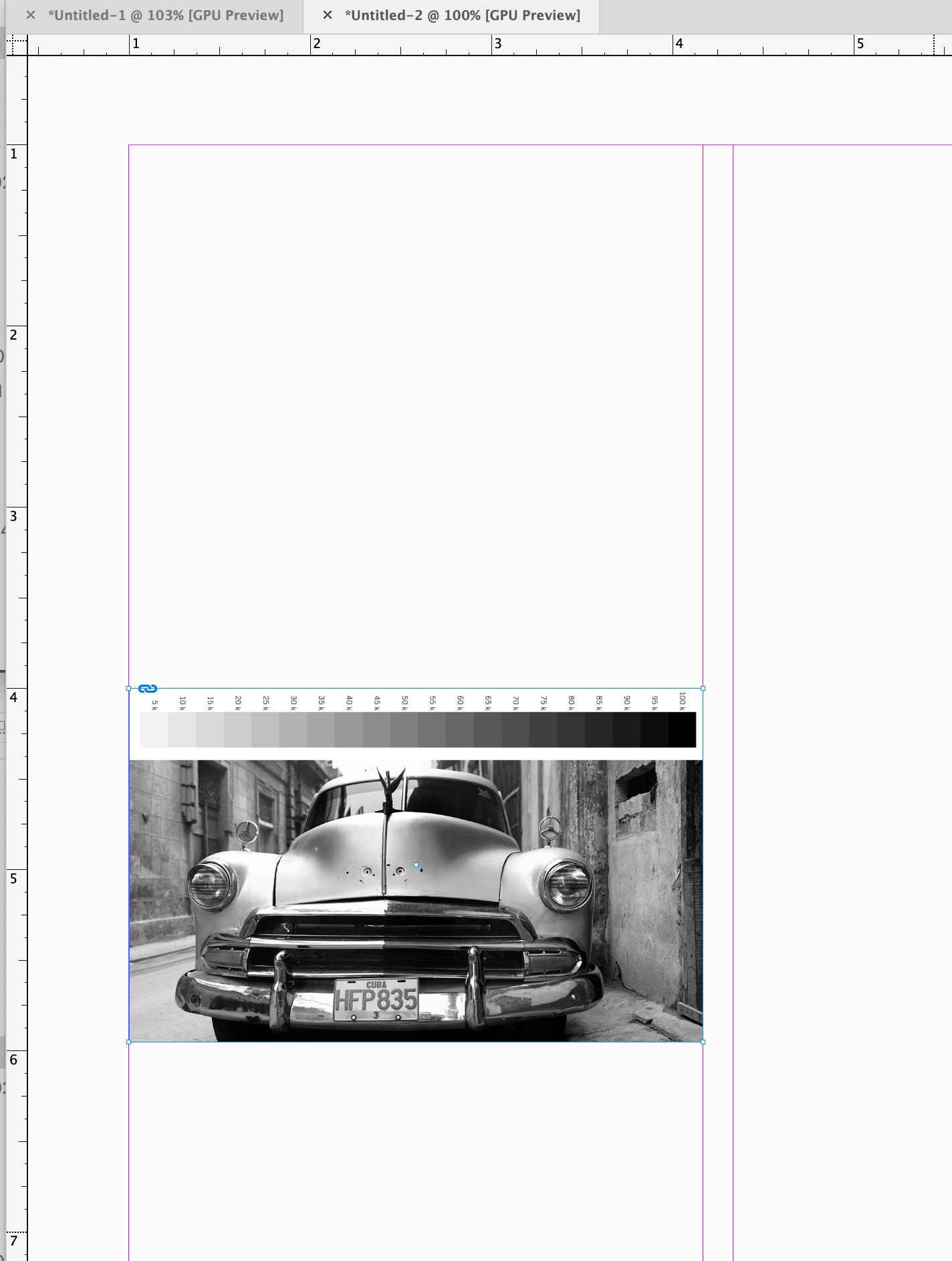
Correct answer rob day

Th move() method can be any X,Y position this sets y to 4":


s.move([cl,"4 in"])

1 reply

rob day
Community Expert
Community Expert
July 23, 2025

Hi @dublove , I don’t have time to develop it for you, but this is how you might position the frame to the outside left column:


//run with undo
app.doScript(fitImage, ScriptLanguage.JAVASCRIPT, undefined, UndoModes.ENTIRE_SCRIPT, 'Fit Image');

function fitImage(){
    app.activeDocument.zeroPoint = [0,0]; 
    //check the selection
    try {
        var s;
        var sel = app.activeDocument.selection[0];
        if (sel.constructor.name == "Image") {
            s = sel.parent
        } else { s = sel}
    }catch(e) {
        alert("No Selection")
        return
    }  
 
    //an array of coloumn positions fom left to right starting at 0
    var ca = s.parentPage.marginPreferences.columnsPositions;
    //the left margin
    var cl = s.parentPage.marginPreferences.left;
    //the top margin
    var ct = s.parentPage.marginPreferences.top;
    //set the container frame’s bounds (top,left,bottom,right)
    s.geometricBounds = [ct, cl, ct+1, ca[1]+cl];
    //set the fit
    s.fit(FitOptions.FILL_PROPORTIONALLY);
    s.fit(FitOptions.FRAME_TO_CONTENT);
    //move to margins
    s.move([cl,ct])
}


dublove
dubloveAuthor
Legend
July 23, 2025

Hi rob day.

A little modification and you can use it.

for column align:
How to make this point move horizontally without putting it in the top left corner.

Thank you very much.


rob day
Community Expert
rob dayCommunity ExpertCorrect answer
Community Expert
July 23, 2025

Th move() method can be any X,Y position this sets y to 4":


s.move([cl,"4 in"])