Inspiring
July 8, 2025
Answered

Highlighting numbered list

  • July 8, 2025
  • 2 replies
  • 242 views

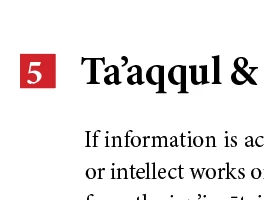
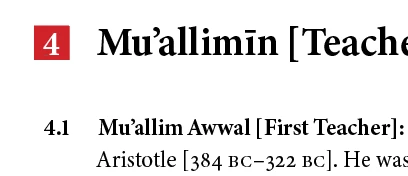
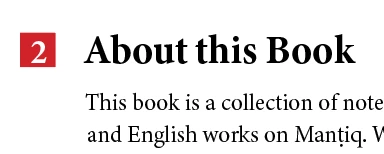
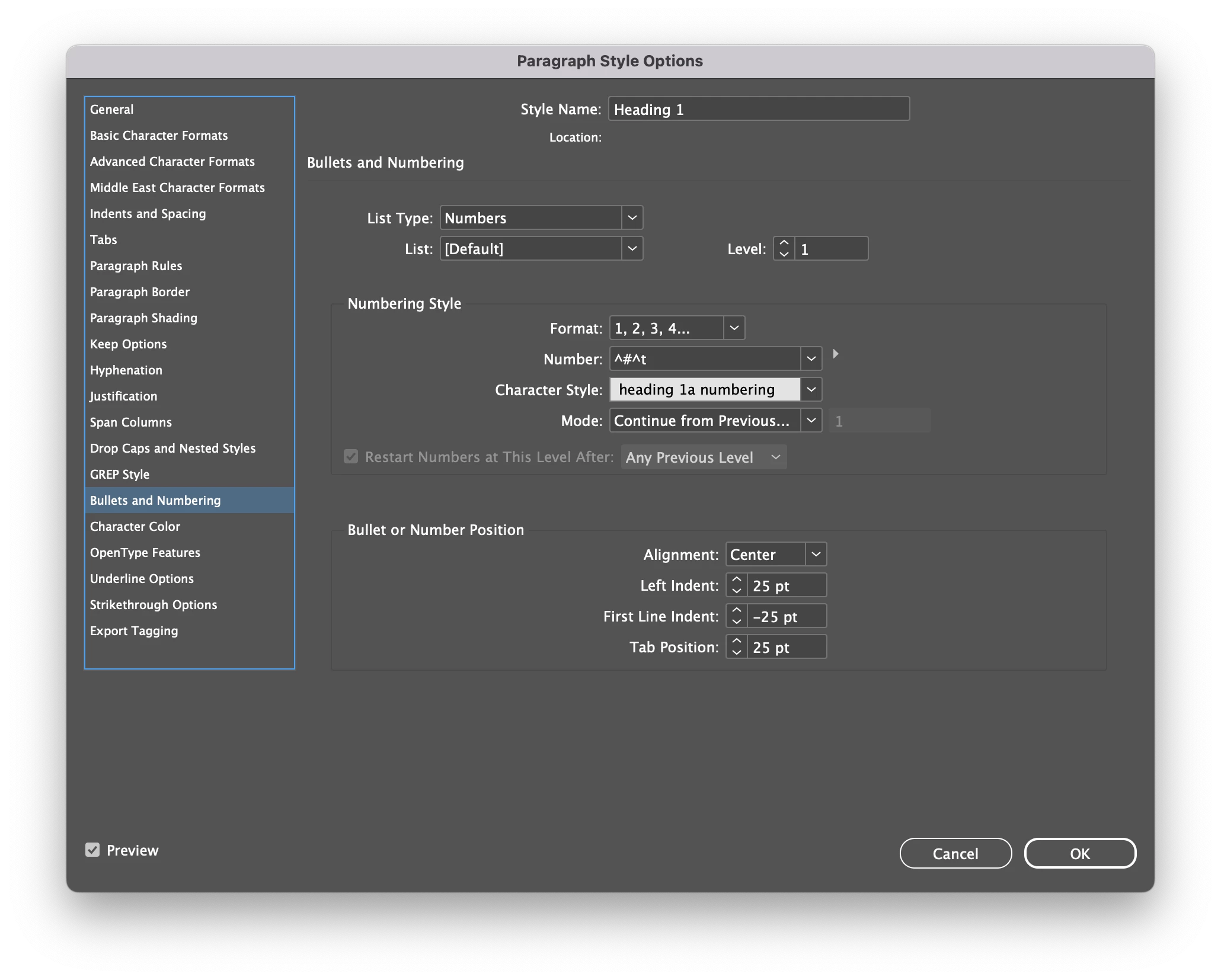
I am using the paragraph rule to highlight the numbers in a multilevel numbered list.

is there a way to ensure the numbers appear exactly in the middle of the highlight?

In the screenshot you can see some numbers are off centre, some too low etc.

I thought tabular lining would solve it but it didn't.


I'd be grateful for any suggestions.


Correct answer Mike Witherell

Hi Summayah,

For example:

https://www.myfonts.com/collections/numbers-0-99-style-one-font-gerald-gallo

or 

https://www.myfonts.com/collections/fyra-font-jonathan-hughes


I couldn't find any examples in fonts.adobe.com. Maybe I'm not searching it right.

2 replies

Mike Witherell
Community Expert
Mike WitherellCommunity ExpertCorrect answer
Community Expert
July 9, 2025

Hi Summayah,

For example:

https://www.myfonts.com/collections/numbers-0-99-style-one-font-gerald-gallo

or 

https://www.myfonts.com/collections/fyra-font-jonathan-hughes


I couldn't find any examples in fonts.adobe.com. Maybe I'm not searching it right.

Mike Witherell
Mike Witherell
Community Expert
Community Expert
July 8, 2025

You could build a character style to lift the text up; or

You could adjust the paragraph rule to be a little lower.

Left to right you cannot control because of your approach with a paragraph rule, but are you sure that #5 doesn't have an extra spacebar space inserted in it?

I prefer to acquire a number typeface that provides pre-designed numbers within circles/squares. 

Mike Witherell
Inspiring
July 9, 2025

Do you know of any typefaces with predesign squares?

I have indyfont pro, so i'll just make a set for myself.

Thanks for the idea.