Participant
August 24, 2026
Question

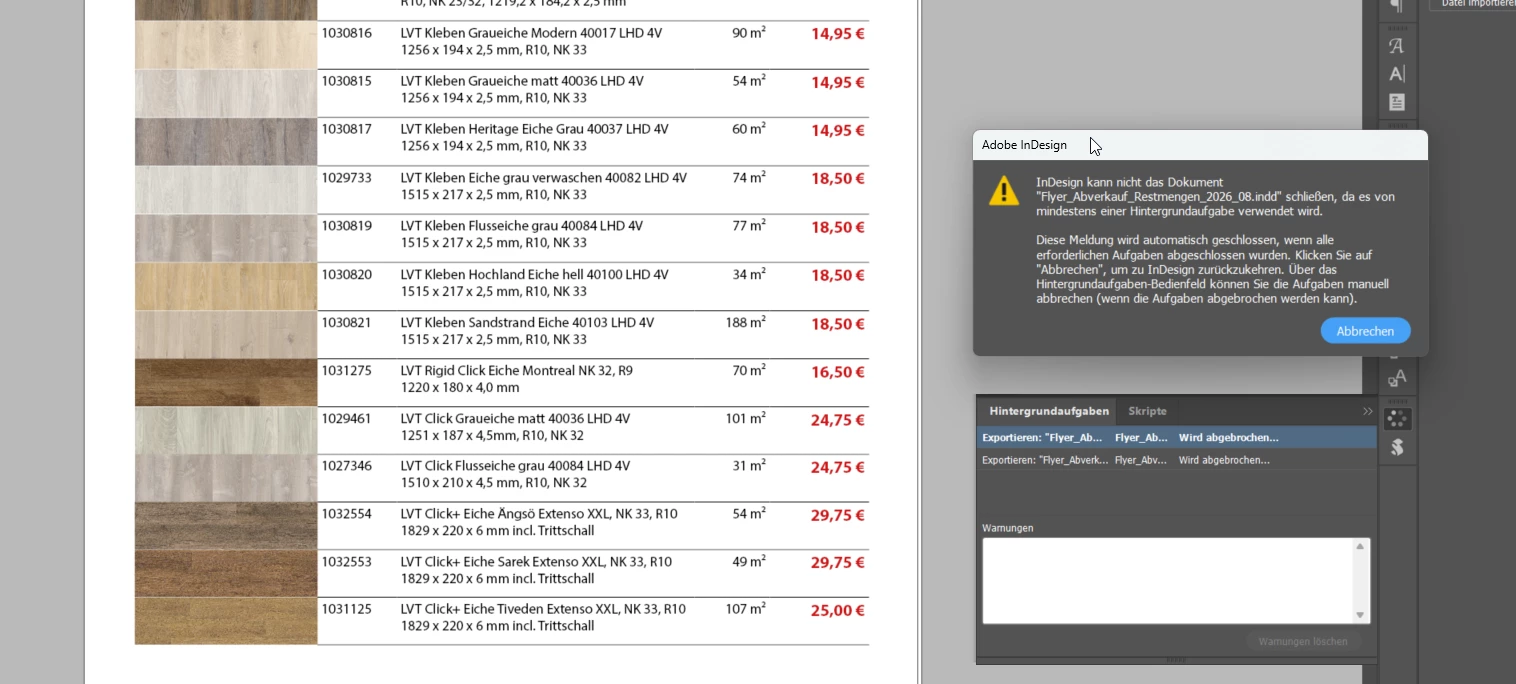
Hintergrundaufgaben blockieren das Programm. Liegt das an den verknüpften Bildern?

  • August 24, 2026
  • 2 replies
  • 28 views

Ich habe ein PDF geschrieben, welches auch im Ordner angezeigt wird. Allerdings bleibt InDesign einfach hängen bei 98% und ich kann das Dokument nicht schließen.

Liegt das an den verknüpften Bildern / eingebetteten Bildern?

Bei uns gab es einen Serverwechsel und ich habe vorab alle Bilder eingebettet. Versucht InDesign trotzdem den alten Pfad im Hintergrund zu finden? Selbst wenn ich ein Bild anklicke, dann reagiert das Programm einfach nicht und bleibt ca. 60sek hängen.

Wer kennt solch ein Problem?

Zudem kann ich nun alte Dokumente (vor dem Serverwechsel) nicht mehr öffnen, da InDesign immer hängenbleibt und wahrscheinlich versucht die alten Bildverknüpfungen zu finden. Kann man das Problem der Aufgabe im Hintergrund umgehen, damit das Programm nicht immer versucht die Bildverknüpfungen zu finden? Bei großen Dateien ist das echt ein riesen Problem, wenn das Programm versucht XX Bilder zu überprüfen.

Danke :-)
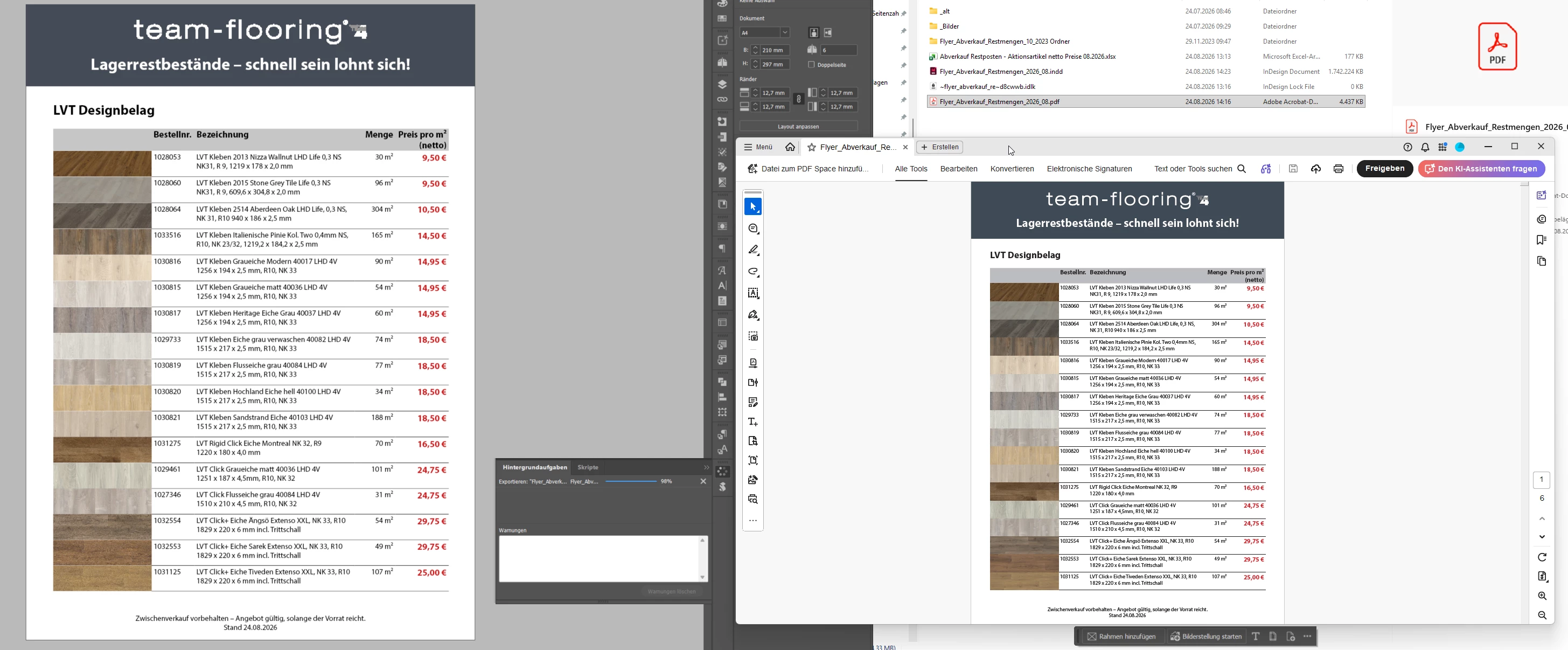
 

InDesign bleibt einfach hängen… schließt nicht.


    2 replies

    Mike Witherell
    Community Expert
    Community Expert
    August 24, 2026

    What version of InDesign?

    What operating system and version?

    Turn off the new Preferences > Generative AI > Alt-Text switches and restart. Now test to see if performance improves.

    The File > Export PDF hanging at 98% makes me suspect many things: possible file corruption, missing image link; Full-Disk-Access not turned on in macOS security settings, and more. One of the most common simple tests is to export your INDD to IDML and re-open the IDML to save-as to an INDD file. Try to export again.

    Mike Witherell
    Community Expert
    August 24, 2026

    It shouldn’t be the embedded images. Once an image is genuinely embedded, the image data is stored inside the InDesign document and InDesign no longer needs the original external file for output.
     

    However, InDesign can check for missing links and attempt to resolve them when opening a document. With an old or unavailable server path, that could certainly explain some of the delays you’re seeing with older documents.
     

    Have a look under Preferences > File Handling. There are two relevant options:

    Check Links Before Opening Document
    Find Missing Links Before Opening Document
     

    Try turning those off, particularly the second one. Adobe specifically notes that disabling Find Missing Links Before Opening Document can help where link checking is slowing performance on a server.


    For the PDF export hanging at 98%, though, I wouldn’t automatically assume it’s a server/link problem. The fact that a PDF appears in the folder doesn’t necessarily mean the export has successfully completed and finalised.


    I’d use a divide-and-conquer approach to find out whether something in the document is causing it.

    Export the first half of the pages. If that works, export the second half. Whichever half fails, split that range in half again and repeat. You can usually narrow a large document down very quickly to a particular page, and eventually a particular object.

    Once you identify the problem page, start checking the placed graphics and other objects on that page. A damaged graphic/PDF, corrupt page item, transparency issue, font, or occasionally some document corruption can cause an export to stall.

    Given that simply selecting an image is causing a 60-second freeze, I’d also open the Links panel and verify that everything you believe is embedded actually shows as embedded. If they are all embedded, I’d start looking beyond the old server path rather than assuming InDesign is secretly trying to find those original images.