
How can an inline object be shifted downward by a certain distance while allowing the composition e
When inserting an inline graphic into the middle of a text line, by default, the bottom of the graphic's frame aligns with the baseline of the line, as shown in Figure 1. However, there are cases where we don't want it to align with the baseline. For instance, we might want the graphic frame to offset downward by 20pt, as shown in Figure 2.
This can be achieved by using void IAnchoredObjectData::SetYOffset(PMReal yoffset). However, after applying this offset, the graphic overlaps with the next line of text. as shown in Figure 3.To avoid this, we can apply text wrap to the inline object so that the next line of text moves down automatically, as shown in Figure 4.
The problem arises when the inline object is in the last line of a text frame. In this case, the graphic moves out of the frame instead of pushing the line to the next page when there isn’t enough space, as shown in Figure 5.
To solve this problem, one possible approach is to rewrite the composition engine, but this is impractical due to the amount of work required. Another potential solution is to inform the composition engine that this graphic needs a 10pt downward shift, allowing the engine to automatically calculate the required height for this line during composition.
I searched for related interfaces under kInlineBoss and found virtual bool16 IAnchoredObjectData::CalculateWaxLineImpact(PMReal lineHeight, PMReal& width, PMReal& height, PMReal& leftStrokeOffset) const. According to the documentation, this function is "For composition -- returns data about the inline graphic for composition." This leads me to believe that the composition engine likely calls this function to obtain information about the inline object for layout calculations.
If my understanding is correct, then I would need to re-implement IAnchoredObjectData. To achieve this, I would need to create a new boss that inherits from kInlineBoss. If I implement my own kMyInlineBoss, would I also need to rewrite kChangeILGCmdBoss?
Here’s my thought process so far, but I am unsure how to implement it. Could anyone provide sample code or guidance on how to achieve the functionality I need?
Figure 1:
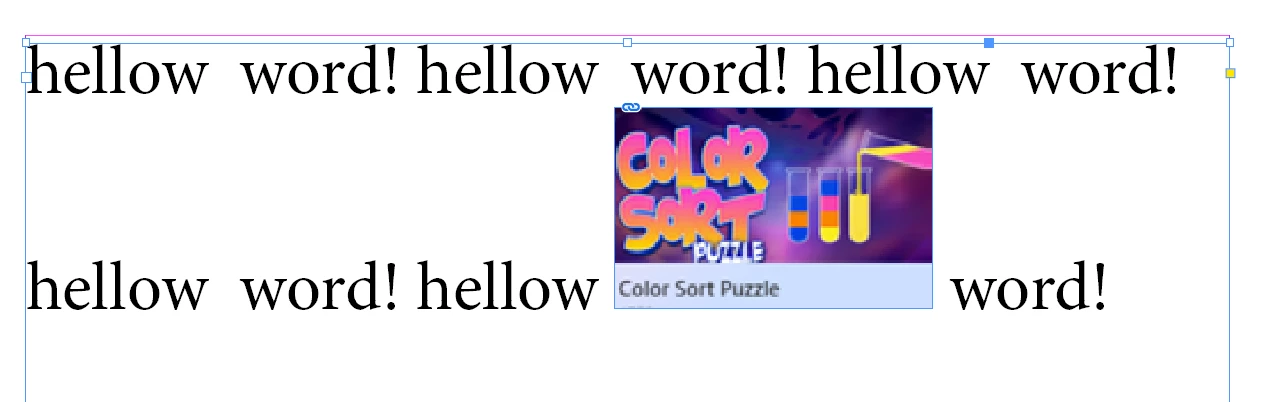
Figure 2:
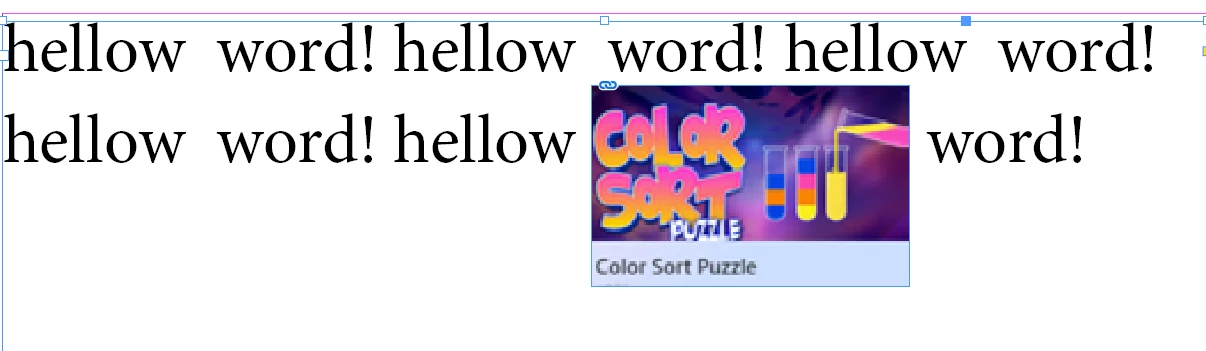
Figure 3:
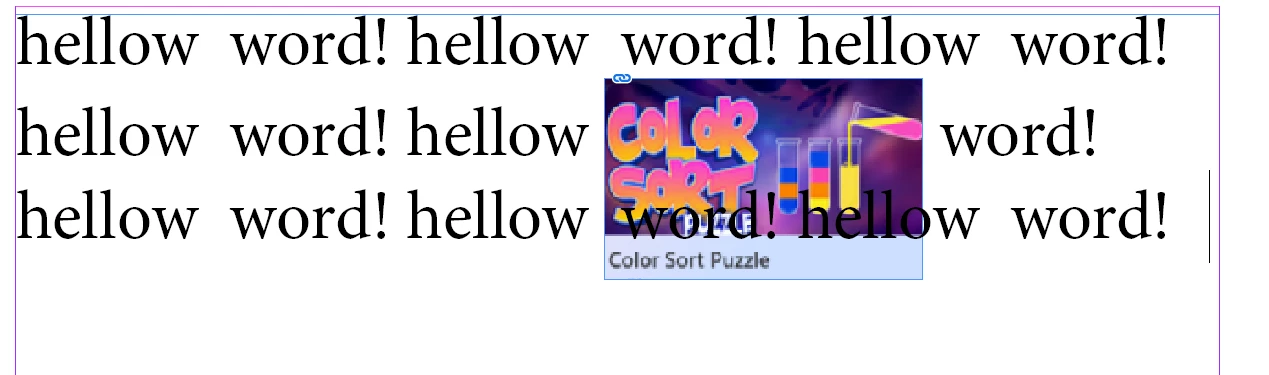
Figure 4:
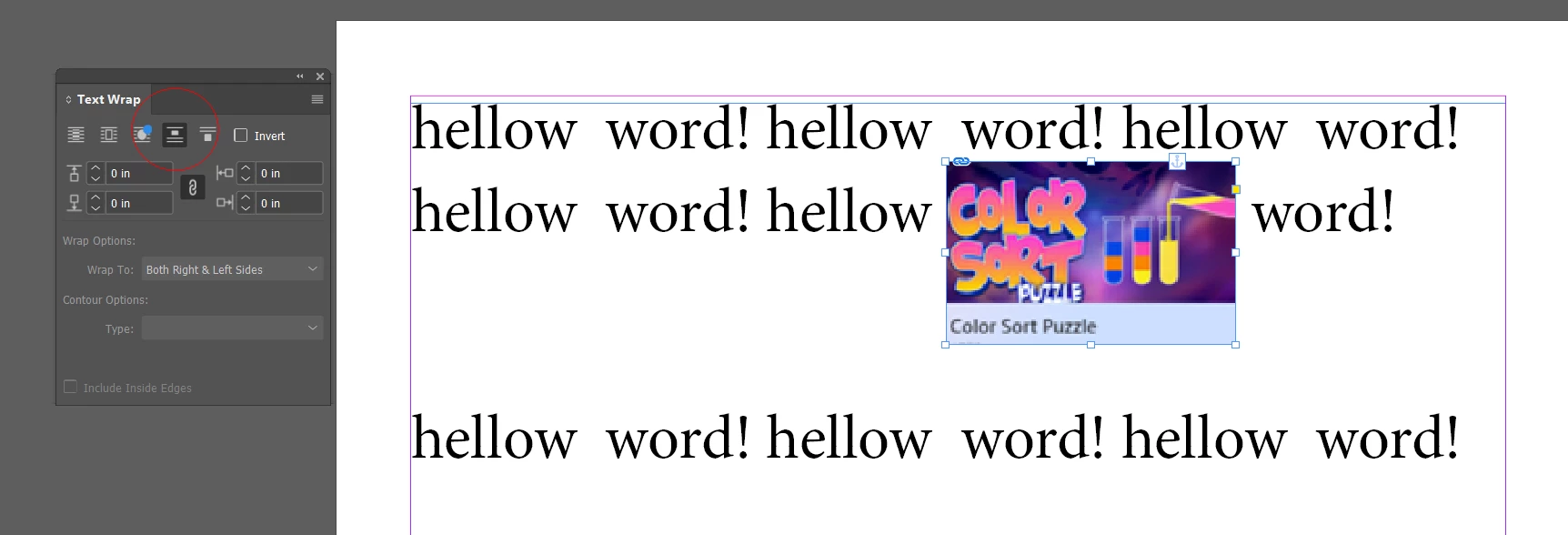
Figure 5:


 AdChoices