
Inspiring
December 20, 2018
Question

How can I get the exact pantone color details in the final output PDF of Indesign file?

  • December 20, 2018
  • 3 replies
  • 2836 views

Hi All,

How can I get the exact pantone color details in the final output PDF of Indesign file?

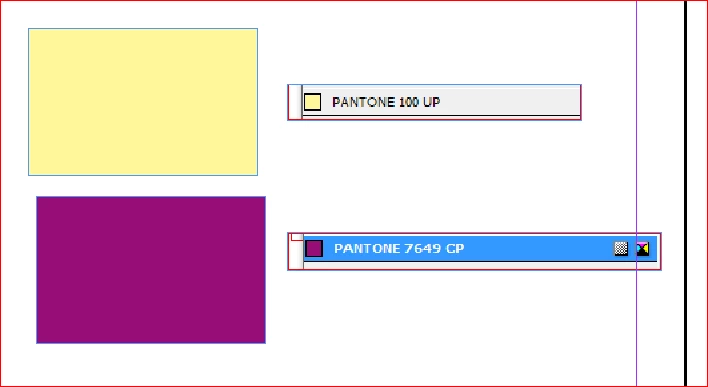
I used two types of pantone colors in my InDesign file as shown below:
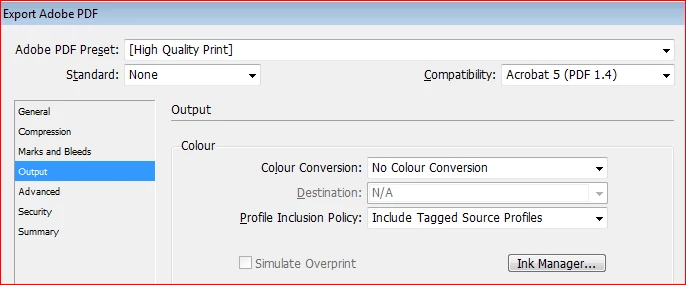
I used below setting for PDF:
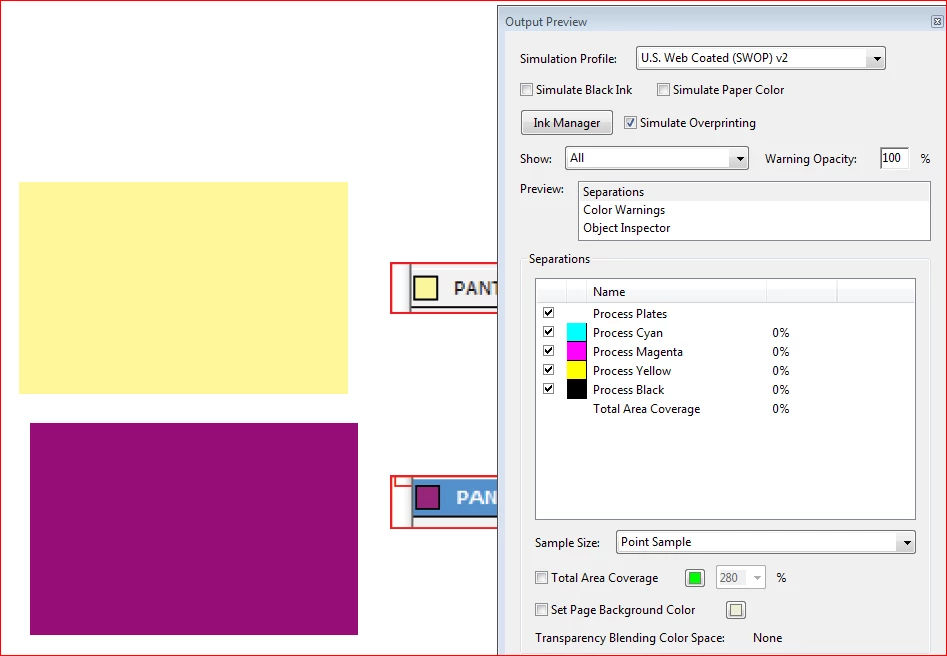
But my PDF does not show the pantone color details in output preview:
By

Hasvi

    This topic has been closed for replies.

    3 replies

    hasviAuthor
    Inspiring
    December 22, 2018

    Hi Stephen, thanks for your guidance..have a great weekend!!!

    hasviAuthor
    Inspiring
    December 20, 2018

    Hi,

    Thanks for your suggestion. But see the below option which is available on Adobe Illustrator. Is the same option available in InDesgin to convert the process color to spot colors?

    From Illustrator:

    From Output preview:

    Let me know how can we convert the process color to spot color in Indesign?

    by

    hasvi

    rob day
    Community Expert
    Community Expert
    December 20, 2018

    Let me know how can we convert the process color to spot color in Indesign?

    You are using the wrong Pantone library. To output spot colors use the PANTONE + Solid Coated library.

    winterm
    Legend
    December 20, 2018

    This is not related to PDF export settings.

    Check your color swatch options in InDesign, and you’ll see Pantone 7649 CP isn’t a spot color type, just like others of Pantone + Color Bridge Coated mode.

    Directly in InDesign, you can double check with Ink Manager, or turning on Separations Preview. You won’t see any additional plates here, just CMYK, since this color type also is Process.

    hasviAuthor
    Inspiring
    December 20, 2018

    Hi,

    Is there any way to change "Color Type: Process" to spot as in adobe illustrator? Is this possible by script in InDesign?

    From Illustrator:

    From InDesign (Color type option is disabled):

    by

    Hasvi

    Legend
    December 20, 2018

    That would be completely wrong. The "CP" means that this is a process colour. If you make this change you may cause serious problems with your printer. Spot colours are ONLY for use, as approved by your printer, for spot inks. These are used on a printing press, and arrive in a bucket. They are NOT a convenient reference for colour in PDF, that would cause damage.