Inspiring
February 6, 2024
Answered

How can I maintain two-digit formatting?

  • February 6, 2024
  • 3 replies
  • 445 views

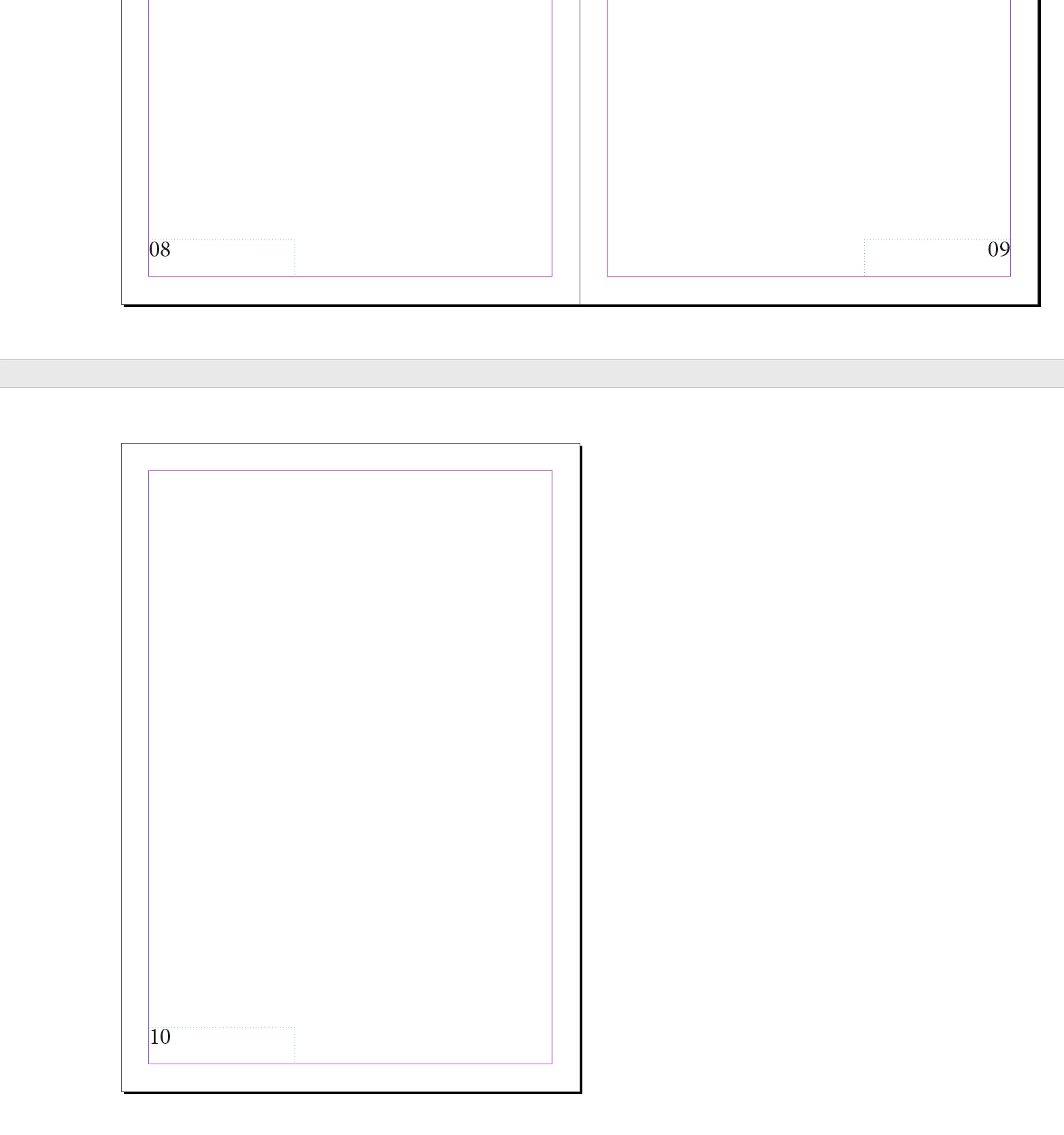
I use a master page for page numbering, and I format it as '0A.' It works fine for single-digit numbers, but when it reaches page 10, it displays as '010.' How can I ensure it continues as two digits instead of three?

 

This topic has been closed for replies.
Correct answer jmlevy

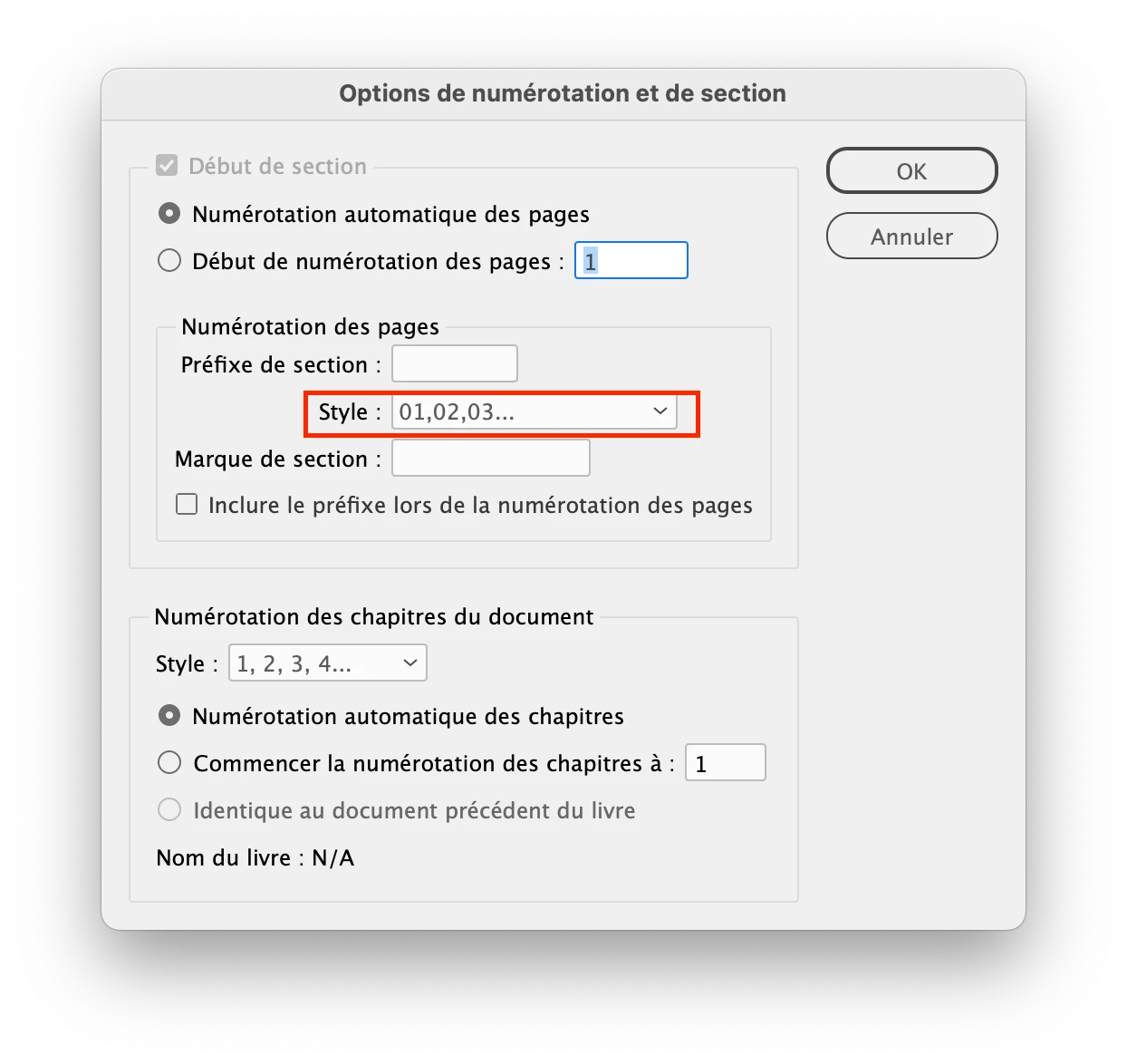
Choose this option in the numbering options

3 replies

Inspiring
February 9, 2024

Is there an automated way with either GREP or nested styles to have any single-digit number that is generated in the TOC to have a "0" in front of it but keep the main pages in the document to display single digits (i.e. page 3 shown in the document displays as "3" but is shown in the TOC as "03")?


As it stands, I don't see an automated way for this other than manually updating the TOC or performing find/replace with GREP each time the TOC is generated.

jmlevy
Community Expert
jmlevyCommunity ExpertCorrect answer
Community Expert
February 6, 2024

Choose this option in the numbering options

BobLevine
Community Expert
Community Expert
February 6, 2024

Ya know...I forgot all about that. Thanks!

BobLevine
Community Expert
Community Expert
February 6, 2024

Use more than one parent.