



Inspiring
September 6, 2023
Answered
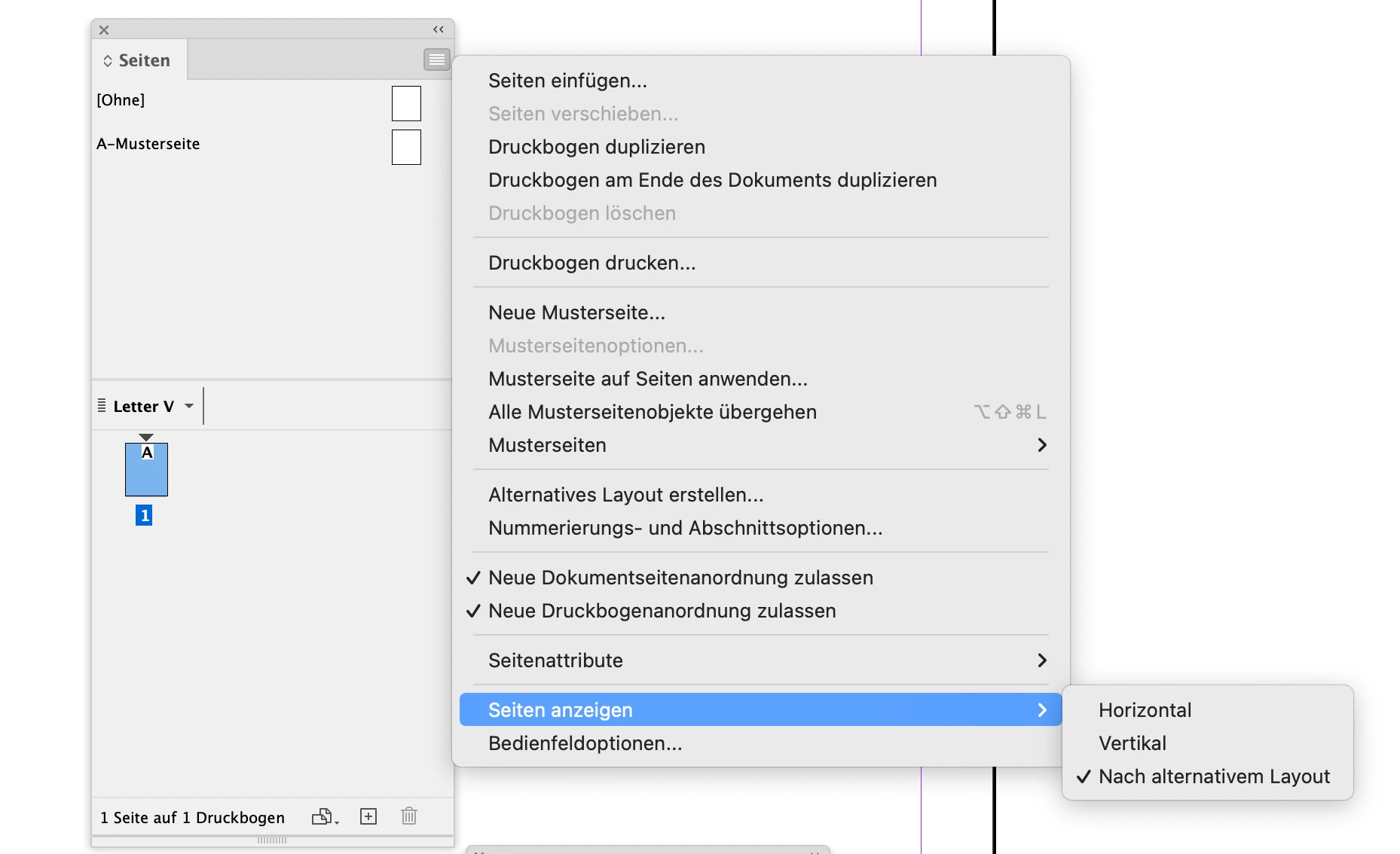
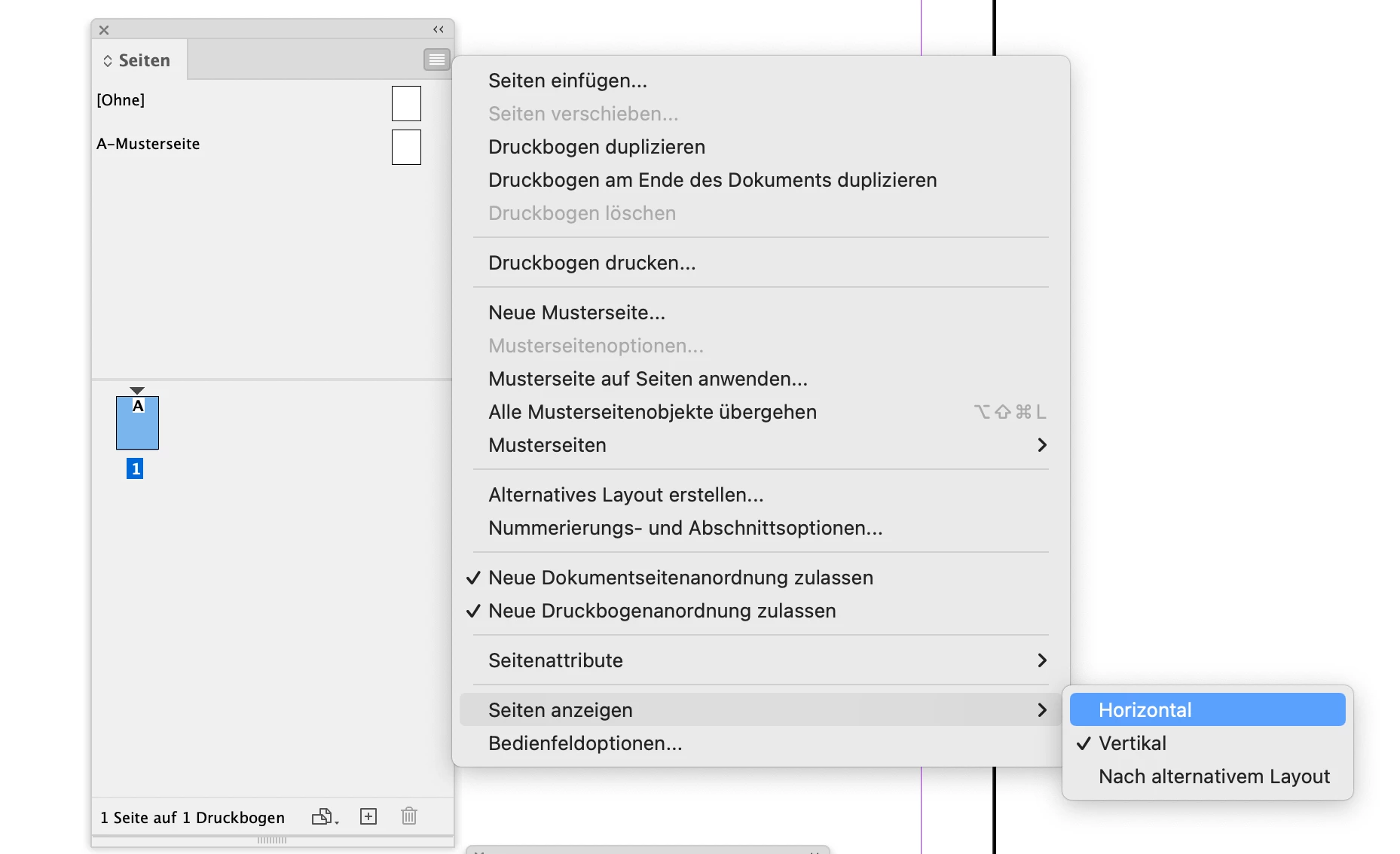
How can I remove the LETTER V from the Pages Panel?
- 2 replies
- 2033 views
- Translate
I opened a very old catalog file that started with a single page on the right and then facing pages for the rest of the book. I needed to remove 2 of the pages to make a front/back page flyer, and in doing so, I somehow made InDesign create a LETTER H (or V or whatever) in every other document I have. I cannot figure out how to get rid of that. When I click on Alternate Layout, it just says Create Alternate Layout and does not give me an option to delete one. I just want that wording above the pages removed. Anyone have any idea how to do this? I know I must have just accidently clicked on something, but for the life of me, I cannot figure out how to undo it. Thanks so much!
GS
 AdChoices