
TypoMan23
Known Participant
August 28, 2022
Answered

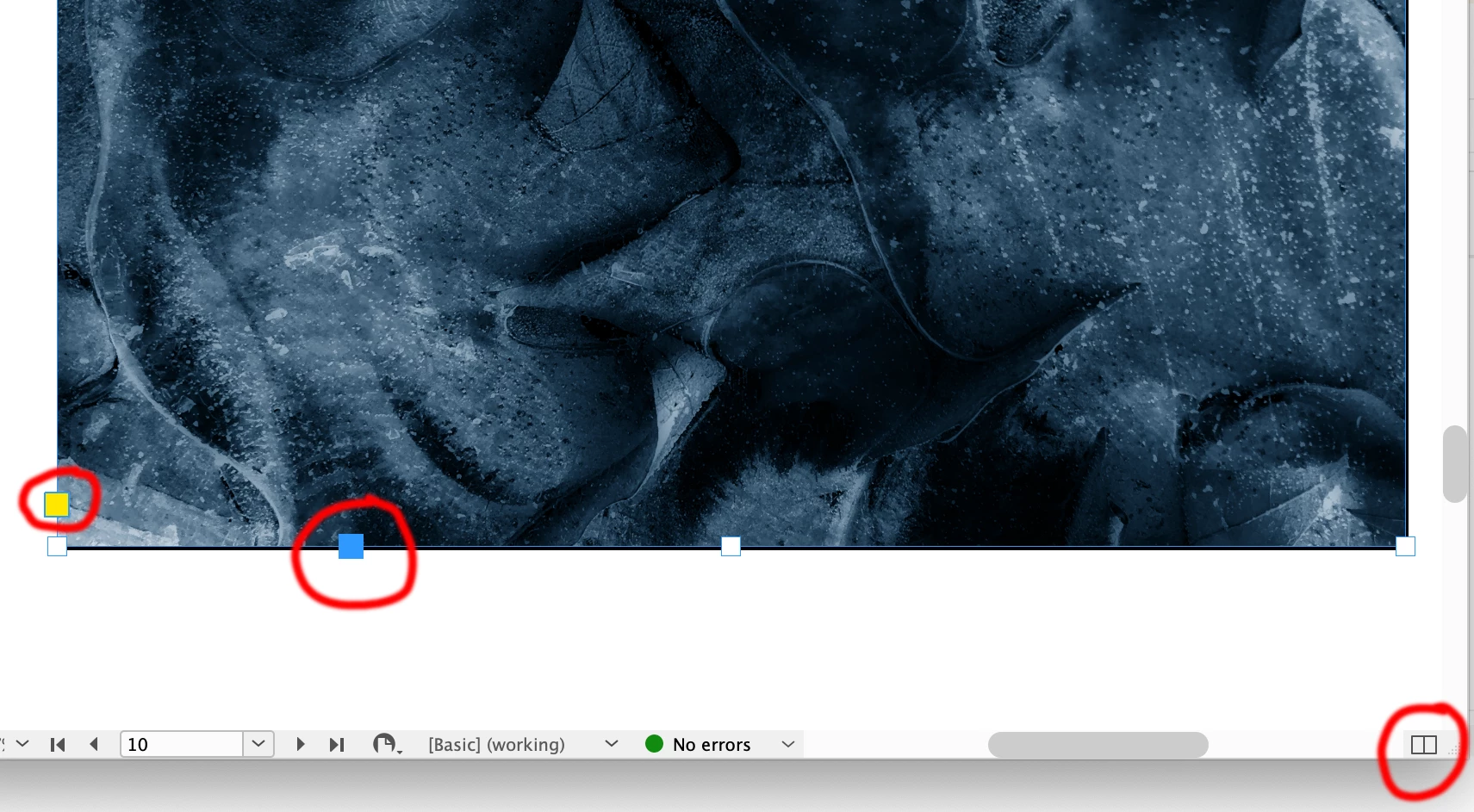
How can I remove these 3 things from my workspace?

  • August 28, 2022
  • 2 replies
  • 500 views

I'm new to CC (coming from years of using CS3). I don't need these 3 functions circled in red, which are always there.
Please can someone help me to remove and disable them from appearing?
Very grateful for any help. Thank you.
 

This topic has been closed for replies.
Correct answer Peter Spier

Actually, the two adornments on the frame itself can be hidden under View > Extras >  Live Corners and Anchored Object Control I believe.

2 replies

Community Expert
August 29, 2022

@TypoMan23 said: "Do you know about the thing in the bottom right? I cannot seem to get rid of it..."


The bottom right one on the layout frame to split the layout frame? That cannot be removed, I think.

Even if you disable the menu command for that function.


Regards,
Uwe Laubender
( Adobe Community Professional )

James Gifford—NitroPress
Legend
August 28, 2022

They are integral to frames and have been for quite a few revisions. There's no way to turn them off, but then, there are many such controls in layout view. You can switch to Preview mode and turn most of them off except for selected objects.


Peter Spier
Community Expert
Peter SpierCommunity ExpertCorrect answer
Community Expert
August 28, 2022

Actually, the two adornments on the frame itself can be hidden under View > Extras >  Live Corners and Anchored Object Control I believe.

James Gifford—NitroPress
Legend
August 28, 2022

Oh.


"Too many menus, my dear Mozart." 😛


However, I would argue that turning off controls is a very poor idea. I've seen too many posts (over time) by users frantically trying to find such controls noted in tutorials and help. It's not a completely clean interface in layout mode; take it as it comes unless you really know what you're doing. And a jump of some fifteen years demands a little learning/adaptation by users who want to make the most of, well, 15 years of enhanced features.