Document Geek
Community Expert
Community Expert
February 18, 2025
Answered

How can I see where this font is being used?

  • February 18, 2025
  • 2 replies
  • 954 views

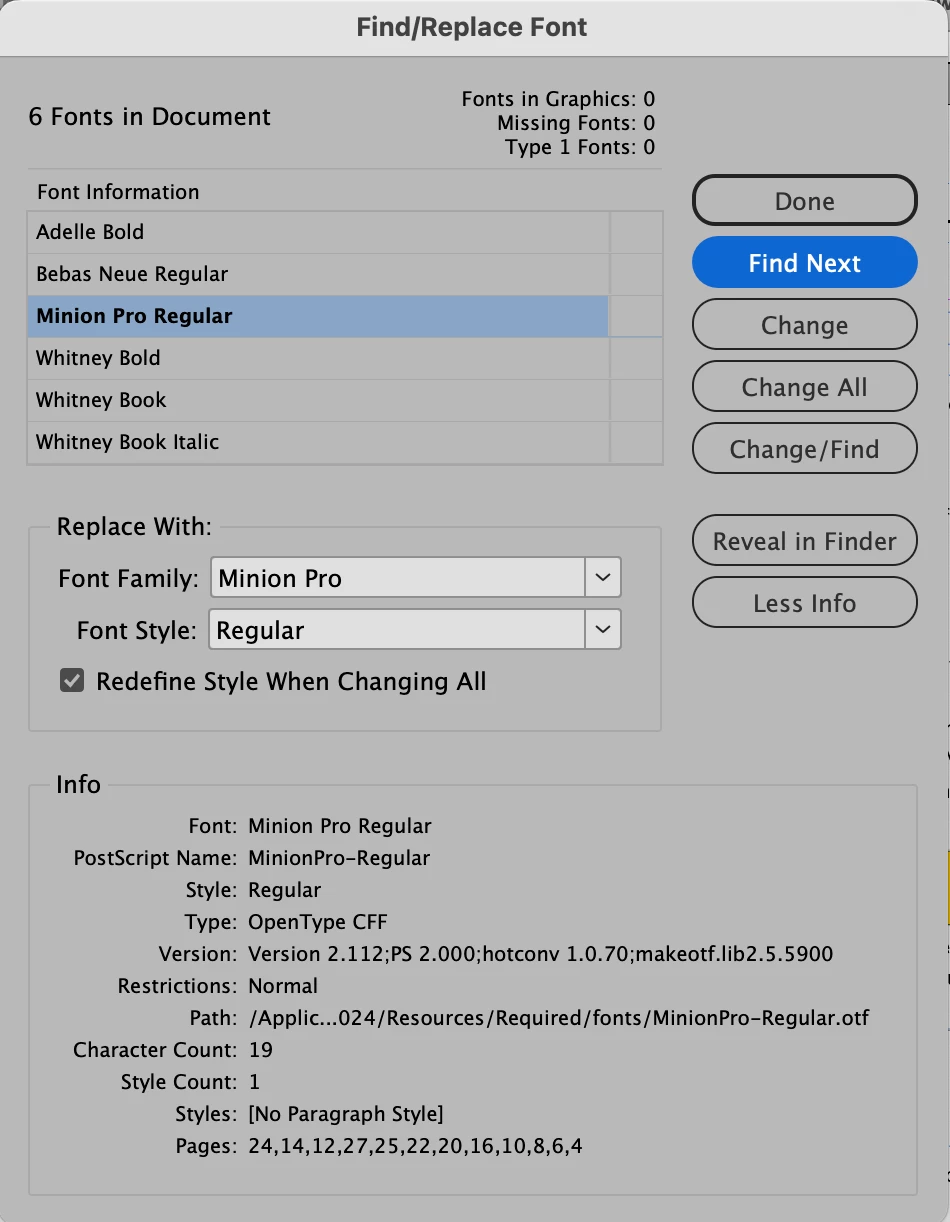
I am trying to locate instances on Minion Pro Regular. According to the Find/Replace Font dialog box, it is used on 12 different pages, in a total of 19 characters. But when I click on "Find Next", nothing happens.


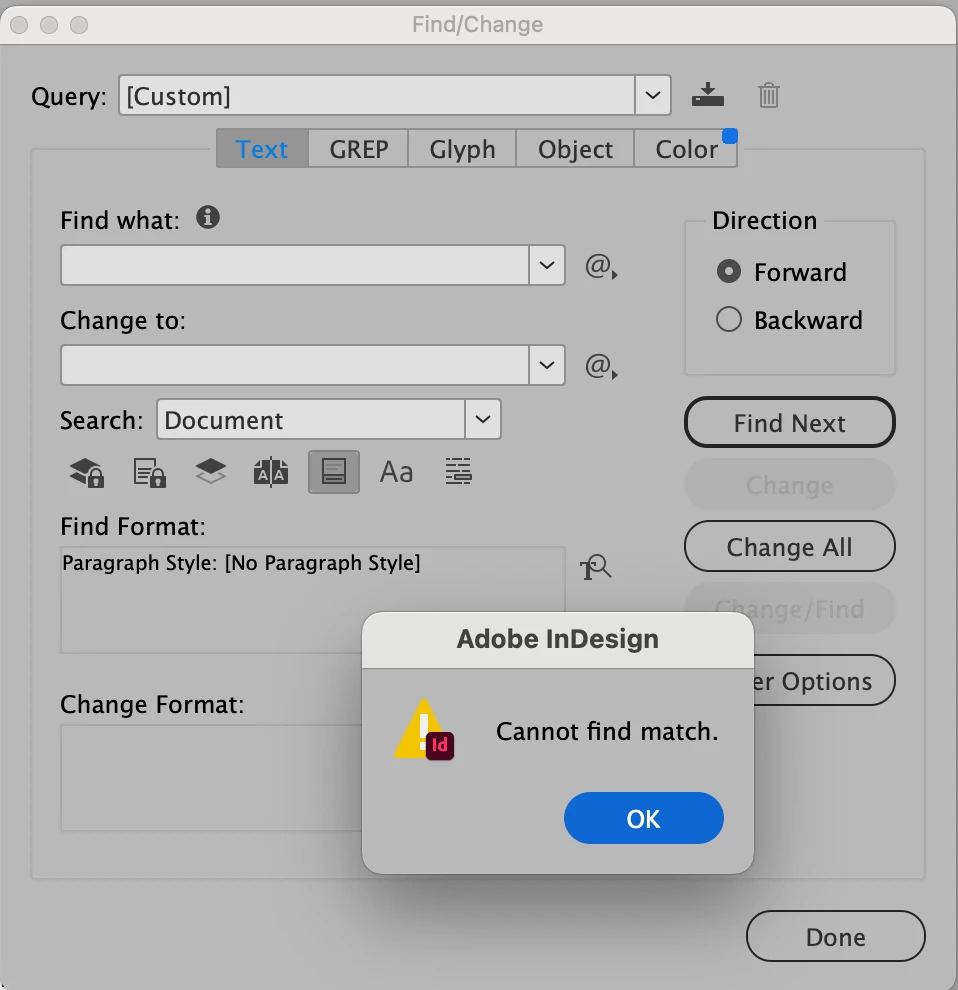
I tried do a Find for [No Paragraph Style], but that came back with no results. How can I see actually where this font is being used?
 

Correct answer Robert at ID-Tasker

OK, problem solved 🙂


What I've done to fix your document - after using ID-Tasker to diagnose the problem.


1) selected whole Story - cut and paste into a new, temporary document - this didn't transfer Minion Pro,

2) removed "all" pages and their content in your document - File / Document / Setup / Number of Pages = 1,

3) Minion Pro was still present - with few other fonts,

4) deleted one last TextFrame of the "main" Story - still located on page 1,

5) Minion Pro and other fonts were gone - only two used on Parent Pages remained,

6) copied back your Story from this temporary document.


Done.


So your document has been corrupted in a very strange way - even IDMLing couldn't remove those two stranded Stories - original culprits.


2 replies

Robert at ID-Tasker
Robert at ID-TaskerCorrect answer
Legend
February 18, 2025

OK, problem solved 🙂


What I've done to fix your document - after using ID-Tasker to diagnose the problem.


1) selected whole Story - cut and paste into a new, temporary document - this didn't transfer Minion Pro,

2) removed "all" pages and their content in your document - File / Document / Setup / Number of Pages = 1,

3) Minion Pro was still present - with few other fonts,

4) deleted one last TextFrame of the "main" Story - still located on page 1,

5) Minion Pro and other fonts were gone - only two used on Parent Pages remained,

6) copied back your Story from this temporary document.


Done.


So your document has been corrupted in a very strange way - even IDMLing couldn't remove those two stranded Stories - original culprits.


Document Geek
Community Expert
Community Expert
February 18, 2025

Wow, that's great! Thank you for showing me how to fix it. These documetns were initially converted from very old FM documents, and I have been updating them for 7 years now. Who knows at what point in the process that corruption took place. 


I'll use your steps to fix the documents that have this issue. Thanks Robert!

Robert at ID-Tasker
Legend
February 18, 2025

You're welcome.


Getting into the solution wasn't so straightforward, but IDT helped a lot 😉


Robert at ID-Tasker
Legend
February 18, 2025

You have limited your search to texts with "[No Paragraph Style]" applied.


Document Geek
Community Expert
Community Expert
February 18, 2025

I tried the Find dialog box because clicking on the Find Next button in the Find Font dialog box did nothing/ 


Have you any idea why a font would be referenced in a document, but the Find Next button won't take you to the instance of that font?

Robert at ID-Tasker
Legend
February 18, 2025

On the 2nd screenshot - in the middle - you've selected [No Paragraph Style] as a limit to where this font should be found - on the right you've a trash icon - currently covered by the dialog box - click it to clear this limitation and run your search again.