

dublove
Legend
June 21, 2025
Answered

How can I select my target character style from the dropdown list of the panel?

  • June 21, 2025
  • 3 replies
  • 486 views

Hi @rob day 

The panel is still a bit difficult for me to really figure out.


I want to select my target character style from a dropdown list,and I don't know how to build the panel and get the selected character style.

Thank you very much.

app.findGrepPreferences.appliedCharacterStyle
    = app.activeDocument.characterStyles.item(mySeleChaStyle);
 

Correct answer rob day

target character style from a dropdown list


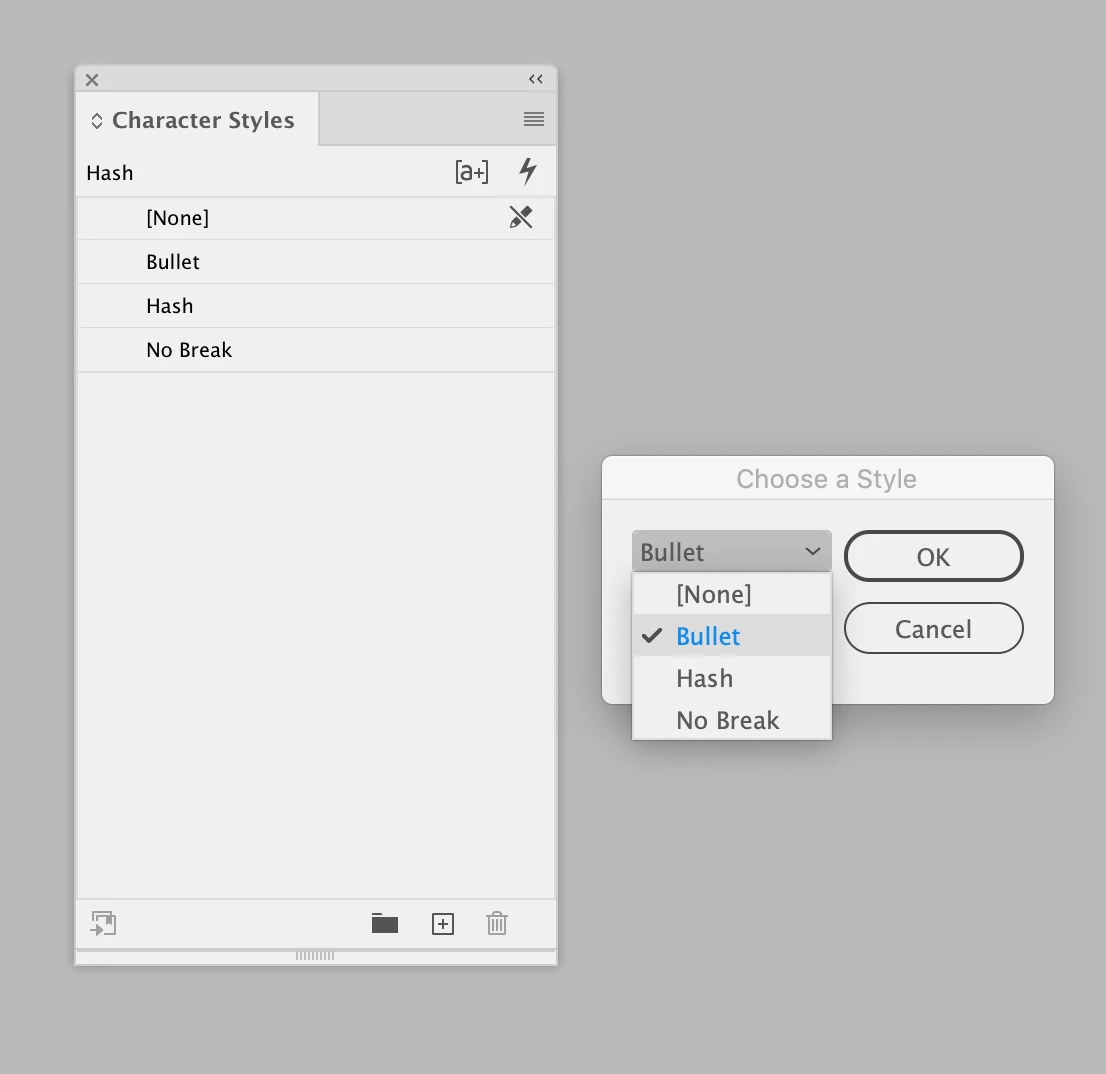
There are many ways to make a dialog—this is how I would do a drop down:


//call the makeDialog function
makeDialog();
//cs will hold the result
var cs;   
function makeDialog(){
    //the dialog object
    var theDialog = app.dialogs.add({name:"Choose a Style", canCancel:true});
    //add a dropdown list object, stringList gets the name of every available character style
    //note this would not get grouped styles
    with(theDialog.dialogColumns.add()){
        cs = dropdowns.add({stringList:app.activeDocument.characterStyles.everyItem().name, selectedIndex:0, minWidth:80});
    }
    if(theDialog.show() == true){
        //get the result
        cs = app.activeDocument.characterStyles.item(cs.selectedIndex);
        //call the main() function
        main();
        theDialog.destroy();
	}
}


function main(){
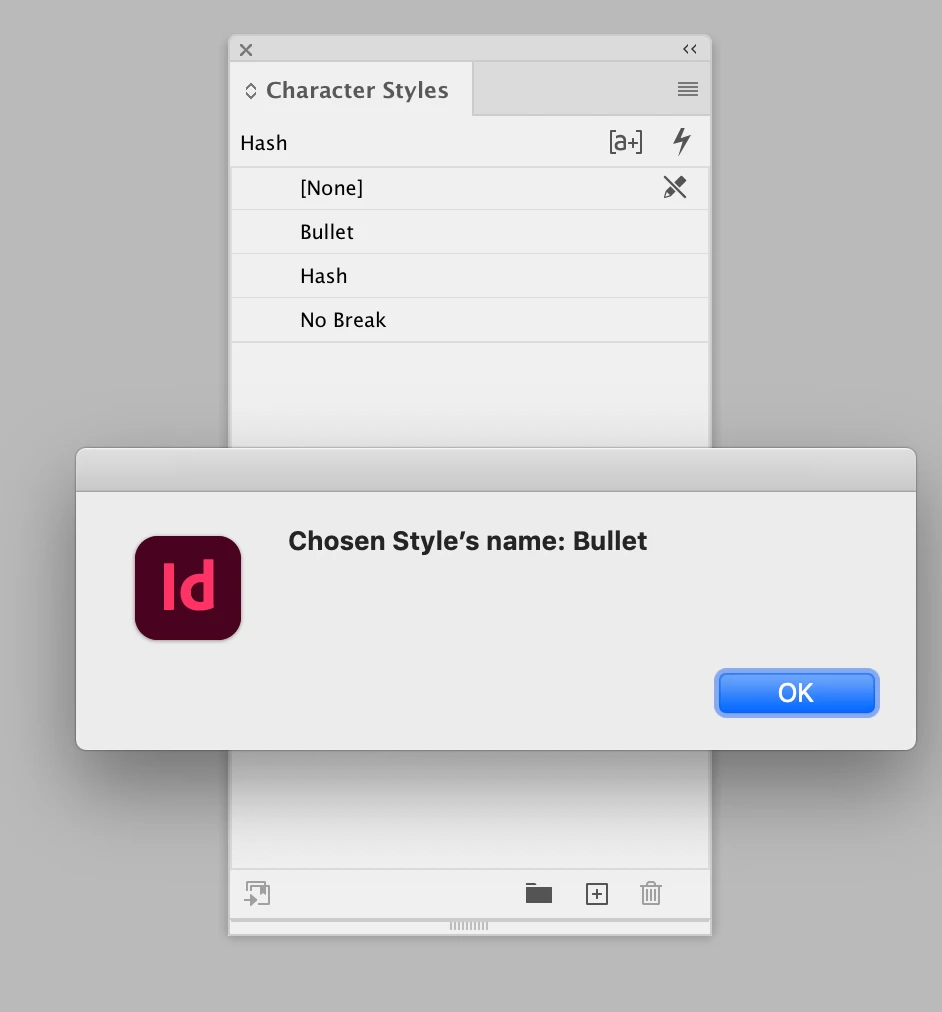
    alert("Chosen Style’s name: " + cs.name);
    //Do something with the preset here
}


3 replies

rob day
Community Expert
rob dayCommunity ExpertCorrect answer
Community Expert
June 22, 2025

target character style from a dropdown list


There are many ways to make a dialog—this is how I would do a drop down:


//call the makeDialog function
makeDialog();
//cs will hold the result
var cs;   
function makeDialog(){
    //the dialog object
    var theDialog = app.dialogs.add({name:"Choose a Style", canCancel:true});
    //add a dropdown list object, stringList gets the name of every available character style
    //note this would not get grouped styles
    with(theDialog.dialogColumns.add()){
        cs = dropdowns.add({stringList:app.activeDocument.characterStyles.everyItem().name, selectedIndex:0, minWidth:80});
    }
    if(theDialog.show() == true){
        //get the result
        cs = app.activeDocument.characterStyles.item(cs.selectedIndex);
        //call the main() function
        main();
        theDialog.destroy();
	}
}


function main(){
    alert("Chosen Style’s name: " + cs.name);
    //Do something with the preset here
}


dublove
dubloveAuthor
Legend
June 22, 2025

Hi rob day.

Thank you very much.

I'll take a look at this right away, I made this and it won't contain [none]

brian_p_dts
Community Expert
Community Expert
June 21, 2025

We can't keep track of all the various snippets you've pasted across posts. If you are having a problem with the dropdown ui, post the relevant snippet, or better yet, reply in the existing post so we can see what else has been offered. And I do hope you spent some time attempting to debug before coming here again, as we have advised you on numerous occasions. You will never get better if you continue to use us as a crutch.

brian_p_dts
Community Expert
Community Expert
June 21, 2025

If you have no snippet of the panel at all, then read Peter Kahrel's scriptUI book, play around with AI, and/or use this excellent panel building tool: scriptui.joonas.me

dublove
dubloveAuthor
Legend
June 22, 2025

Hi @brian_p_dts 

You have great ideas, always lots of great ideas.
I'll think about it.
I apologize for wasting so much of your time.


Looking forward to you share more valuable information about this subject.

Thank you.

Mike Witherell
Community Expert
Community Expert
June 21, 2025

Why not use the feature called Quick Apply? Are you familiar with it?

Mike Witherell