Known Participant
November 29, 2024
Question

How can I setup writing lines like this?

  • November 29, 2024
  • 1 reply
  • 211 views

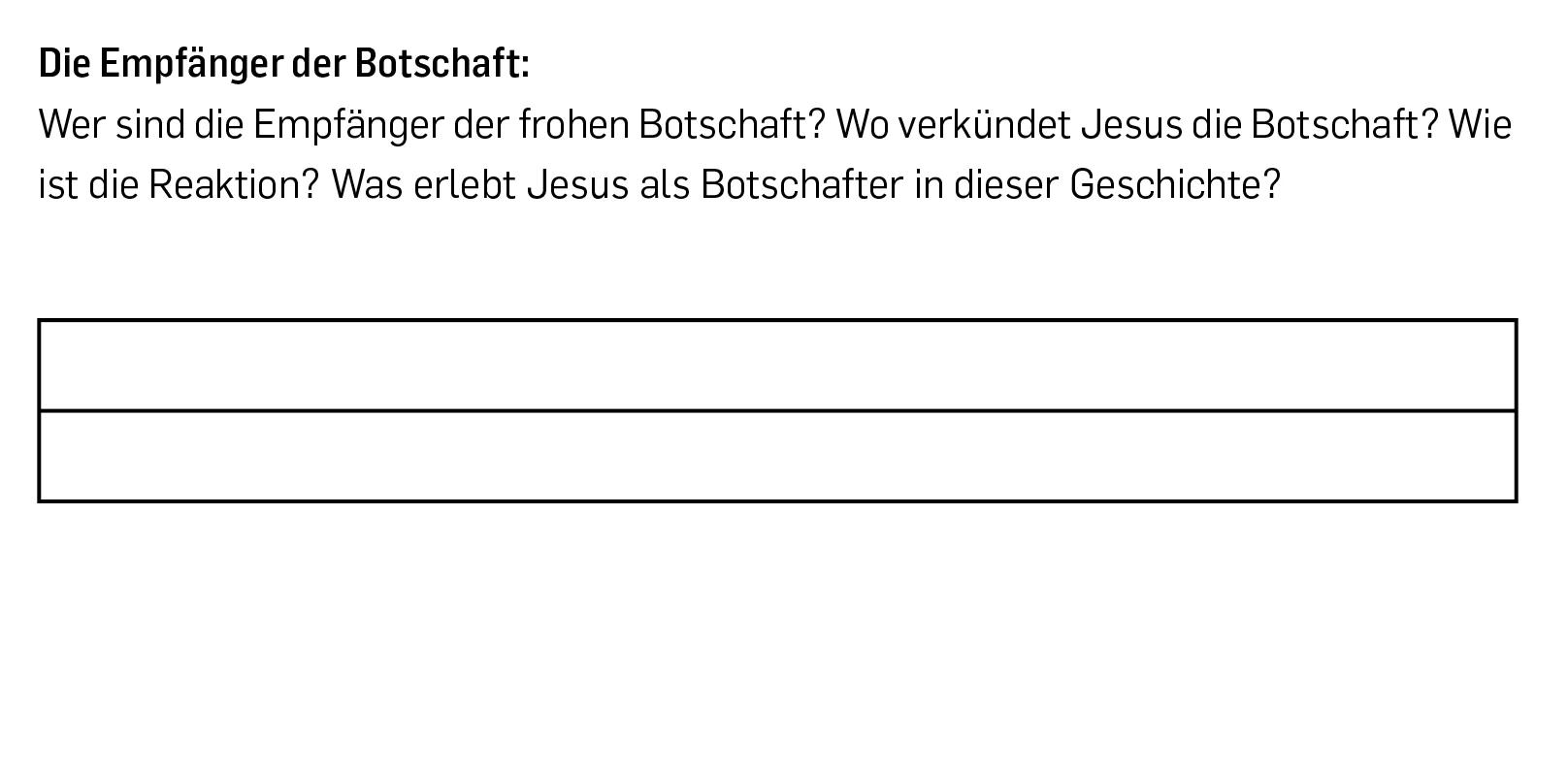
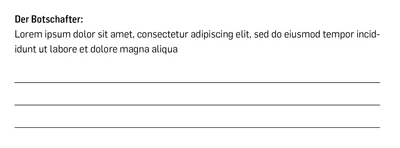
Hi, I need to create something like this for a project of mine (image 1). However, I can't get my lines to look like that. I keep getting stuck at image 2 and can't figure out how to remove the lines on the side. How can I fix this?


Thank you! 


This topic has been closed for replies.

1 reply

James Gifford—NitroPress
Legend
November 29, 2024

It looks as if you're using a table, or Paragraph Border.


Use "Paragraph Rules" and define a line under the paragraph; adjust it as preferred.


You can also use Underline and a right-aligned tab, which is a slightly clumsier method but works in some situations where a rule-under doesn't.