

Answered
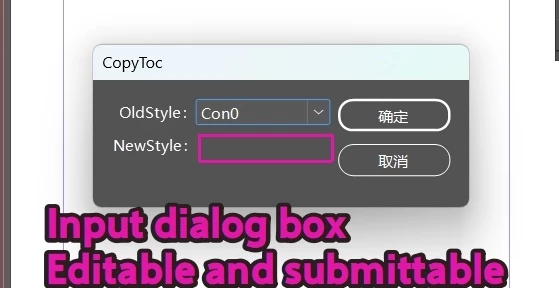
How do I add a dialog box that allows input and submission?
I’m a bit confused about the different ways to implement dialog boxes, so I threw something together but it doesn’t work.
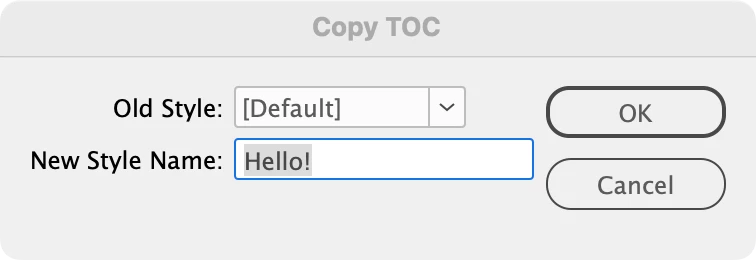
I want there to be a default value in this purple area, but I want users to be able to modify it and submit it.
Thank you.
makeDialog();

var listA;
function makeDialog() {
    //the dialog object
    var theDialog = app.dialogs.add({ name: " CopyToc", canCancel: true });
    with (theDialog.dialogColumns.add()) {
        staticTexts.add({ staticLabel: "OldStyle:" });
        staticTexts.add({ staticLabel: "NewStyle:" });
    }
    with (theDialog.dialogColumns.add()) {
        listA = []
        for (var i = 1; i < app.activeDocument.tocStyles.length; i++) {
            listA.push(app.activeDocument.tocStyles[i].name)
        };
        oldStyle = dropdowns.add({ stringList: listA, selectedIndex: 0, minWidth: 80 });

        //newStyle = inputGroup.add("edittext", undefined, "Index");

    }

    var res = theDialog.show();
    if (res == true) {
        oldStyle = listA[oldStyle.selectedIndex];
        main()
    } else {
        theDialog.destroy();
    }
}


 AdChoices