Answered
How do I change which page is 'page 1' in automatic numbering?
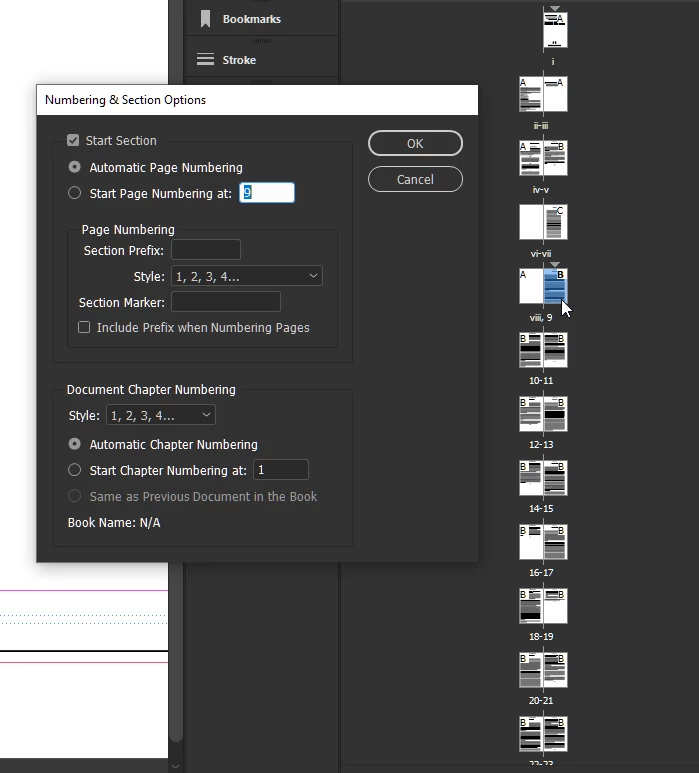
Hello, I received an Indesign document with the first page of Chapter One as page 1, and the preceding pages roman numerals. I like this, but I want to make the current page 1 instead be viii (as it's a picture, and I want it on the left when printed as a book), and have the next page with the first text of Chapter One (currently page 2) start as page 1. How do I do this?
 AdChoices