
Answered
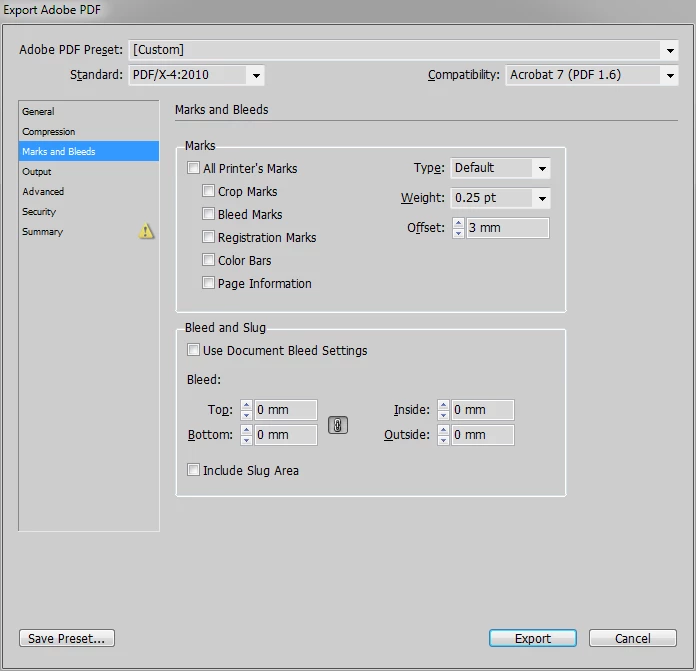
How do I crop out the bleed area during save/export?
Kinda new to InDesign, but intimately familiar with Photoshop/Dreamweaver.
Currently, I have a 9" x 6" document open in InDesign.
The document has .125" bleed all around (so while the document is 9x6, the canvas is actually 9.25" x 6.25")
A background image fills the full 9.25 x 6.25 area, but was designed to be clipped off at the edges.
When I export my document as PDF, the default behavior is for the additional bleed area to be included.
How do I tell InDesign to leave it out, and export at 9x6, without destructively cropping the document?
Do I need to set crop marks?
Thanks!
(I am working from a document that was designed for print, hence the bleed... but I'm now exporting a digital/online version of it.)
 AdChoices