
How do I export PDF without Bleeds?
Hello,
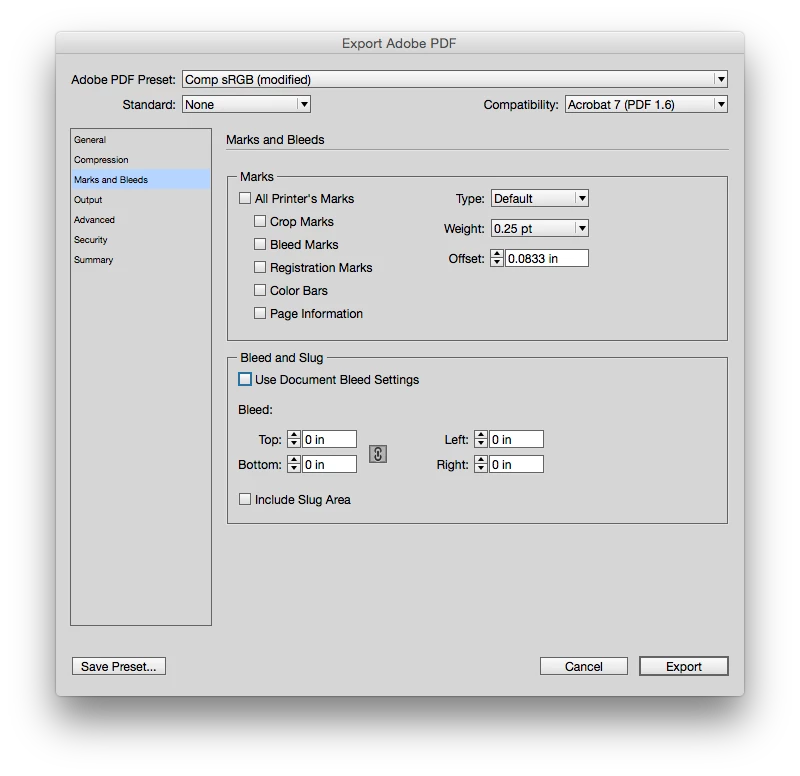
I am making a document which has been sent to an online print company, but would also like to upload it to an online publication viewer. I used the indesign template that the print company provides to create the document and it contains bleeds on the edges so you can make images go to the edges. Some of my pics don't totally go to the bleed marks but the print company says they can cut it to the edge of the page. However, when I save a pdf to submit online, it is exporting the document all the way to the bleed lines. Is there a way to export it so it cuts the document at the edge of the page, or to remove the bleed within the document?
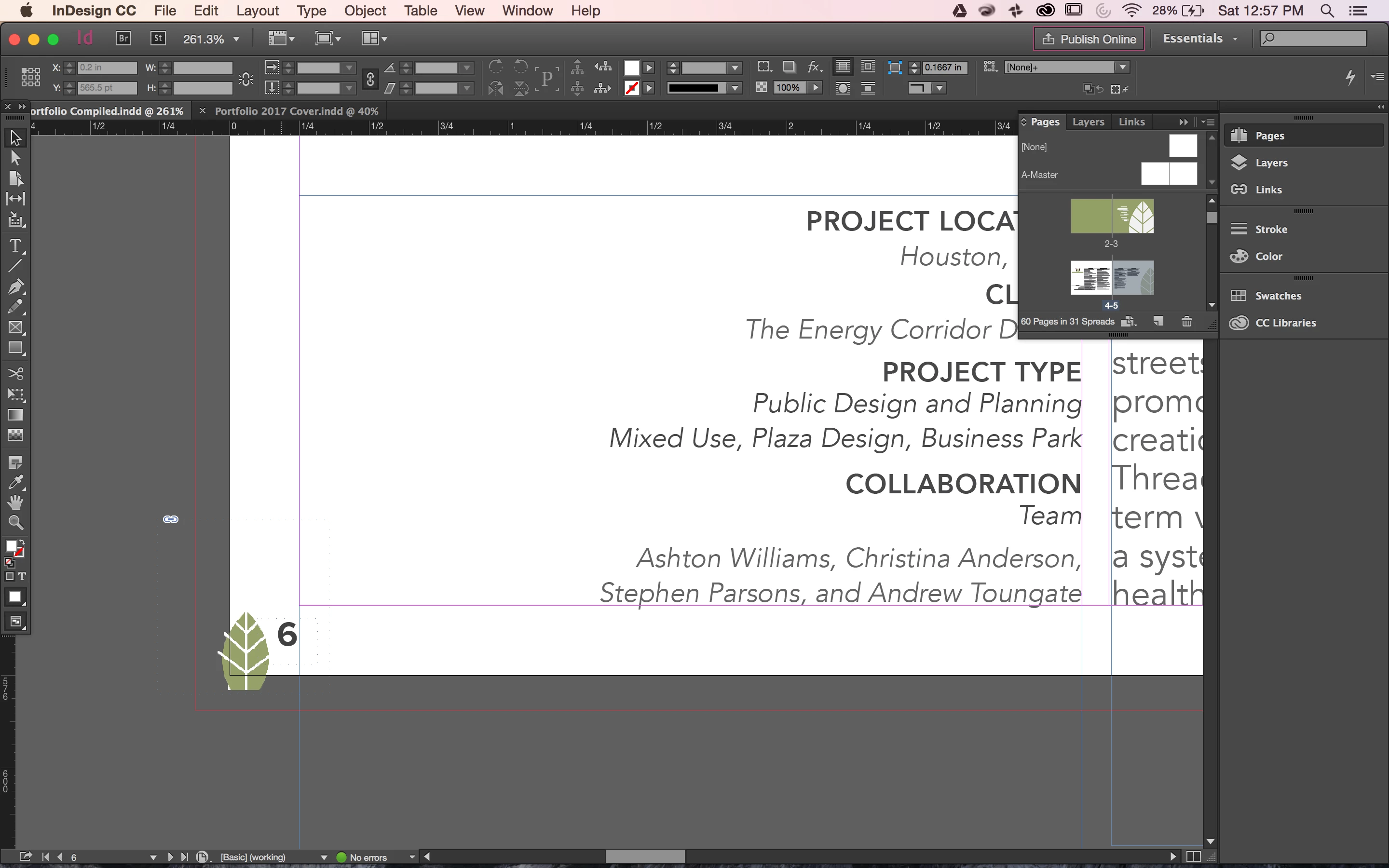
In this example, you can see how this little leaf is at the edge of the page. I would like it to run off the edges a bit and sit in the corner.
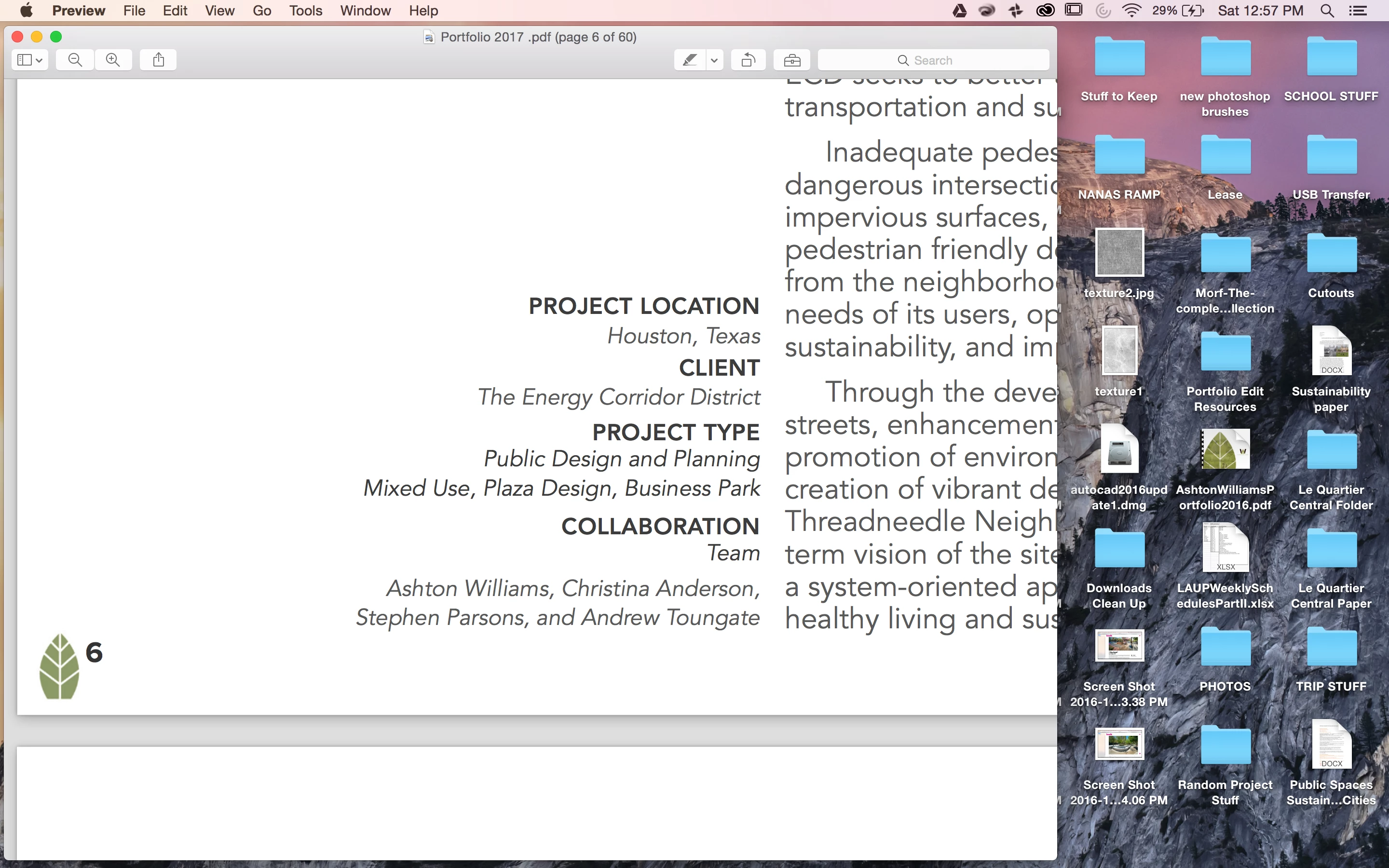
However, when I pdf the document, it looks like this:
 AdChoices