Inspiring
June 16, 2023
Answered

How do I get decent view-spread behaviour in 18.3?

  • June 16, 2023
  • 2 replies
  • 355 views

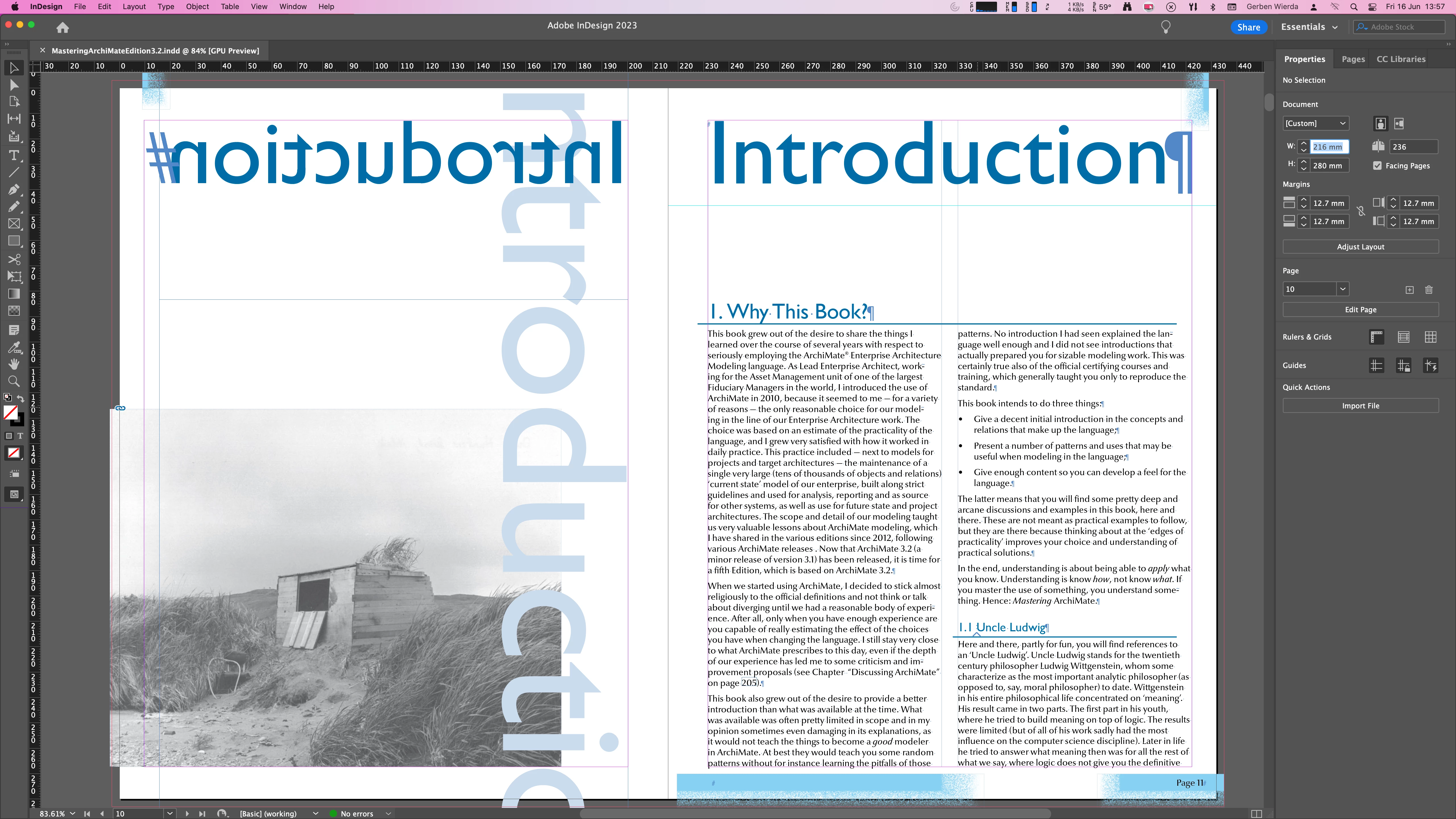
I have opened a document that I have to update about once every three years. I have opened it in th last version of InDesign. When I open it, and I hit Cmd-0, I expect to see the spread. But what happens is that the spread is not fully in view. This is what I expect:
 But when I do Alt-PageDown to get the next spread, it is again partly shifted out of view and what I get is
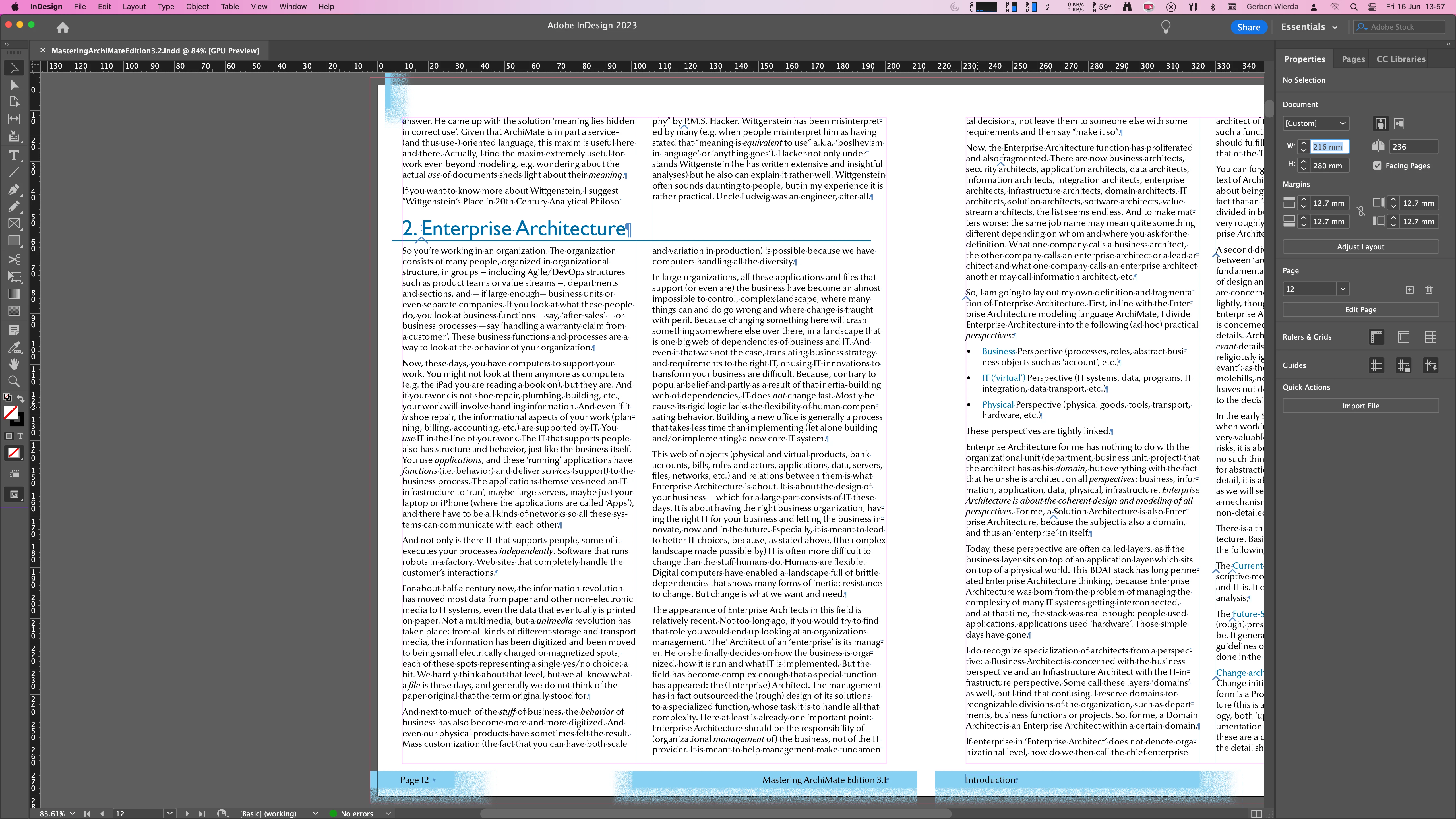
This also happens if I remove the panels on the right. Top-down placement is fine, left-right placement doesn't show the entire spread (and there is enough room to do so) so every time I have gone to the next page I need to scroll left/right. which is a pita.

Is this a bug or is this something that requires a different setting in this version of ID?

This topic has been closed for replies.
Correct answer Robert at ID-Tasker

Cmd-0 centers Page - for Spread you should use Mac version of the PC's Ctrl+Alt+0.


2 replies

Inspiring
June 16, 2023

My document was created as a copy of an ID 16 document (and then opened in 18 and edited and saved). I tried a new copy, weirdly enough, this one behaves as it should, I tried a new copy and saved it under a different name and opened it. Again, good behaviour.

So, I have one document that behaves like this. Is a document setting capable of influencing this behaviour?

Robert at ID-Tasker
Legend
June 16, 2023

Looks like corrupted file - try IDMLing - export as IDML then open and save with a new name. 


Robert at ID-Tasker
Robert at ID-TaskerCorrect answer
Legend
June 16, 2023

Cmd-0 centers Page - for Spread you should use Mac version of the PC's Ctrl+Alt+0.


Inspiring
June 16, 2023

I had to center once with Cmd-Alt-0, after that Alt-Page Up/Down behaved as expected. Interestingly, somehow this setting was in the document, but it wasn't in the original copy of the ID 16 document anymore.