
Question
How do I get rid of an outside bounding box from objects?
An outside bounding box has shown up around all of my text and object boxes in one of my documents. This is in InDesign CS5.5. I do not have it in any other document I work on and can't seem to find a way to get rid of it. It creates a bounding border that stops me from putting two objects too close together, due to wrapping, unless I manually change it using the direct selection tool. I've used all of the tools in the program I can think of. Does anyone know how to get rid of this. In the picture here it would be the exterior light colored bounding border (I want the interior border to pull text away from the sides.)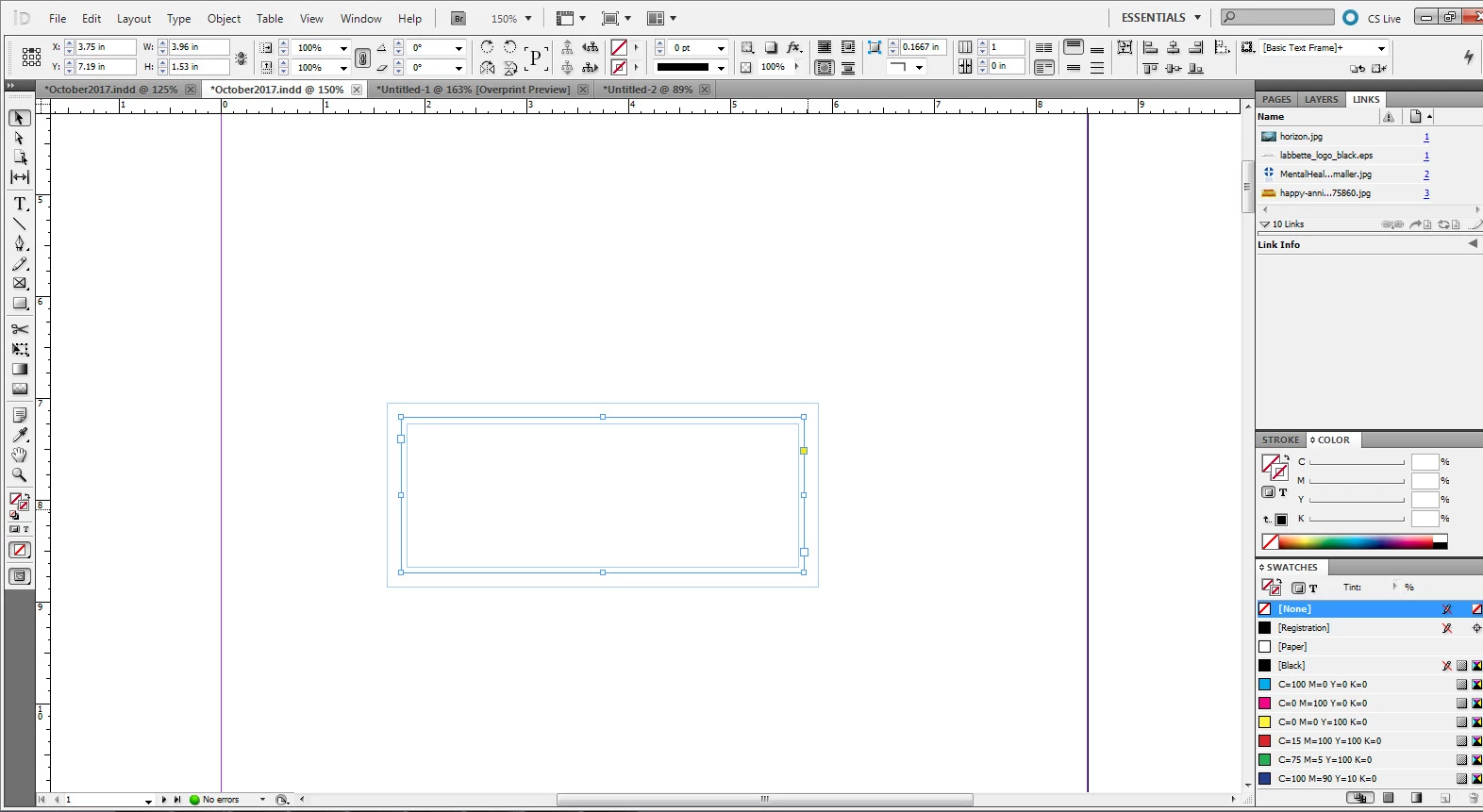
 AdChoices