Known Participant
October 8, 2025
Answered

How do I get the page layout to be properly paginated in PDF format?

  • October 8, 2025
  • 3 replies
  • 370 views

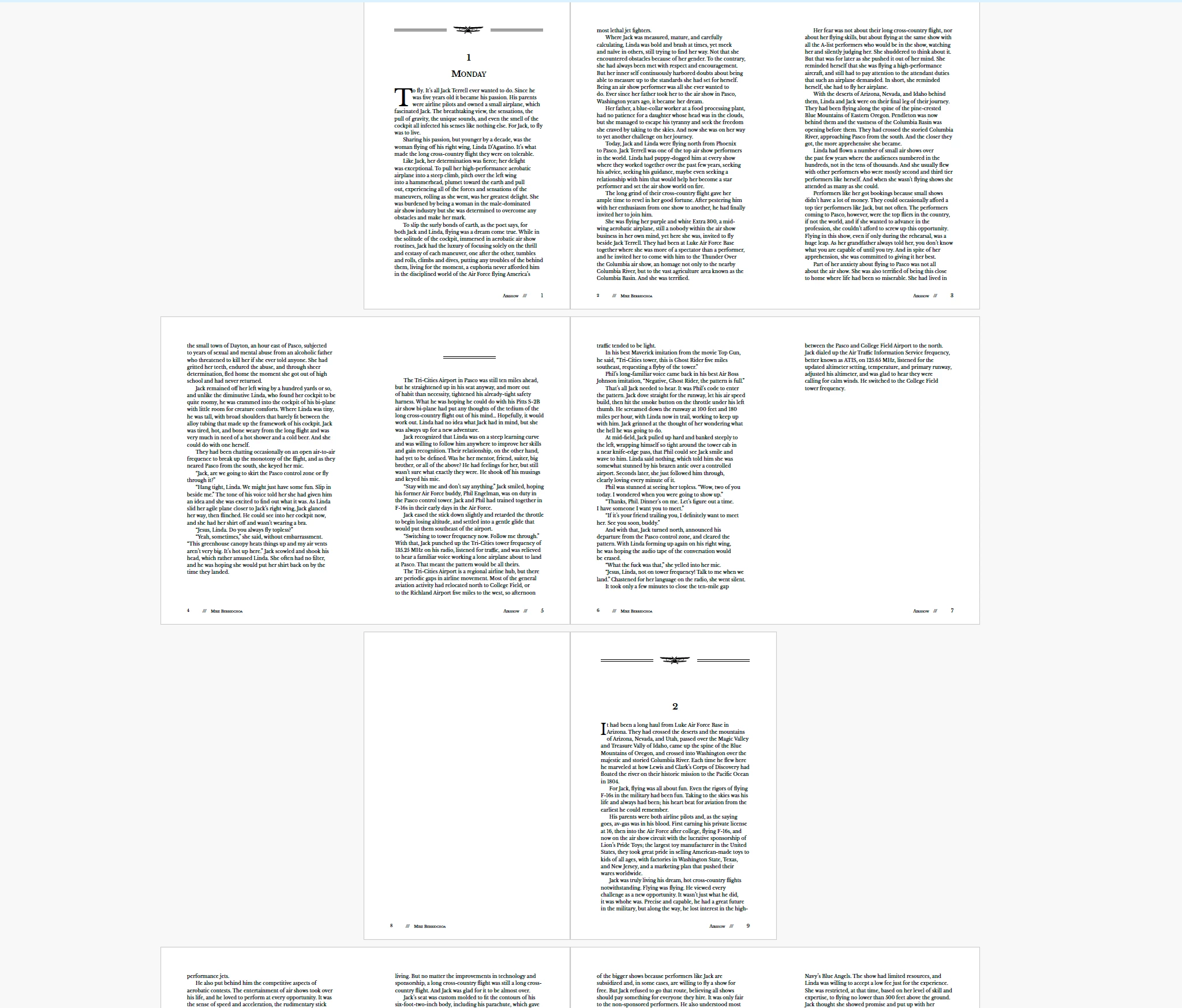
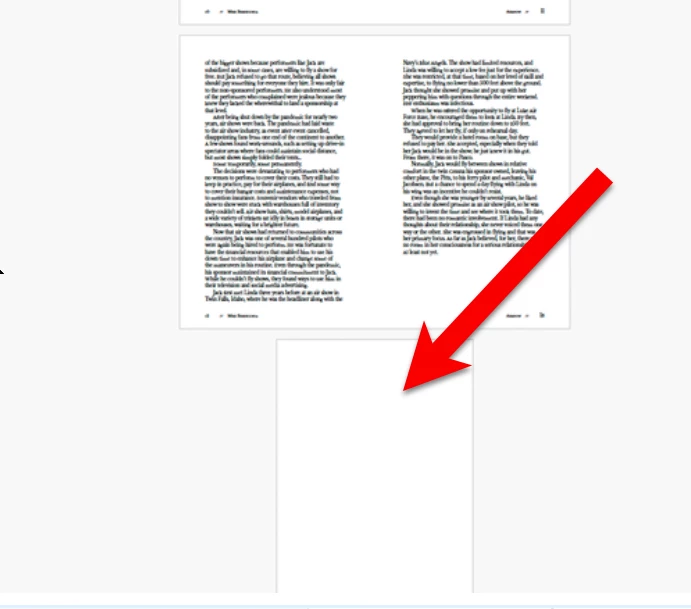
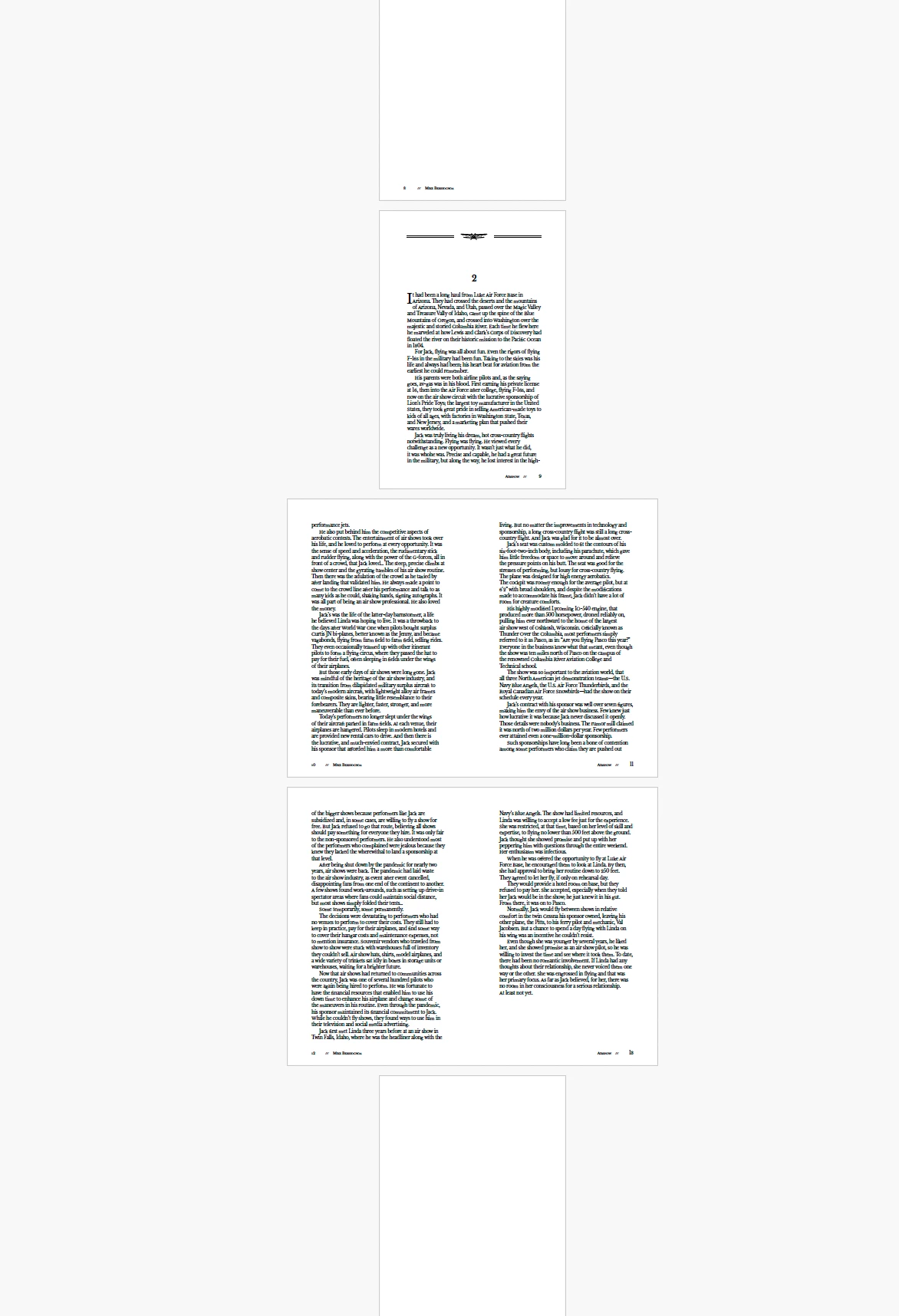
Hello, I can't figure out what I am doing wrong with the spreads in this book. When converted to PDF the pages seem separeted at chapters. (see screen shot). 
I've added pages, deleted pages, trying to get the book (when in PDF format) to flow properly.

Thanks in advance for you help! 
 

Correct answer Peter Spier

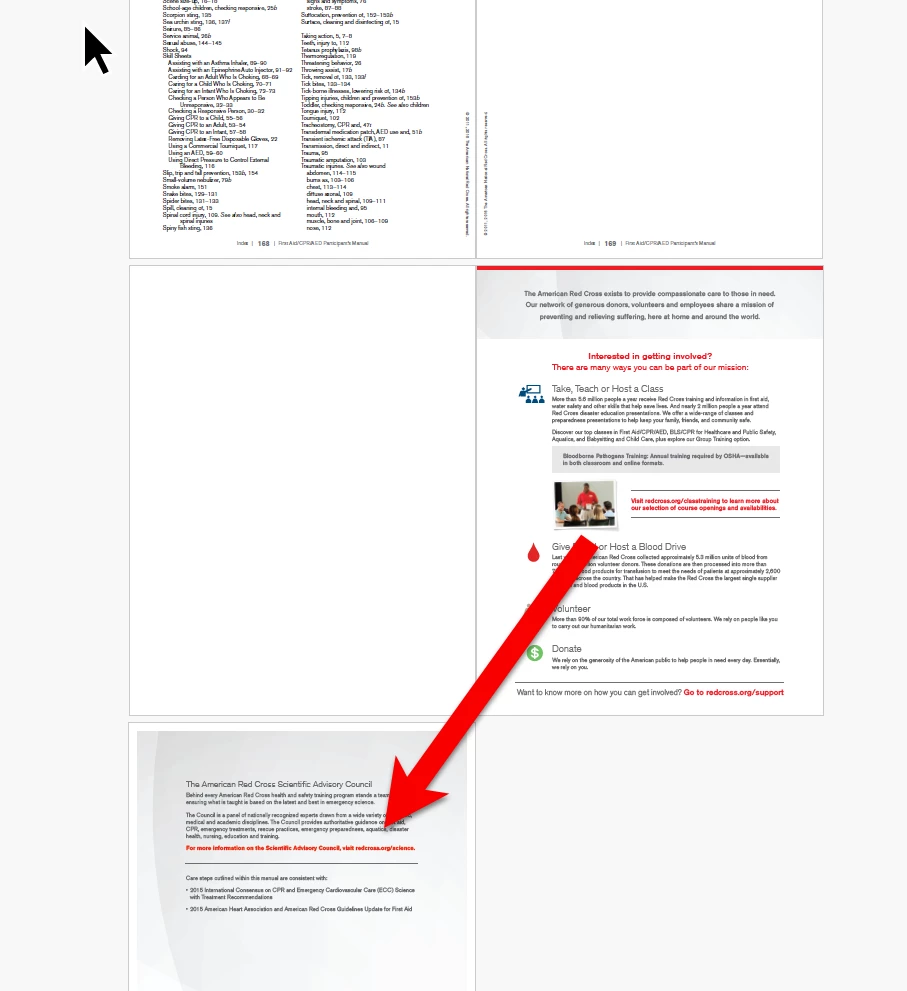
How did you get this layout in Acrobat:

This is the typical two-page spread with cover layout:


@Dave Creamer of IDEAS  that's the layout you would see in Acrobat when exporting as spreads from the Book panel...

I think those cases where there are two two-page spreads displayed together are problably a case of choosinfg to display 2-up.

@Lisa Dorn Design You should export this from the Book panel as single pages and set the view to 2-up, cover page and your clinet should see what you want. Unless there are marks or bleeds you don't want the clent to see, you can even use the same PDF you will send to the printer.

3 replies

Dave Creamer of IDEAS
Community Expert
Community Expert
October 8, 2025

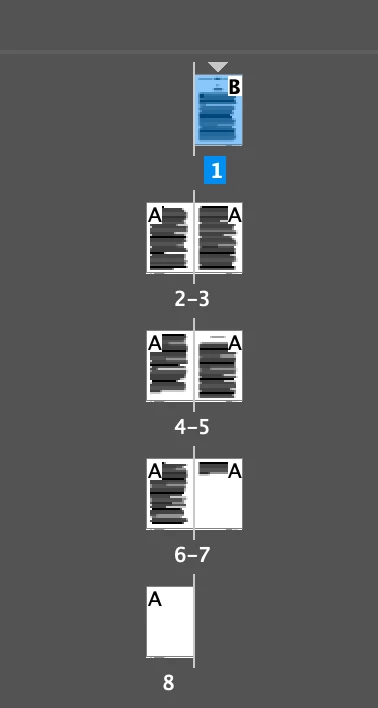
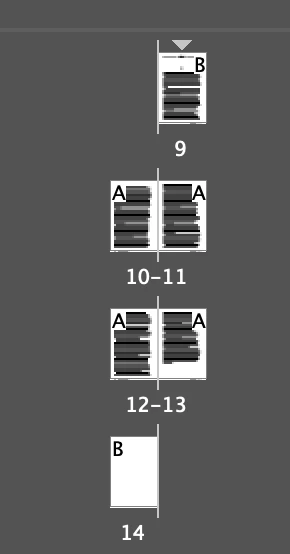
It looks like your documents are using a combination of Facing Pages and single pages placed side-by-side.

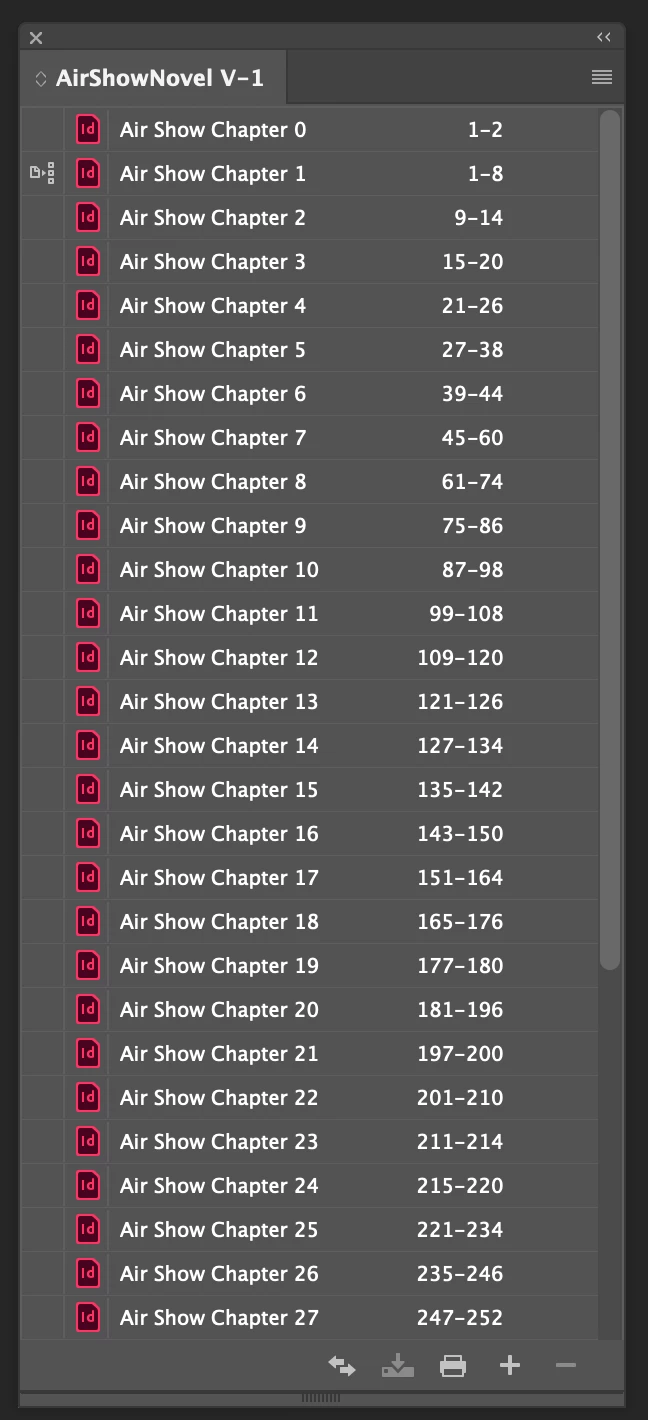
What are your book's pagination settings?


David Creamer: Community Expert (ACI and ACE 1995-2023)
Known Participant
October 9, 2025

Hi Dave, I have my file set up like this:

Known Participant
October 9, 2025

This is for each chapter.

rob day
Community Expert
Community Expert
October 8, 2025

Hi @Lisa Dorn Design , Just to clarify, is your PDF intended for screen viewing only, or will it be printed and bound? If it will be printed, you have to export pages not spreads—the pages will be imposed and the printer will need to have pages not spreads in order to setup the imposition.


Known Participant
October 9, 2025

Hi Rob, it will be printed and bound, but I wanted to send to client as spreads so it made sense to them.

rob day
Community Expert
Community Expert
October 9, 2025

With AcrobatPro you can set and save the intial view for PDFs exported as  pages:


Peter Spier
Community Expert
Community Expert
October 8, 2025

One of the inherent problems of exporting PDF from a .indb book project is that the spreads do not combine across document boundaries.

The only way I can think of to make exported spreads that "look" correct is to move pages from one doc to another so that every file ends on an odd-numbered page.

BUT, as a matter of principle I would recommend against exporting as spreads and let the user decide how rthey want to view the PDF. You can set the PDF up to display as two-up with cover page as the default initial view.

Known Participant
October 8, 2025

Thanks Peter, I appreaciate your time.