nathanh46117311
Participant
August 30, 2018
Beantwortet

How Do I Make a Border with a Break to add a Logo or Number at the Bottom?

  • August 30, 2018
  • 3 Antworten
  • 1245 Ansichten

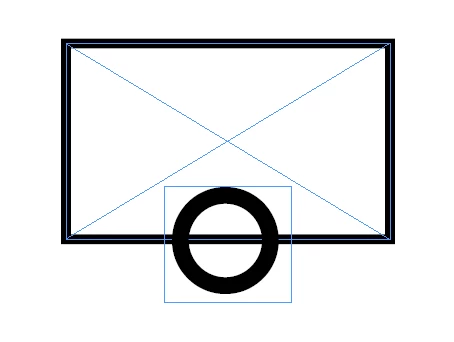
I know this sounds a lot more confusing than what it probably is and I have seen this before, lots of times, but I just can't figure out how to do it. How I do make a gap/break to put a logo or page number in the center of the stroke/path at the bottom of the frame/border? Is this something I need to do on a different program? I was also thinking that I would like to round the ends of the lines that have been cut to insert the logo/page number.
    Dieses Thema wurde für Antworten geschlossen.
    Beste Antwort von Barb Binder
    1. Draw the frame and add the border (as you did above).
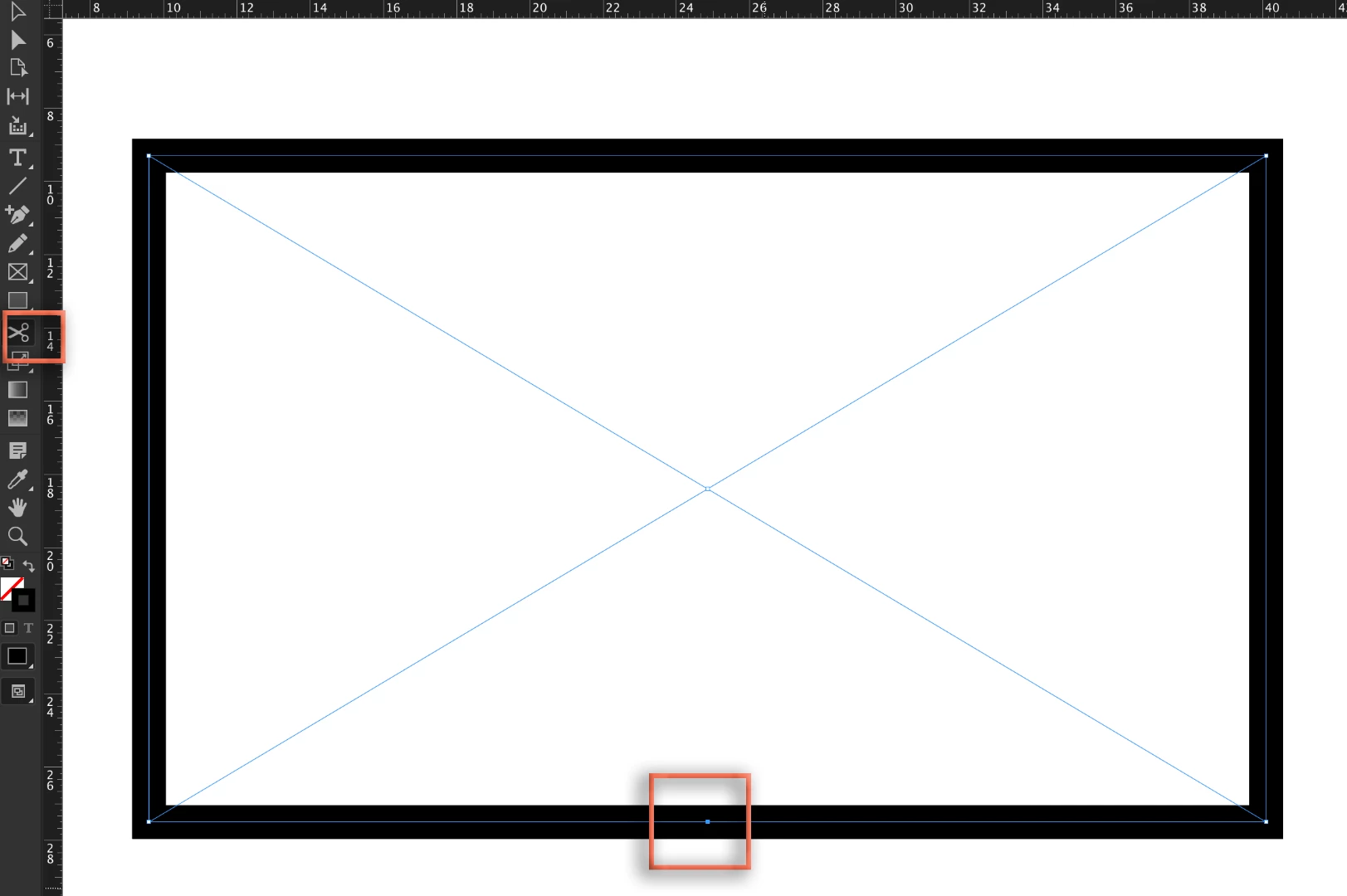
    2. Select the Scissors tool and click on the bottom of the frame to cut the frame edge.
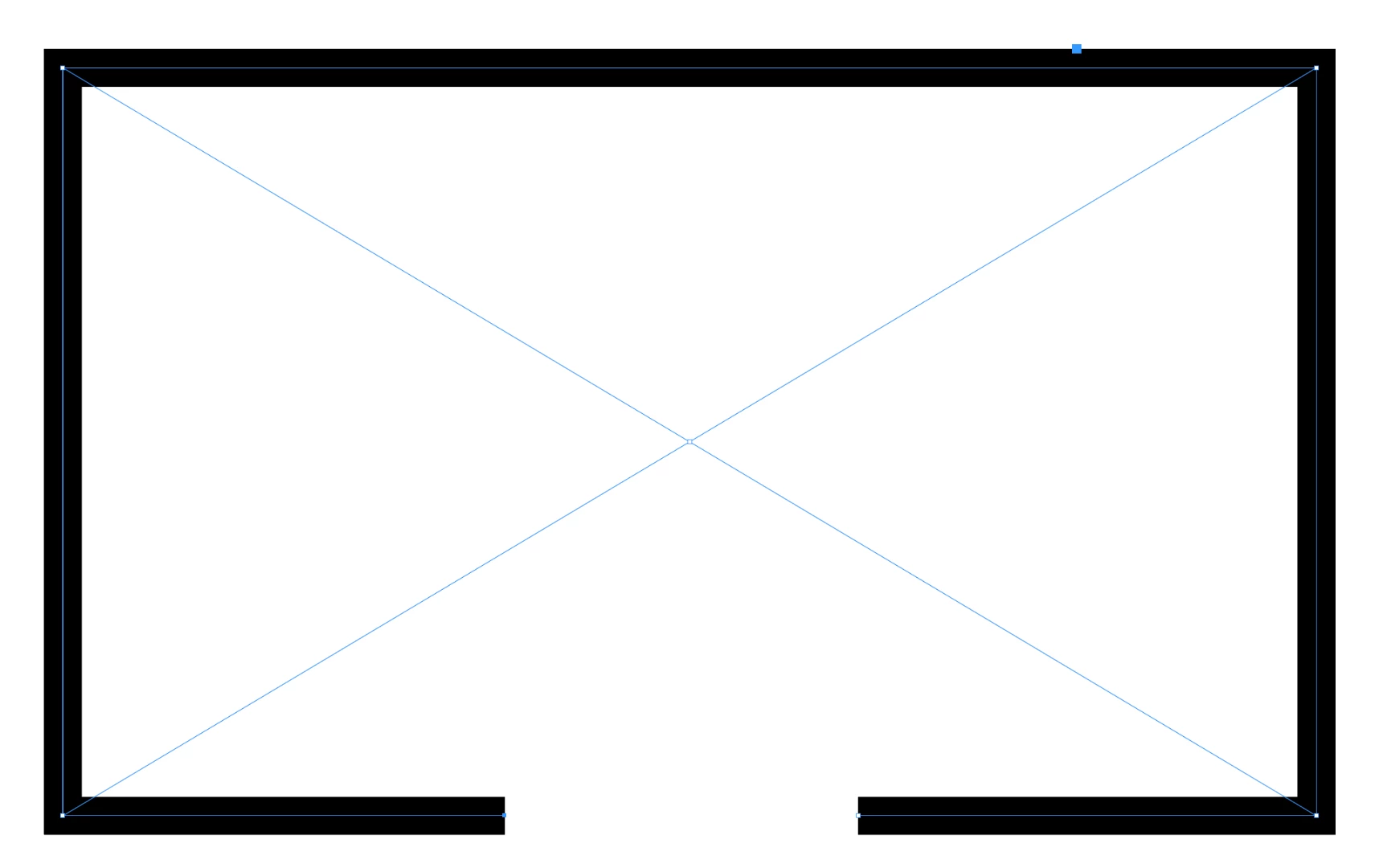
    3. Select the Direct Selection tool and drag the two new anchor points apart.
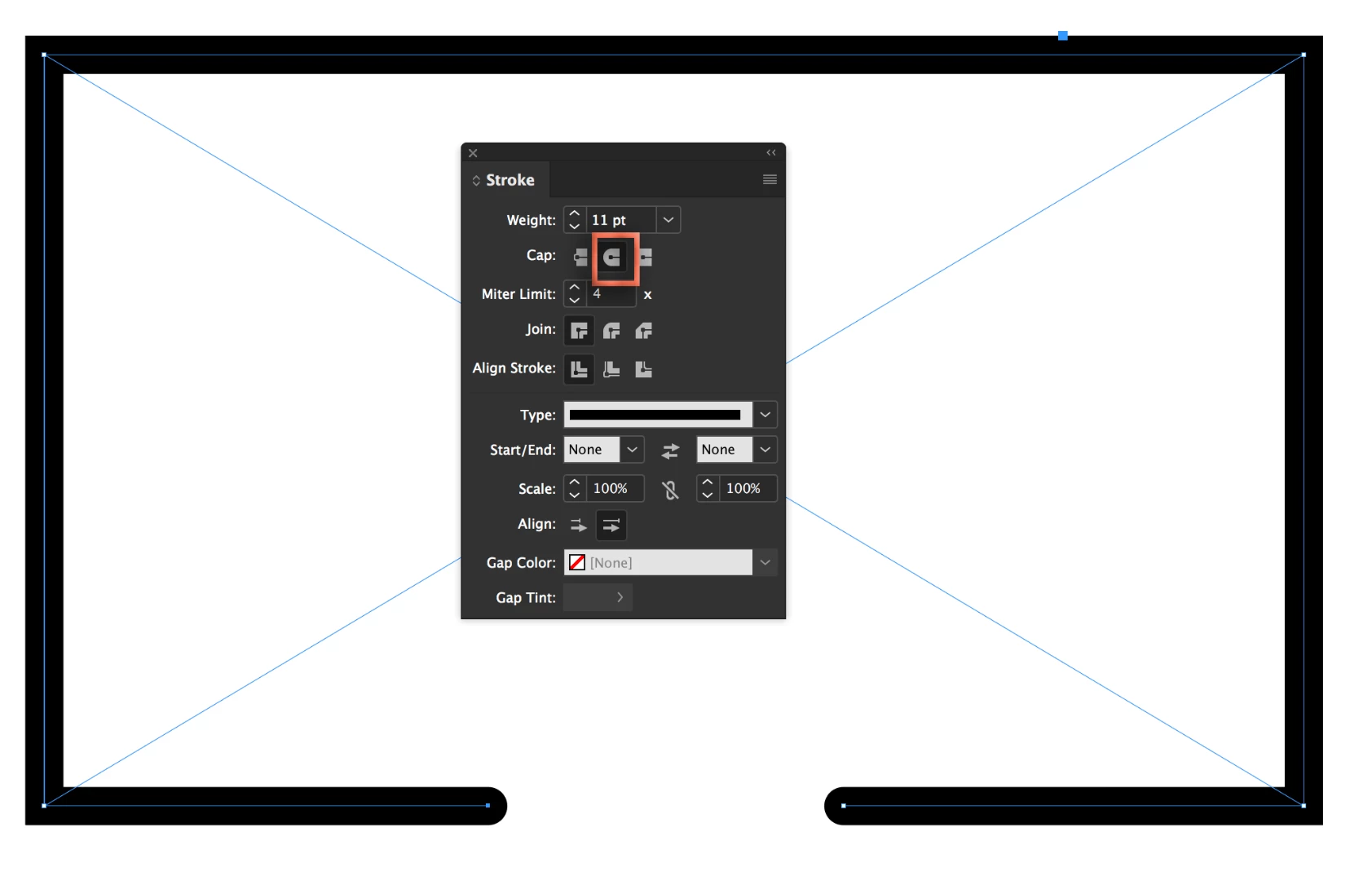
    4. Round the endcaps in the Stroke panel.

    ~Barb

    3 Antworten

    Barb Binder
    Community Expert
    Community Expert
    August 30, 2018
    1. Draw the frame and add the border (as you did above).
    2. Select the Scissors tool and click on the bottom of the frame to cut the frame edge.
    3. Select the Direct Selection tool and drag the two new anchor points apart.
    4. Round the endcaps in the Stroke panel.

    ~Barb

    ~Barb at Rocky Mountain Training
    nathanh46117311
    Participant
    August 30, 2018

    I knew it was so simple! Thank you everyone!

    Barb Binder
    Community Expert
    Community Expert
    August 30, 2018

    We are always happy to help, Nathan.

    ~Barb

    ~Barb at Rocky Mountain Training
    BobLevine
    Community Expert
    Community Expert
    August 30, 2018

    Or use a text frame with a solid white fill for the page number.

    winterm
    Legend
    August 30, 2018

    Draw a rectangle, use Scissors Tool on it. Then use Strokes panel to round the ends of the line.