
Answered
How do i make my pages go below one another in a spread format
I am working on a book that needs to be in landscape and opens upwards, sort of like a calendar. Issue is the only way i can make my spread have 2 pages below each other is by setting my pages to a portrait orientation then rotating them 90 degrees CW which also rotates the columns, and it the pages will revert back to portrait when exporting.
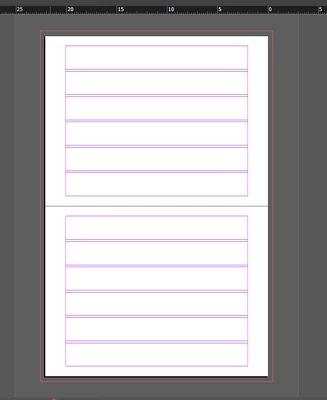
Any ideas how i could solve this?



 AdChoices