
Chris  P.  Bacon
Inspiring
October 6, 2022
Question

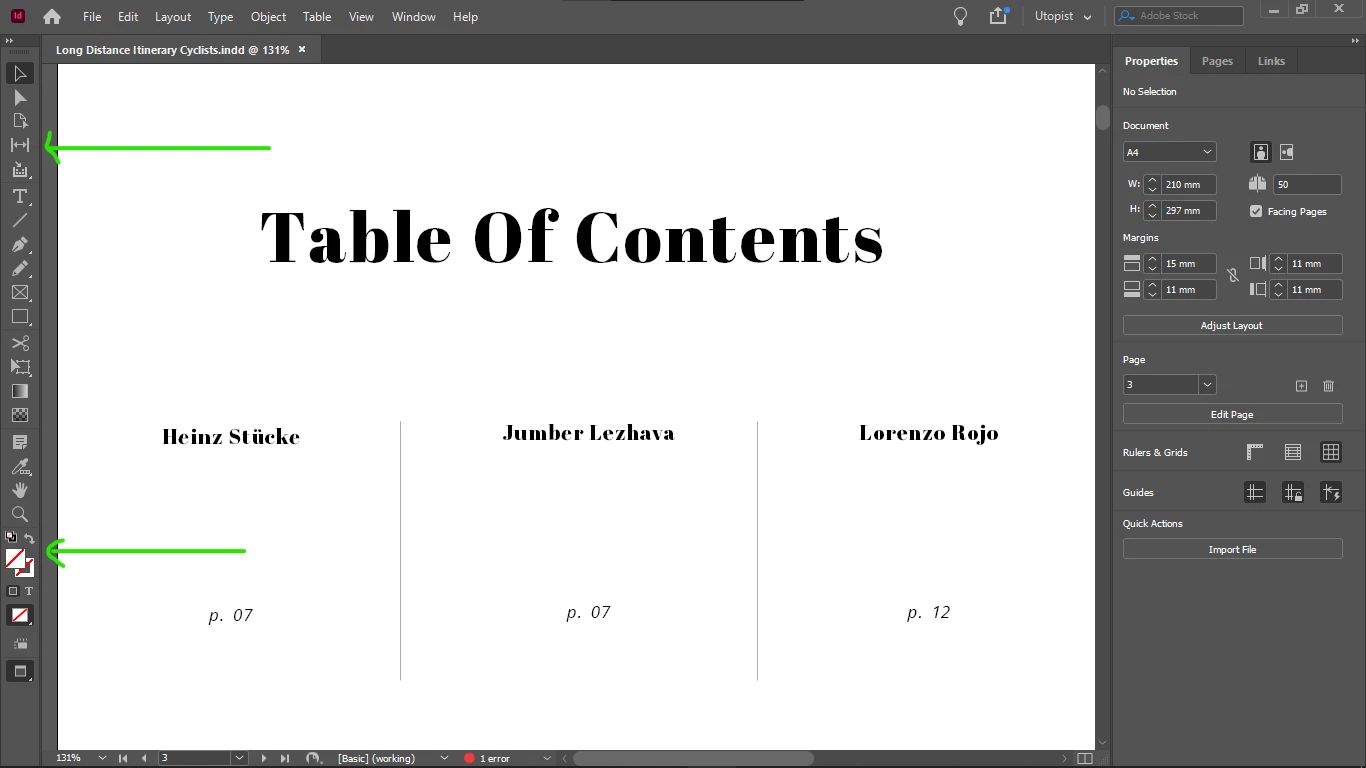
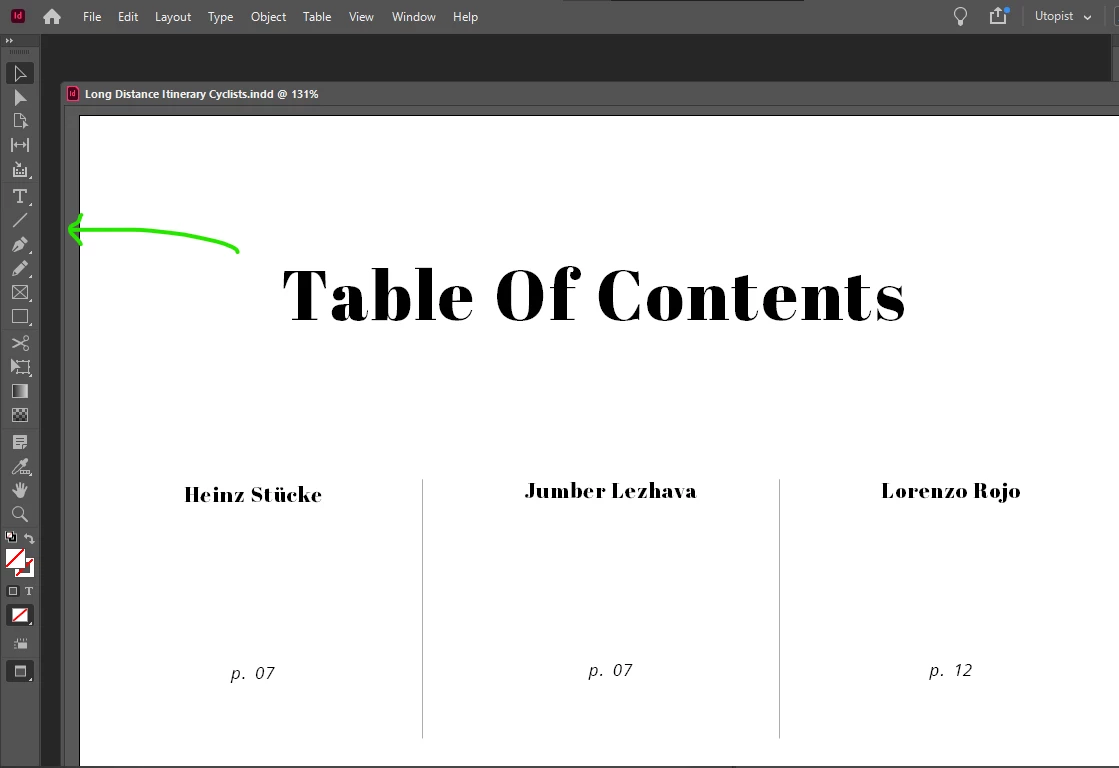
How do I remove the workspace or window margin at the left and right sides of the spreads?
  • October 6, 2022
  • 2 replies
  • 156 views

The bottom scrollbar is dragged totally to the left side, yet there is a margin at the sides of the workspace:

This topic has been closed for replies.

2 replies

Chris  P.  Bacon
Inspiring
October 7, 2022

Figured it out,

that's the bleed margin, and it's there even when the bleed is not shown.

Not sure if it's doable to only apply the bleed just before printing, but I guess it is (and extend the images to the outer bleed margin boundary just before printing).

With the bleed removed, now I can size my window (or pasteboard or canvas, not sure how's it's called in InDesign) to exact physical dimensions of my pages.

Chris  P.  Bacon
Inspiring
October 6, 2022

Ah that's due to the page size, so the question is how to fit the window width to page size, or how to set custom window width?

But I already asked this previously and still there's no readily available script for this, it seems.