
Answered
How do I search for Adobe fonts (Typekit) out of Indesign?
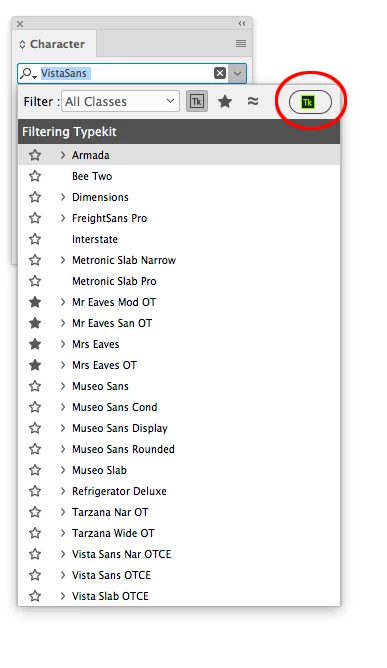
Hi – I'm using ID 14.0.3 and I want to add fonts from Typekit (now called Adobe Fonts). There used to be a button I could push while in ID, but I don't see this anymore. I see a button for Bridge and AdobeStock at the top. Now I have to go in through the Creative Cloud app and activate fonts via that route. Unfortunately, this is a bit annoying because very often CC says it's taking longer than usual to open and advises me to relaunch.
I'm using the latest version of CC on an imac. Mojave 10.14.6.
Any help would be appreciated. I just find it a bit odd I have to move outside the application to activate the fonts. Doesn't seem terribly fluid to me, but perhaps I'm missing something. Thanks in advance.
 AdChoices