Inspiring
March 30, 2018
Answered

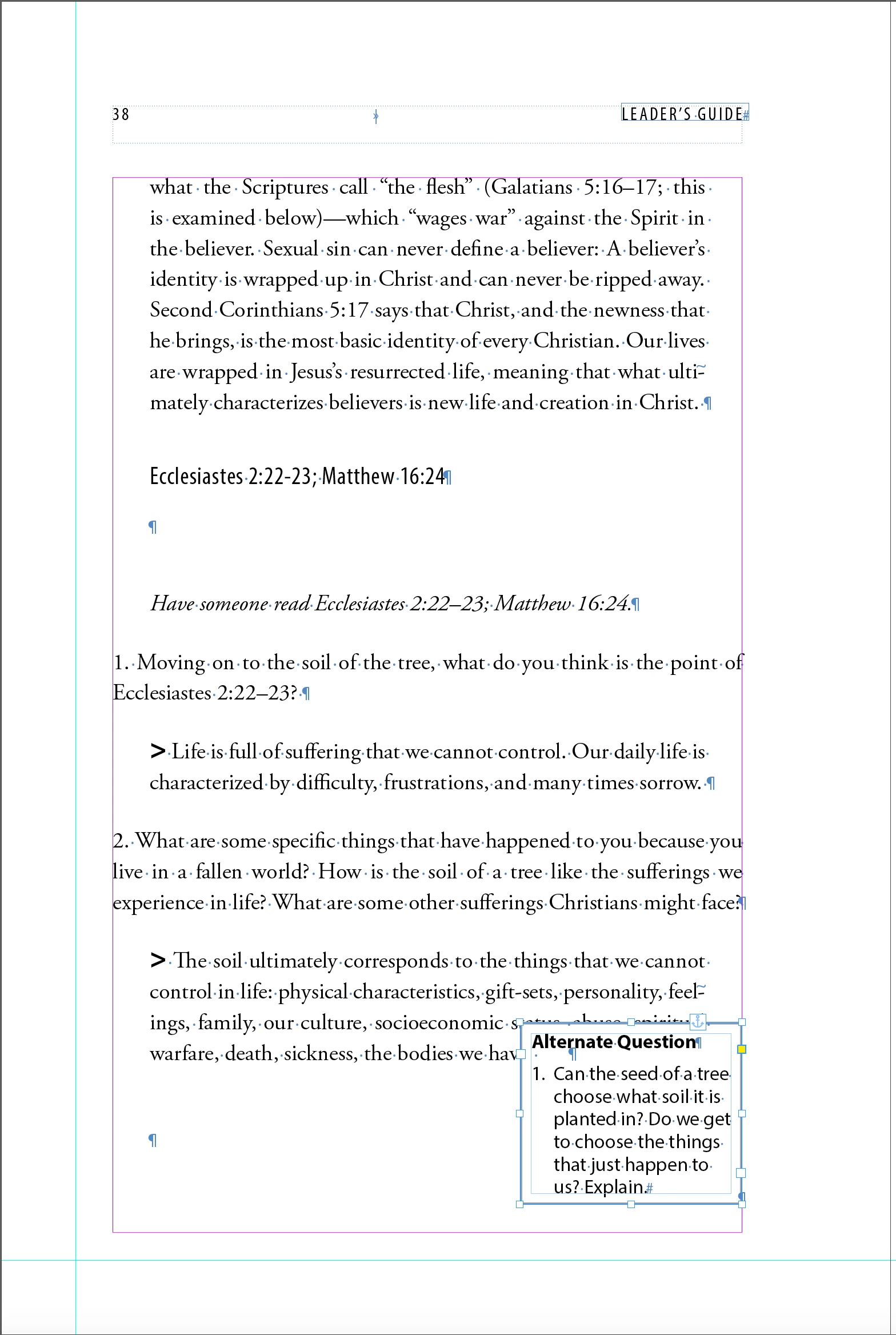
How do I wrap text in the main frame around an anchored text box?
  • March 30, 2018
  • 1 reply
  • 564 views

The small anchored text box has its own paragraph style. I've searched and read in the community forum but didn't find my answer

    This topic has been closed for replies.
    Correct answer Barb Binder

    Hi Lisa:

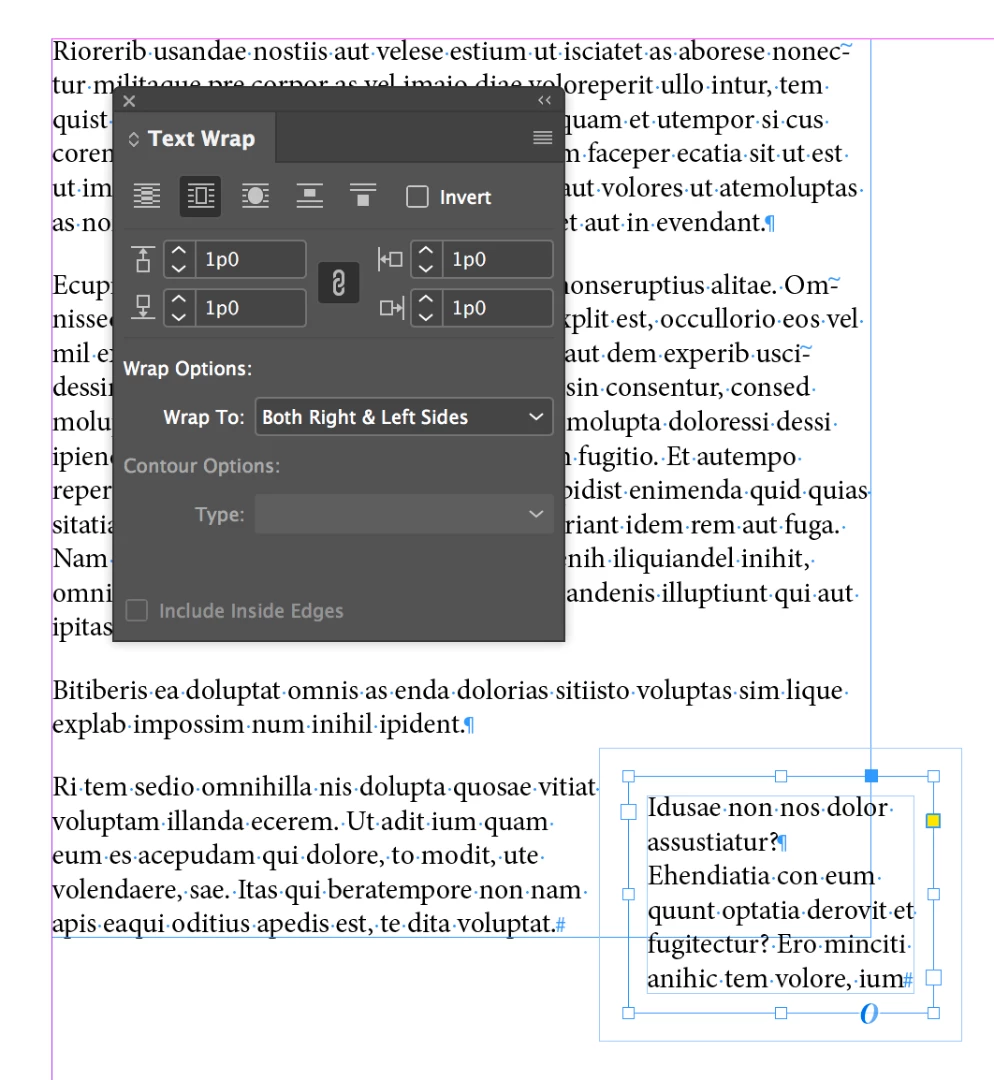
    You need to add the text wrap to the small frame, and not to the big one. I find it easiest to position the frame and apply text wrap first, then anchor by Alt/Opt dragging the blue box to the anchor point in the text.

    ~Barb
    1 reply

    Barb Binder
    Community Expert
    Barb BinderCommunity ExpertCorrect answer
    Community Expert
    March 30, 2018

    Hi Lisa:

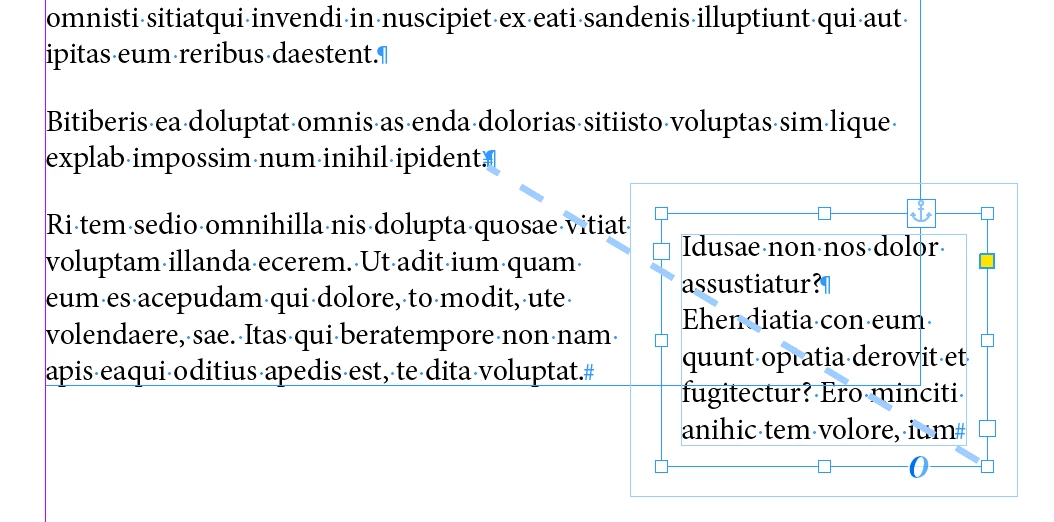
    You need to add the text wrap to the small frame, and not to the big one. I find it easiest to position the frame and apply text wrap first, then anchor by Alt/Opt dragging the blue box to the anchor point in the text.

    ~Barb
    ~Barb at Rocky Mountain Training
    ParnyAuthor
    Inspiring
    March 30, 2018

    Barb, thanks! Your answer helped me work through this better. Before anchoring the bordered text box, I applied the wrap parameters. I then moved my box paragraph style hard return before the paragraph I want wrapped around the box. I was able to adjust its position, and text beside it and below it wrapped well. Thanks again. ~ Lisa

    Barb Binder
    Community Expert
    Community Expert
    March 30, 2018

    Hi Lisa:

    Always happy to help.

    ~Barb

    ~Barb at Rocky Mountain Training