Answered
How do I wrap the bottom objects text around the red lines?
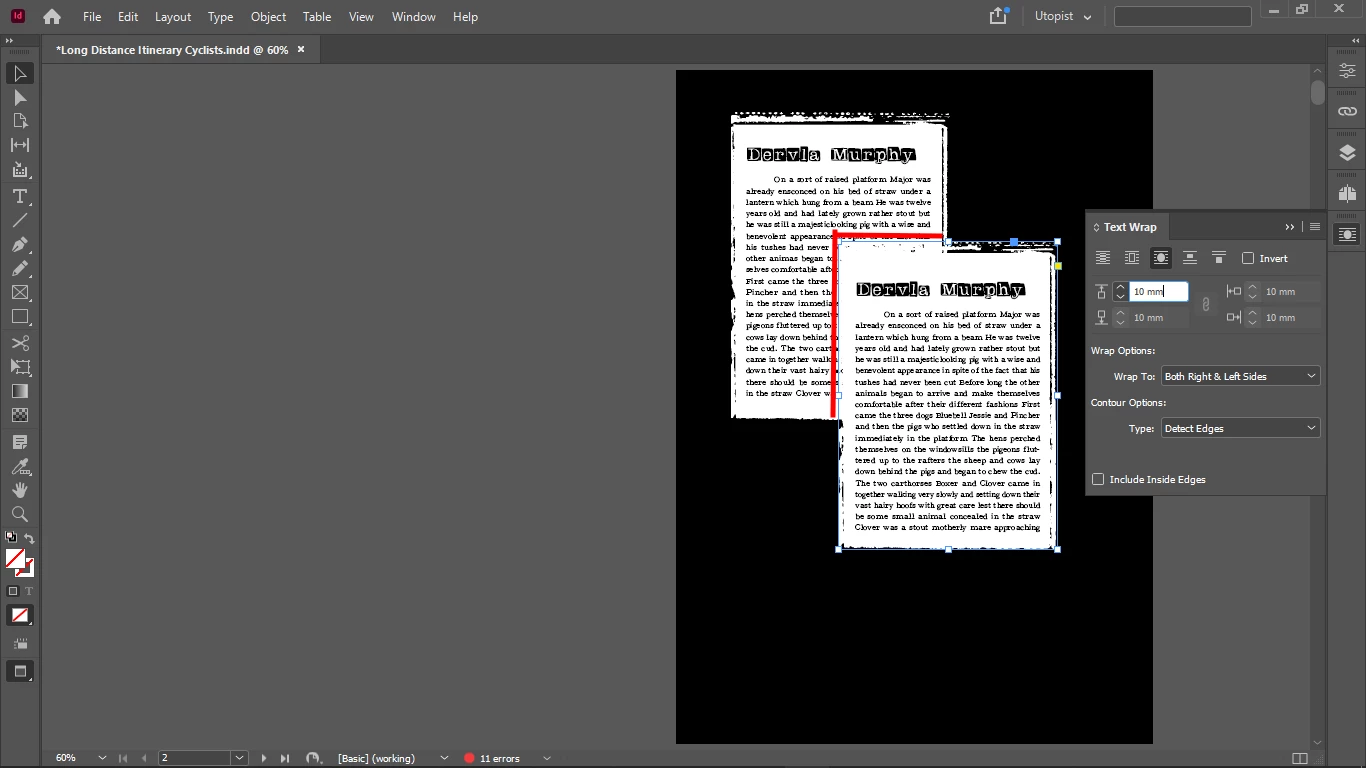
For some reason the text wrapping doesn't work.
The text of the bottom object should wrap around the edges of the top object.

For some reason the text wrapping doesn't work.
The text of the bottom object should wrap around the edges of the top object.
Hello
thank you very much for your sample file.
I can tell you what you have done. In return, can you please tell me why you did it?
😉
The text frame again has the option: ignore text wrap switched on. Why?
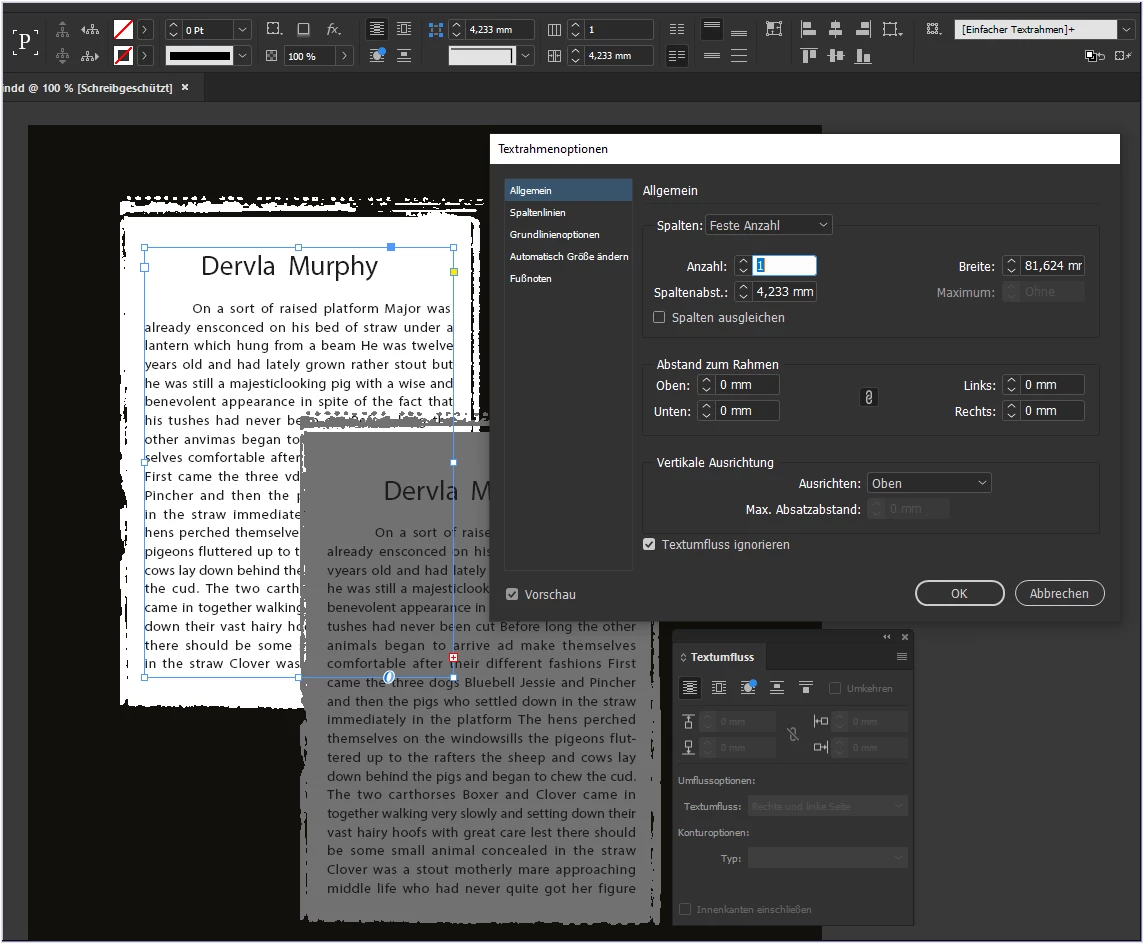
If the option is switched off, the text "disappears" completely.
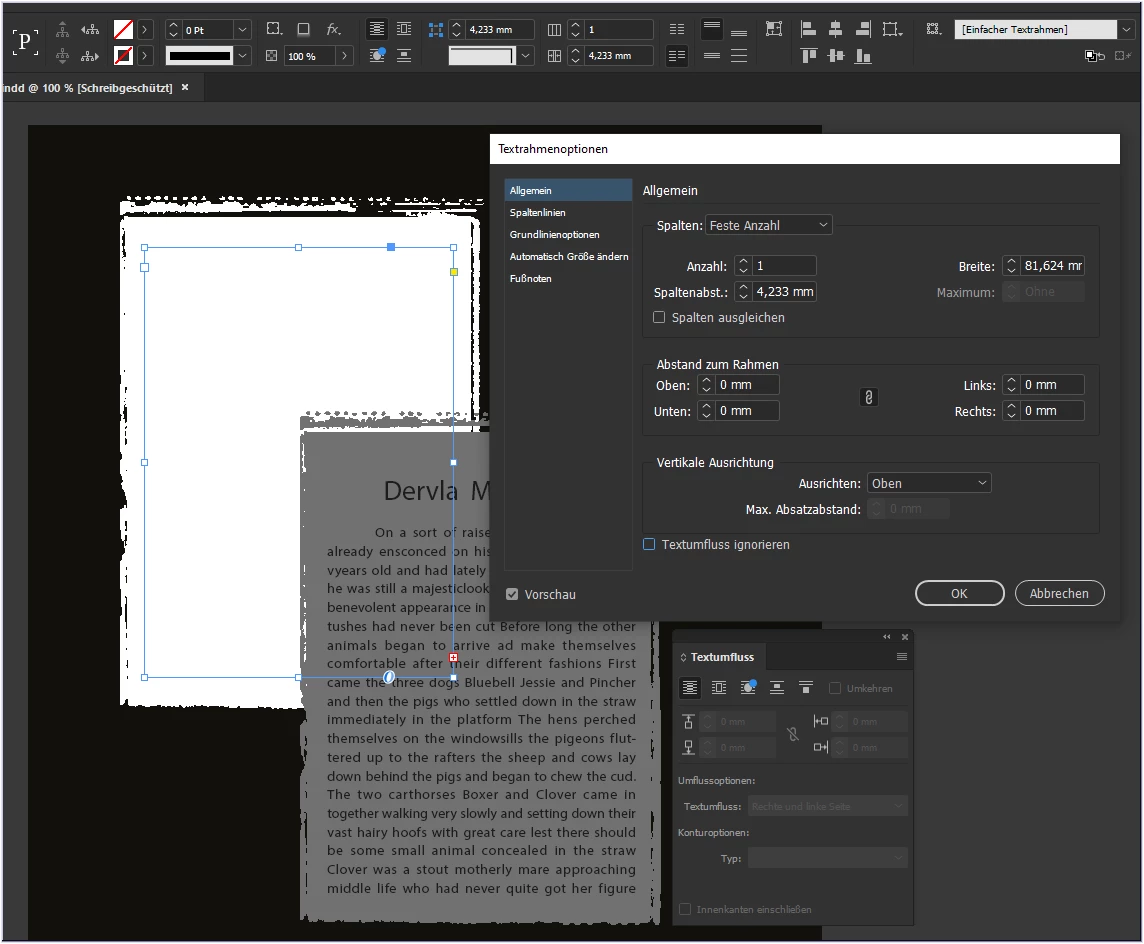
This is because of the lowest text frame that goes across the whole page. This text frame has an active text wrap.
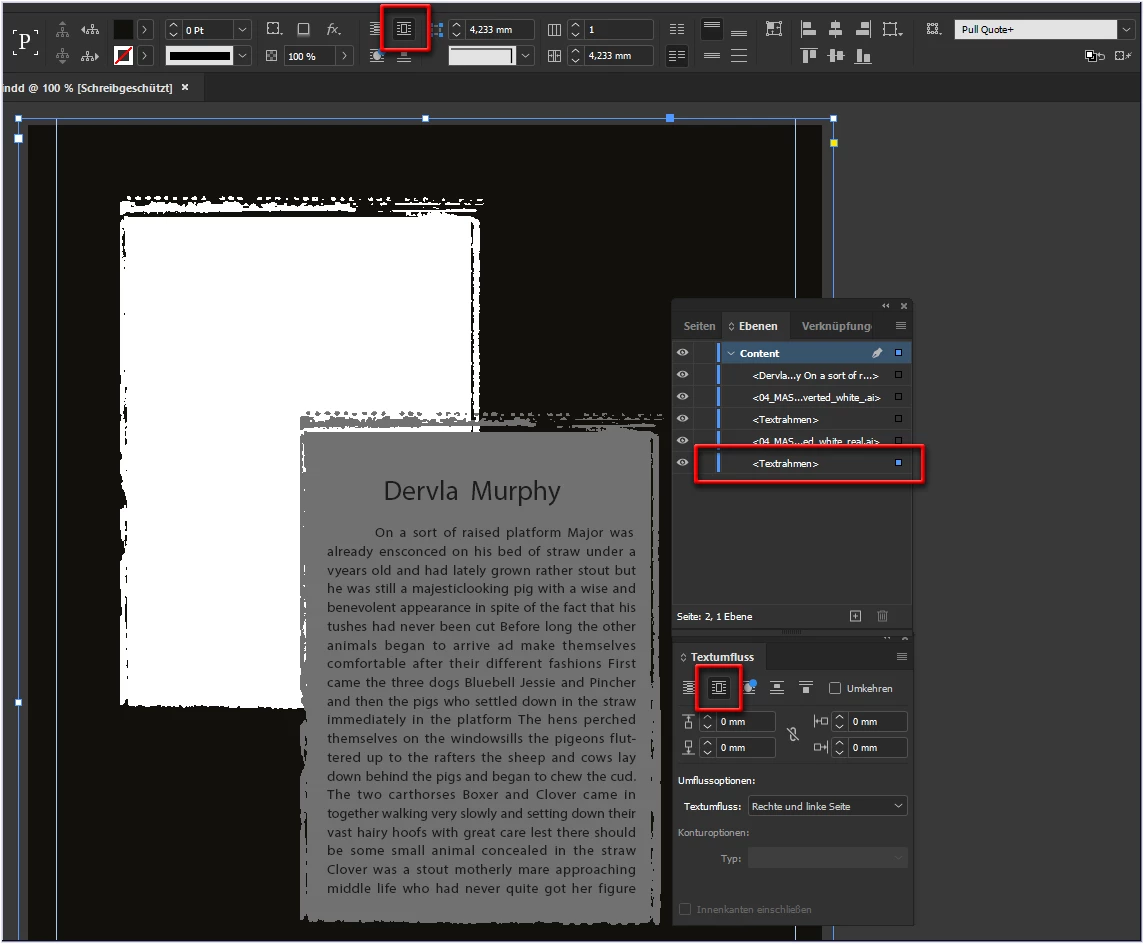
Switched off - and everything works as desired.
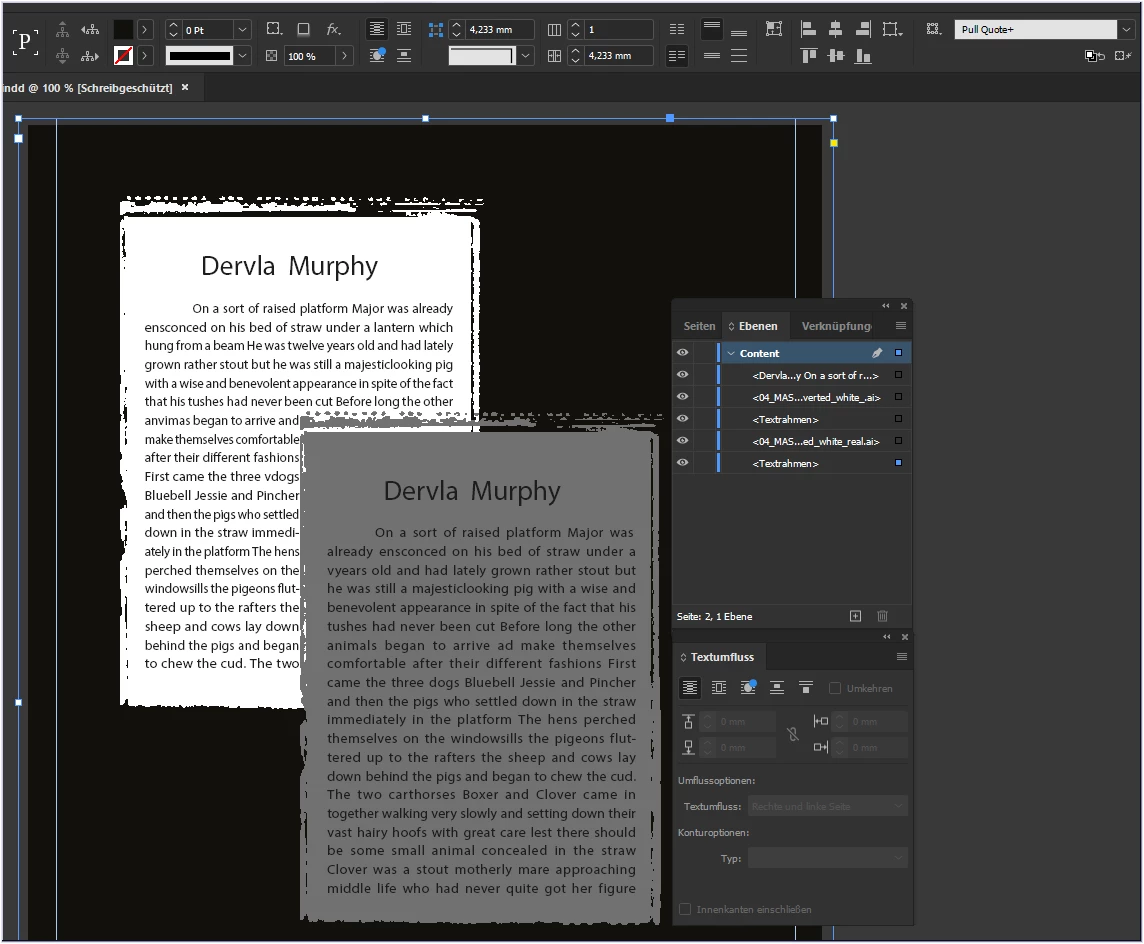
Oops.
Careful with irony: I love precision, but this is the very highest precision I have ever seen in an InDesign document - 0.001mm - wow.
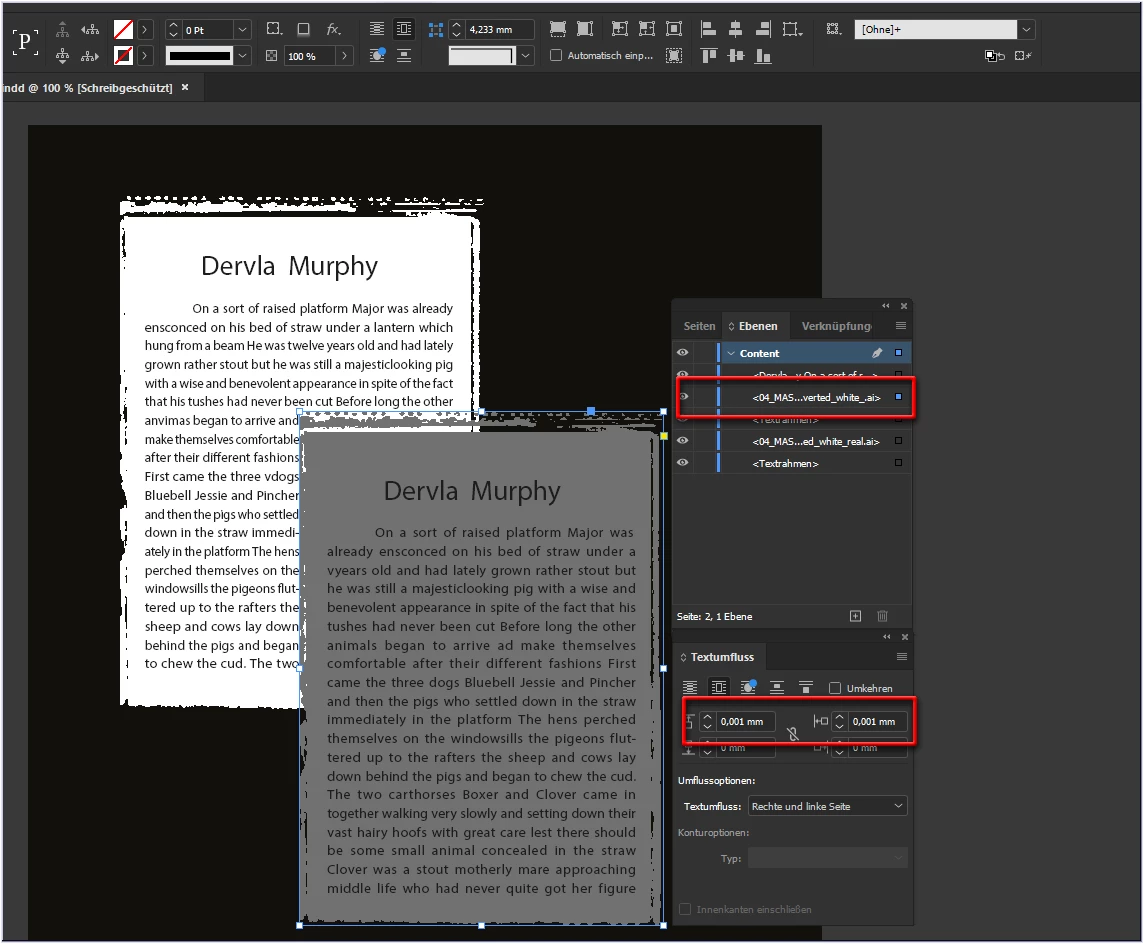
Text wrap set to plausible values gives the desired result:
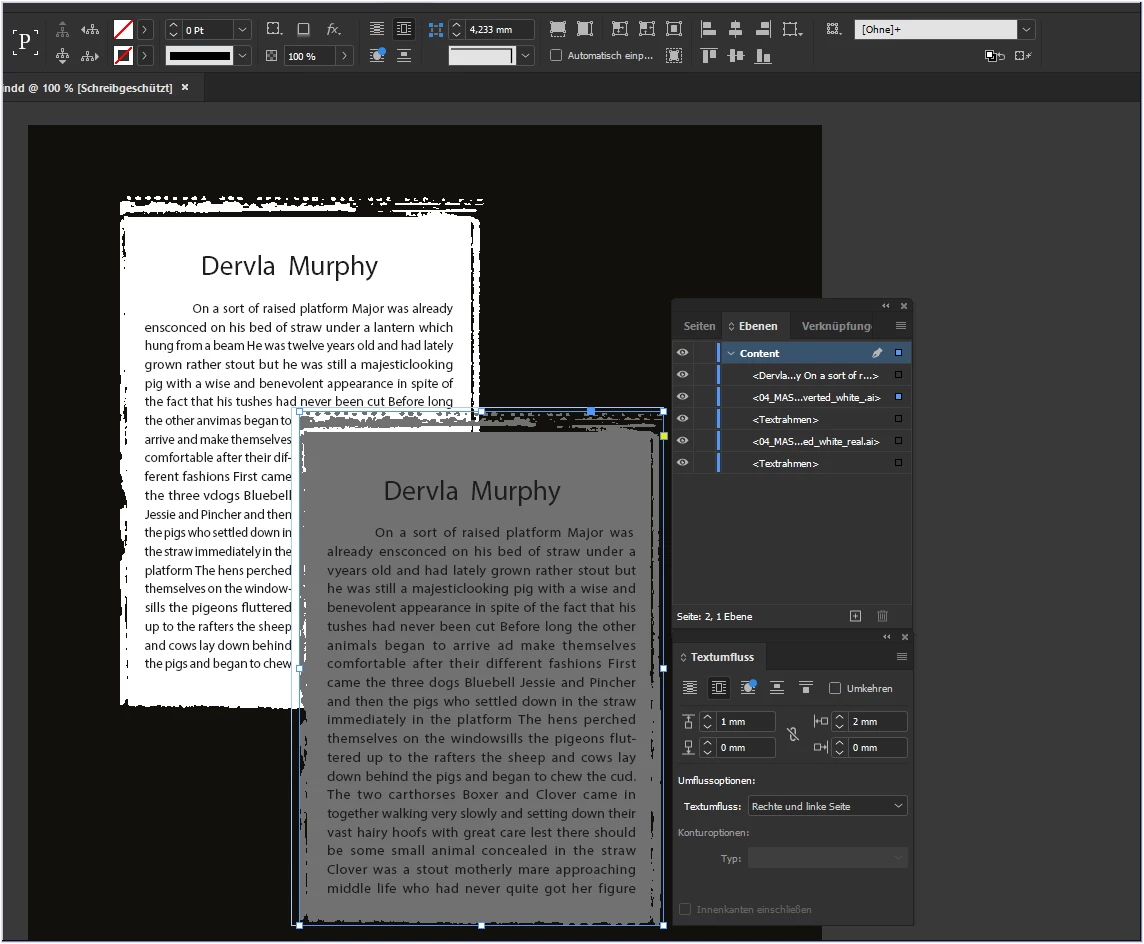
If that works for you
have fun
😉
Already have an account? Login
No account yet? Create an account
Enter your E-mail address. We'll send you an e-mail with instructions to reset your password.


 AdChoices