Answered
How I can remove a link from an image?
Hello
I did some links from images to text, for export in ePub. I saw. that it was wrong and now I want to remove them. How can I do it from the link-panell, or in a different way?

Hello
I did some links from images to text, for export in ePub. I saw. that it was wrong and now I want to remove them. How can I do it from the link-panell, or in a different way?
Thinking again about what you said, you may be mixing up "linking" with "anchoring" a picture into text. This is often necessary when you're creating a reflowable EPUB. This is called anchoring (as shown below):
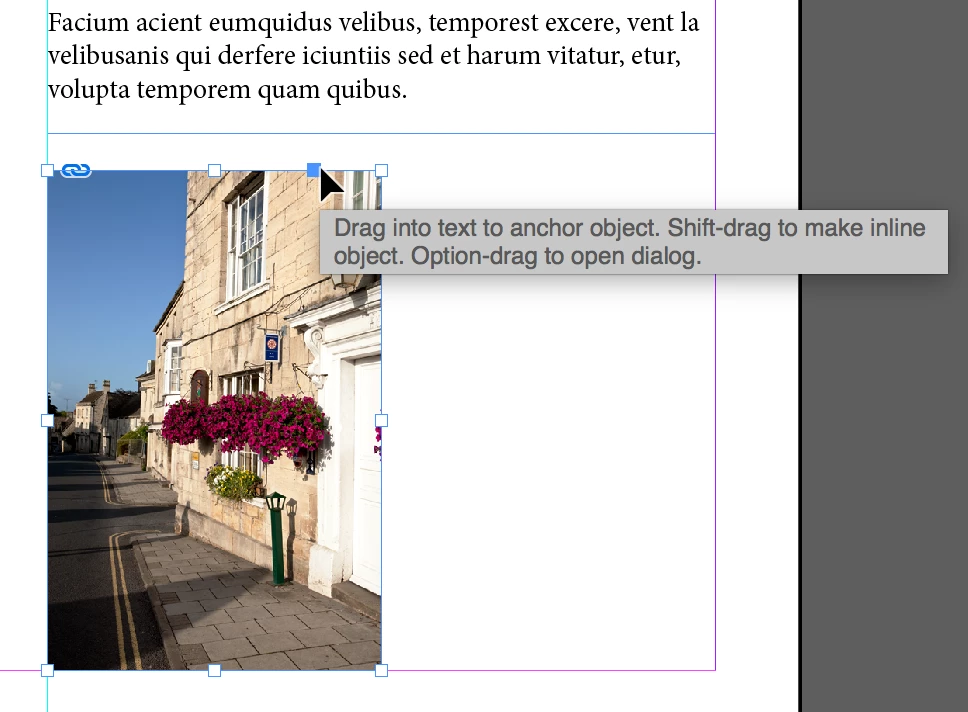
If you have have Frame Edges turned on (View > Extras > Show Frame Edges), when anchored you'll an anchor icon on the picture:
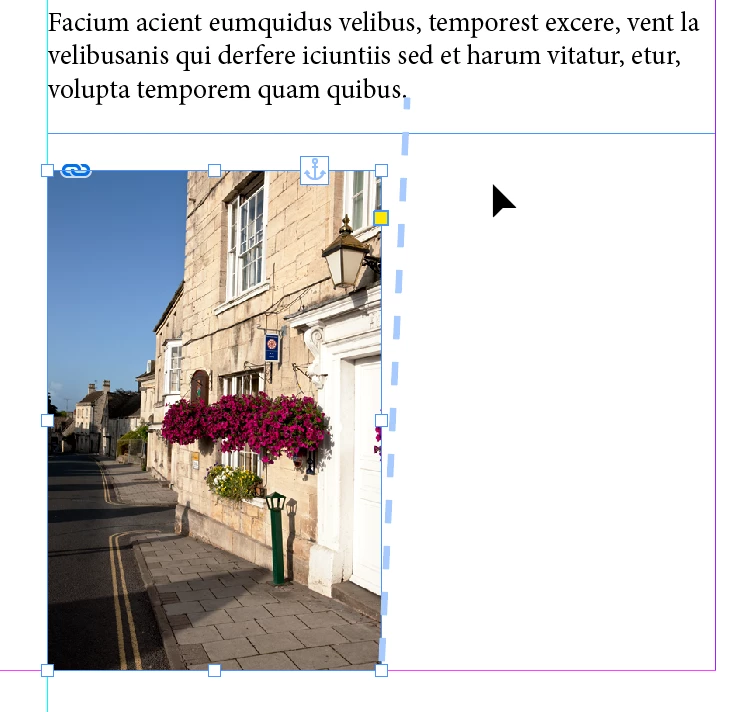
To unanchor, right-click on the picture and choose Anchor > Release.
Already have an account? Login
Enter your E-mail address. We'll send you an e-mail with instructions to reset your password.
 AdChoices