lisa_BaumTextile
Participant
March 7, 2022
Answered

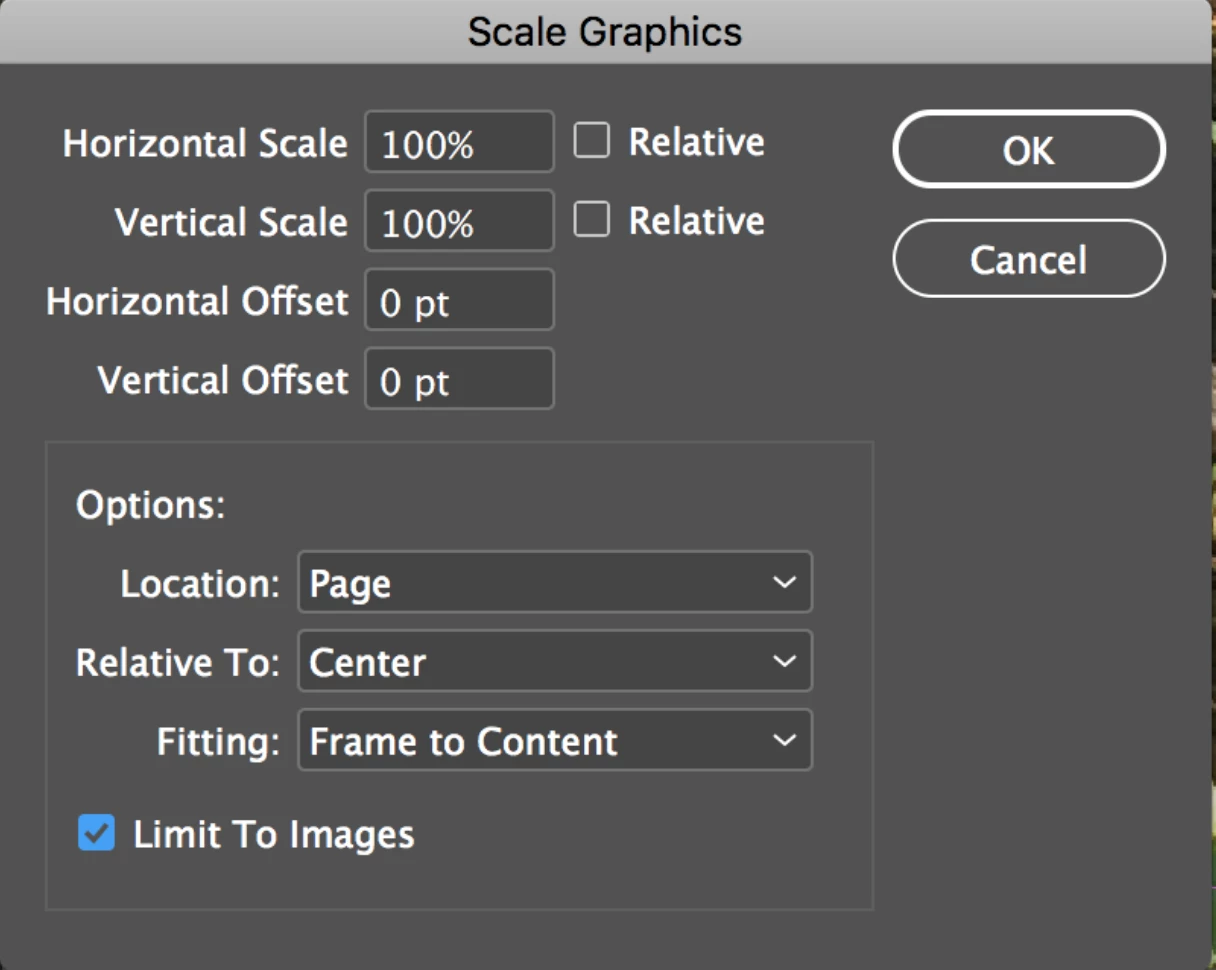
How to access the Scale Graphics Menu
  • March 7, 2022
  • 2 replies
  • 789 views

I'm looking for this menu, could someone provide the path to get to this menu?

This topic has been closed for replies.
Correct answer jmlevy

That is not a native InDesign menu. It seems that it is the Scale Graphics script, available here:

http://in-tools.com/article/scripts-blog/scale-graphics-script/

2 replies

Willi Adelberger
Community Expert
Community Expert
March 7, 2022

No need to have this. You can do EVERYTHING in the normal size and position menus and much more.


lisa_BaumTextile
Participant
March 7, 2022

I work with fabric / textiles. When I place a fabric image into a content frame, I need the images to be at 100% scale, so my mock-ups look accurate.


I need the option to change all the images within content frames to 100% scale, at the same time, with the anchor point as the center of the frame. Is there a way to do this in native InDesign, or do I need a script? Thanks!

BobLevine
Community Expert
Community Expert
March 7, 2022
This is what object styles are for.
jmlevy
Community Expert
jmlevyCommunity ExpertCorrect answer
Community Expert
March 7, 2022

That is not a native InDesign menu. It seems that it is the Scale Graphics script, available here:

http://in-tools.com/article/scripts-blog/scale-graphics-script/