
Question
How to add letters to a Heading -InDesign
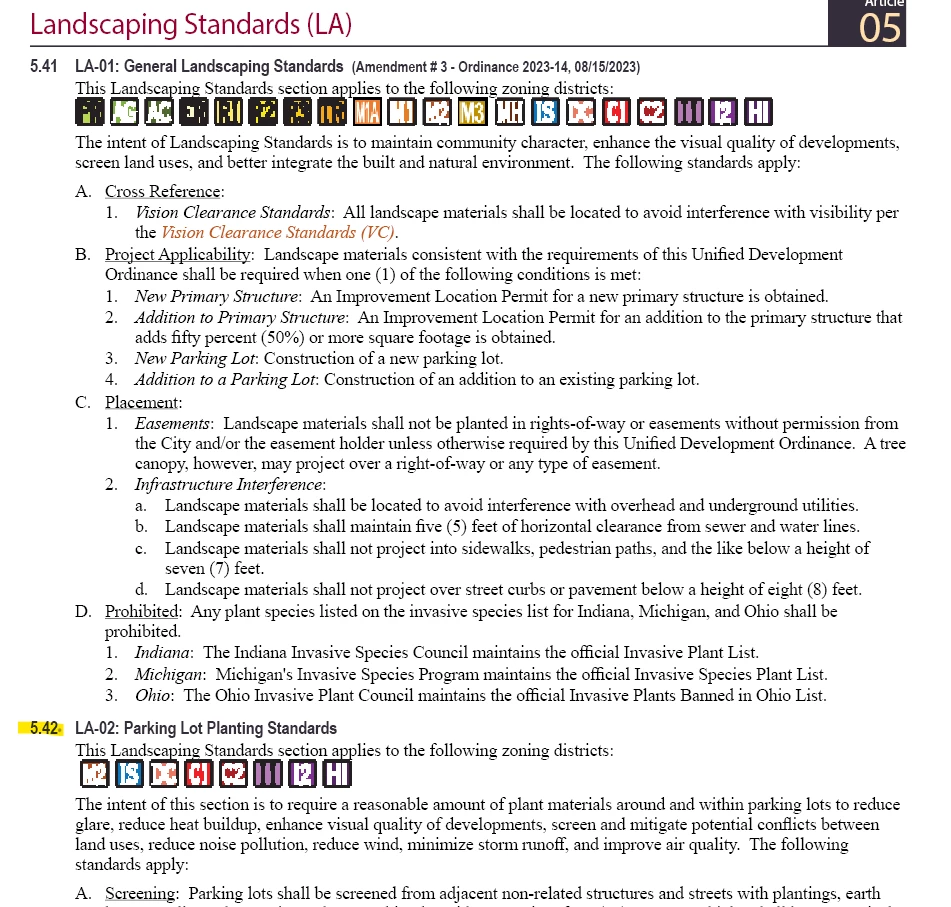
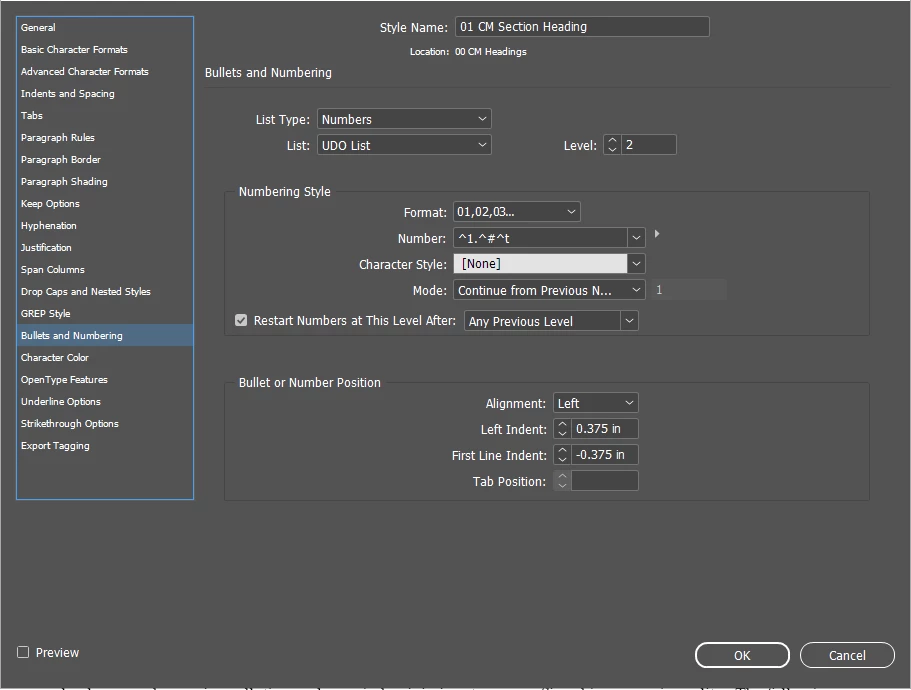
Hello! I'm wanting to update one of the headings to include a letter for a specific section of my document. I want to change 5.42 to 5.42A and then add a 5.42B. I already have the 5.43 and the subsquent paragraphs created and don't want it to automatically update to 5.42C but continue with the sequencing without the letter. I'm not sure how to do this? I've also have a snip below of the current heading info. Thank you.
 AdChoices