


Participant
September 24, 2024
Question

How to Automatically Update Hyperlinks When Moving Pages in an InDesign Book File

  • September 24, 2024
  • 2 replies
  • 668 views

This is my first time using a Book file, and I'm creating a digital planner. I have inserted text frame hyperlinks for each week and date. However, when I move a page within the same document, the hyperlinks do not update automatically. From what I understand, when moving a page to a different position, the hyperlinks should automatically update, but this is not happening with the Book file.


For example, I have already inserted a text frame link to February 1 on "January.indd" file, and the destination is set to "February.indd" and page "Feb1."
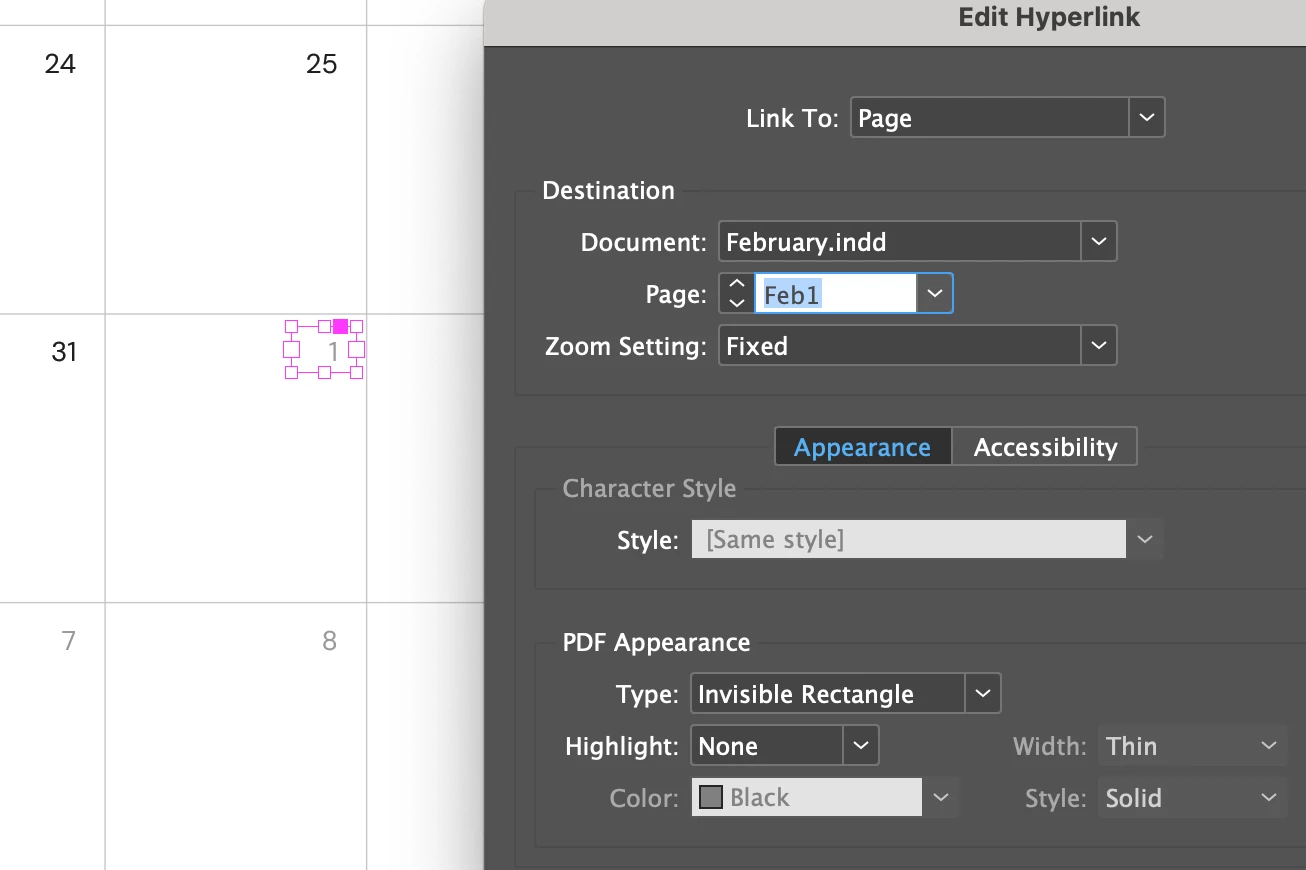
 

However, when I go to the "February.indd" file and move the "Feb1" page to the last page of the document, on the "January.indd" file, the hyperlink destination doesn't update and links to the wrong page.
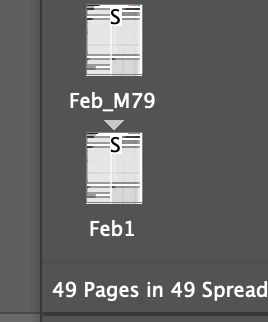
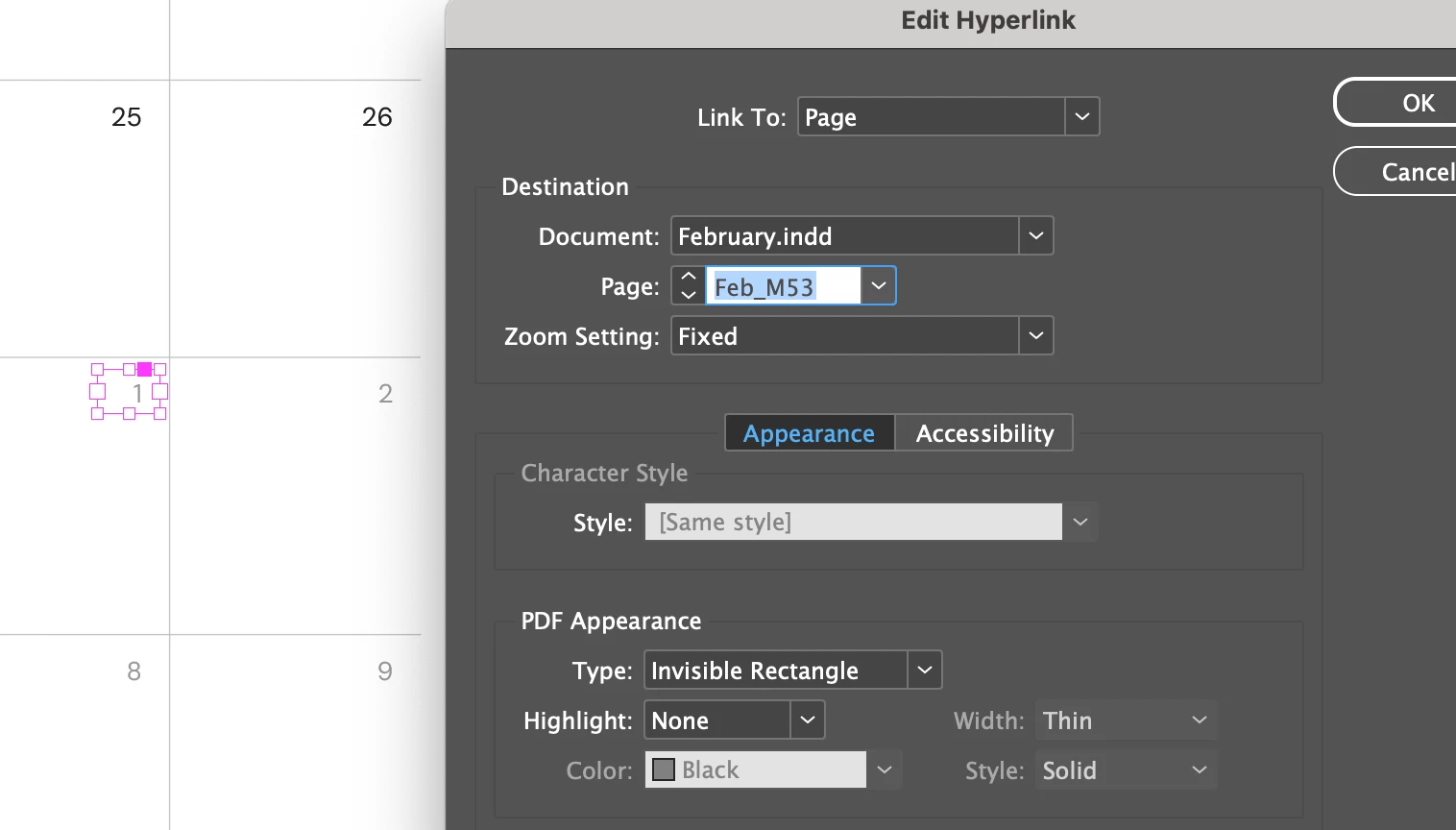


Is there any way to fix this? How can I rearrange pages within the document while keeping the hyperlinks intact?


<Title renamed by MOD>

This topic has been closed for replies.

2 replies

telred18
Inspiring
September 26, 2024

Is it essential that you use a Page as the link? I usually use Text Anchors and don't have any problems.

Robert at ID-Tasker
Legend
September 26, 2024

@Shenghsi327268048s2d


@telred18 is right - you are creating hyperlink to "any" 1st page of the February document - you need to create hyperlink to a text.


Then, when you move a page with this Text Anchor - it will get updated. 


Mike Witherell
Community Expert
Community Expert
September 26, 2024

Here are a couple of thoughts (and not necessarily solutions):

Could you work in one long document instead of separate documents?

By its very nature, things like hyperlinks and indexes and Table of Contents need to be built as the very last steps. Your pages should be settled down to final form before building these things.

It has been my experience that hyperlinks copied and pasted from one document to another get corrupted.

So, if you move pages around and especially if you move them to other documents, you will have to re-build the hyperlink.

Mike Witherell
James Gifford—NitroPress
Legend
September 26, 2024

All that, but especially "Use a Book structure only when it's necessary or greatly improves management of the project."


Using a Book because it 'seems necessary' or because you can or because you haven't fully explored document structure (with sections, for example) is usually a path to unnecessary problems and complexity. It is a layer of complexity and structure wholly on top of, and in addition to, everything complex in the component files.