
Answered
How to combine indexes continuously?
How to combine indexes continuously?
Ex: I have 3 index : "abc 1,2,3"
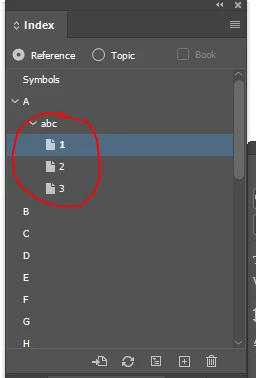
How can combine to : "abc 1-3"
Ex:
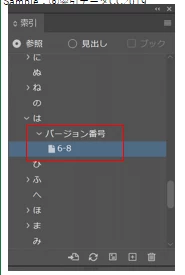

How to combine indexes continuously?
Ex: I have 3 index : "abc 1,2,3"
How can combine to : "abc 1-3"
Ex:
Two possibilities.
1. Change the page reference on p. 1 from 'current page' to 'for next n number of pages', and set the range to 3. Then remove the page references (to 'abc') on pages 2 and 3.
2. Use this script: https://creativepro.com/files/kahrel/indesign/index_update.html
Already have an account? Login
No account yet? Create an account
Enter your E-mail address. We'll send you an e-mail with instructions to reset your password.


 AdChoices