
Inspiring
April 9, 2019
Question

How to Compare a Word with Indesign User Dictionary Words?

  • April 9, 2019
  • 1 reply
  • 1327 views

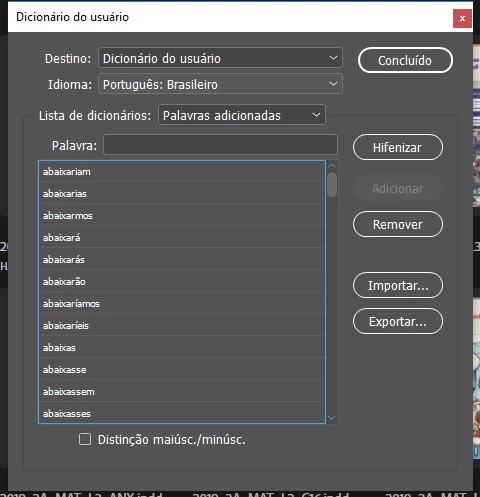
As you friends, my question is about the Indesign User Dictionary.

I wonder if there is any way through a script, to compare if a certain word already exists within the list of User Dictionary.

Thanks for the help of your friends.
This topic has been closed for replies.

1 reply

Peter Kahrel
Community Expert
Community Expert
April 9, 2019

InDesign's dictionaries have limited scripting possibilities, you'll struggle to get much useful scripting mileage out of it.

But why would you want to know whether a word is in the dictionary? If you think a word should be there, just add it: InDesign doesn't store a word twice.

Inspiring
April 9, 2019

Hi Peter, thanks for the attention my friend.

I@ have a script what return a list with every misspelled words in document, some of these words are from other languages ​​like English and Spanish, I would like to find a way to check if those words are already in the Indesign dictionary and then change the language in those words so they do not appear again in the list of misspelled words.

Peter Kahrel
Community Expert
Community Expert
April 10, 2019

I think I'm beginning to understand. You have a Portuguese text that can contain some English and/or Spanish words. The basic language is Portuguese, and those English and Portuguese words are flagged as misspelled. And you want to check whether those misspelled words exist in the English or Portuguese dictionaries and if they do, apply a character style that sets the language for those words so that they are no longer flagged as misspelled.

If that's a correct summary, then the answer is no, you don't have access to InDesign's dictionaries. User dictionary, yes: you can export it to a text file, but you want the main dictionary.

You say you have a script that returns misspelled words. I'd be interested to see that.