Inspiring
August 13, 2019
Answered

How to Create a Single Pocket Folder (was "ID question")

  • August 13, 2019
  • 6 replies
  • 2768 views

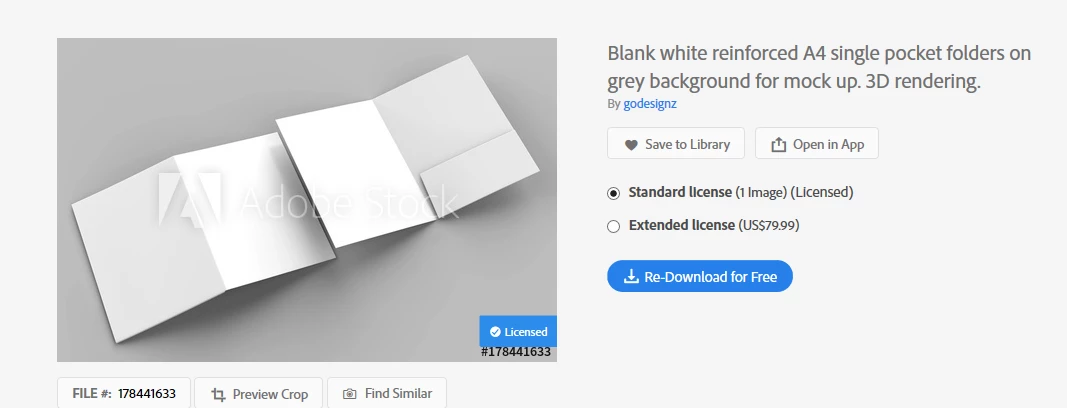
I download this image for a single pocket folder which I started to the graphics on but I'm not seeing the single sheets so I can know that I'm getting a 4 sided folder to put text and graphics in.

Below is the one I ordered.  I opened it in ID but when I do I'm getting the following.
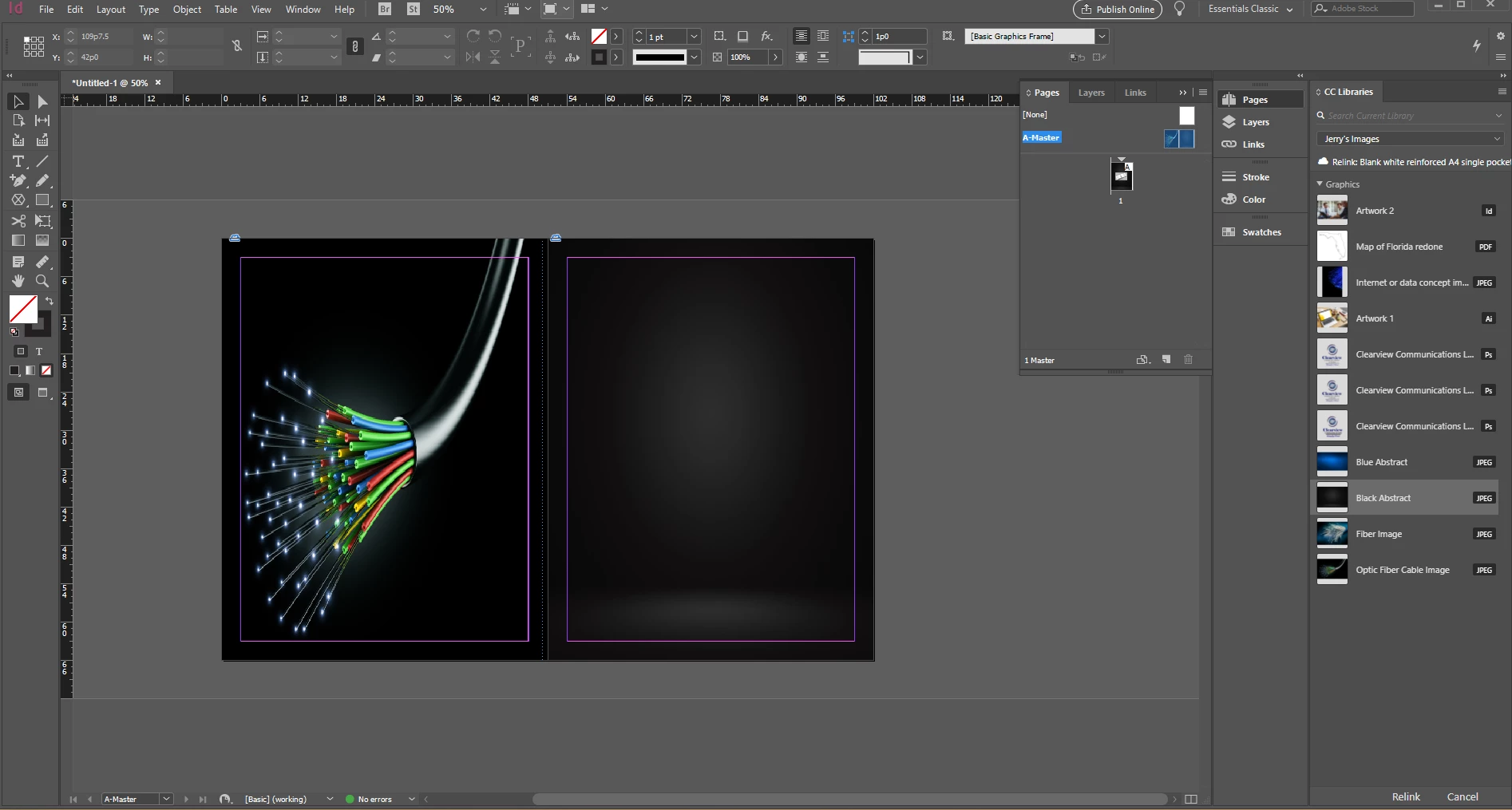
Then I see this as the Master but I don't see the section for the single pocket on the inside.
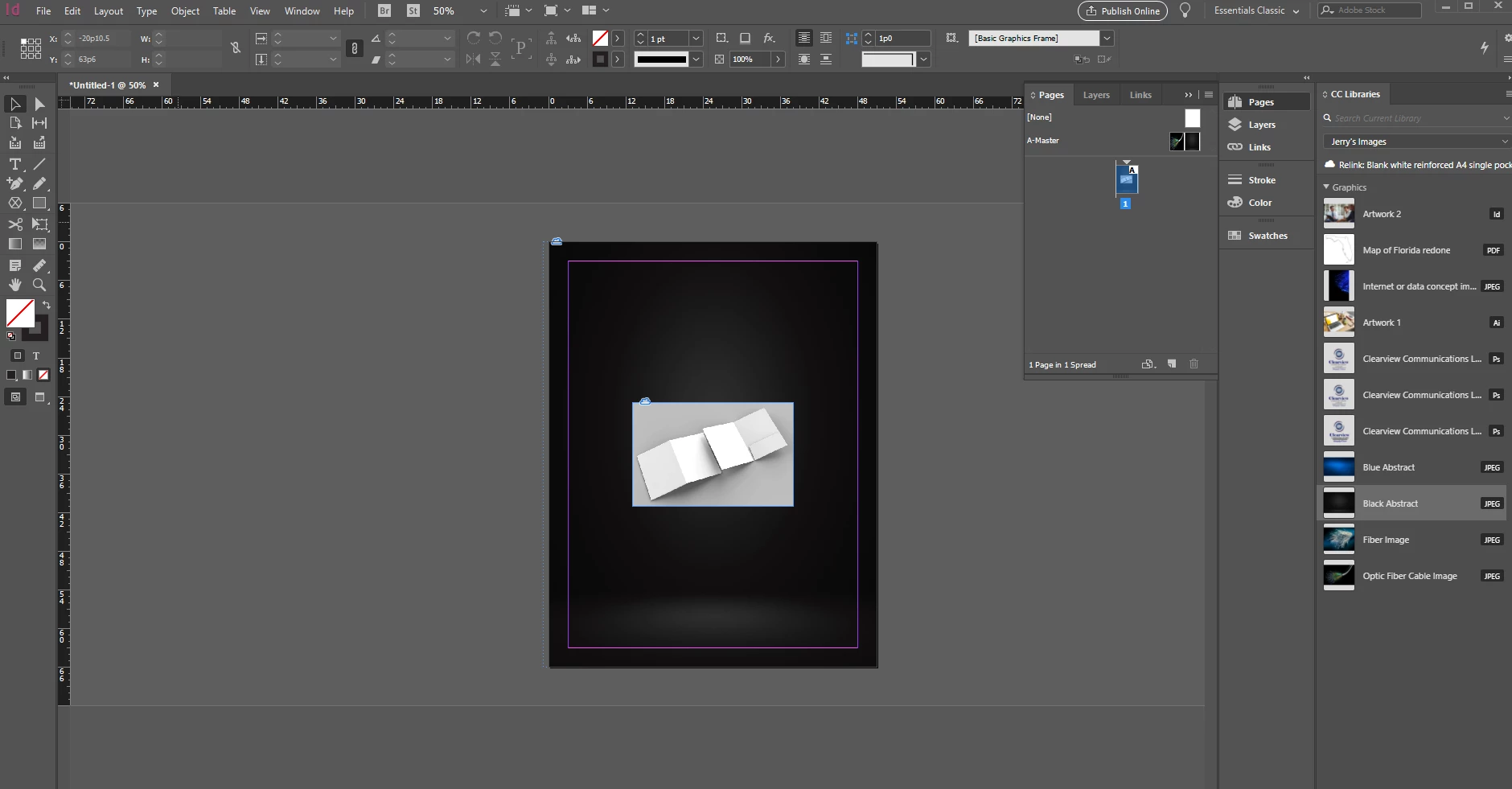
Below is the 1 page which shows the whole thing and don't know how to break them up.
Title edited by: Barb Binder

This topic has been closed for replies.
Correct answer BobLevine

Yes. Best thing to do is call the printer first.

They’ll probably already have a die for a pocket folder and can send you guides on how to set up your document along with fold and cut lines.

6 replies

jane-e
Community Expert
Community Expert
August 13, 2019

Hi Jerry,

Is this the same project that you asked about in the Photoshop forum?

Business Folders

Printing Folders

~ Jane

Barb Binder
Community Expert
Community Expert
August 13, 2019

We are always happy to help, Jerry. 

~Barb

~Barb at Rocky Mountain Training
Inspiring
August 13, 2019

Did you mean to order a rendering/drawing? Or are you looking for a template/die? If you need a template, you can most likely get one from your print provider.

https://smartpress.com/offering/pocket-folders

https://prd-site-assets-collaterate.s3.amazonaws.com/1_site/templates/Pocket_Folder_Guide.pdf

Barb Binder
Community Expert
Community Expert
August 13, 2019

Actually Jerry, I found a few templates for a single pocket folder, but they are Illustrator files. Look for the word "layout" in lieu of "mockup".

Take a look at:

~Barb

~Barb at Rocky Mountain Training
Barb Binder
Community Expert
Community Expert
August 13, 2019

Hi Jerry:

A mockup is used to show someone what the final piece will look like when printed. You might add artwork to that image to show a client what your idea is, to help them conceptualize it so that they will give you the go ahead on the project.

It sounds like you want to actually create a folder with a pocket—I briefly looked at stock.adobe.com and don't see a template for what you need. It there isn't one, then you will need to define the paper sizes for the front and back of the folder manually, and then go from there.

~Barb

~Barb at Rocky Mountain Training
Inspiring
August 13, 2019

Thank you Barb,

Basically, just create a single sheet of the art work that I'm looking for with text etc. on it then present it to the printer to make into a folder, correct?

BobLevine
Community Expert
BobLevineCommunity ExpertCorrect answer
Community Expert
August 13, 2019

Yes. Best thing to do is call the printer first.

They’ll probably already have a die for a pocket folder and can send you guides on how to set up your document along with fold and cut lines.

BobLevine
Community Expert
Community Expert
August 13, 2019

You don't. That's not a template, it's for creating a mockup.

Inspiring
August 13, 2019

How do you create a mockup?  That's one thing I've never done before.  A mockup for a folder.

BobLevine
Community Expert
Community Expert
August 13, 2019

First you create the artwork for the folder, then you can split that up and put the various pieces together in Photoshop using that.

So, the question is, what are you actually trying to accomplish here?