Participant
March 24, 2023
Answered

How to create an automatic numbering to objects

  • March 24, 2023
  • 2 replies
  • 3199 views

Hi,

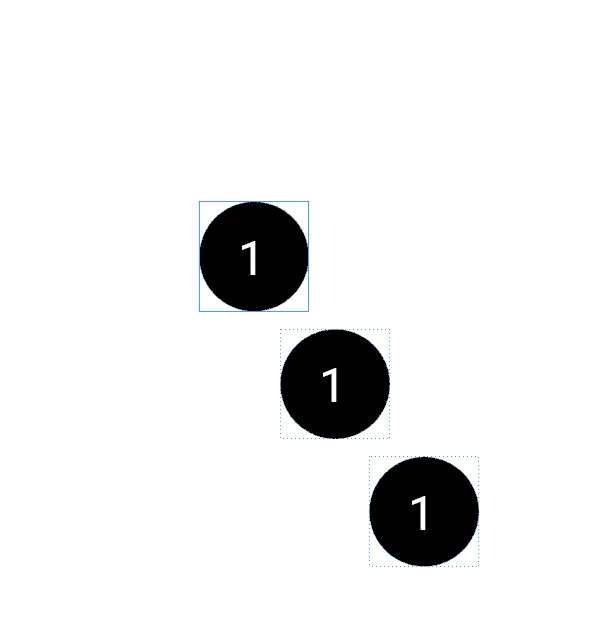
I want to make an automatic numbering to a certain shape. I know how to do this in Affinity, but not how i can achieve this in inDesign. I tried a few things with numbering, but this looks to affect only the numbering in the same textbox. When a new circle with textnumbering is duplicated, it starts at 1 again. 
 

This topic has been closed for replies.
Correct answer Steve Werner

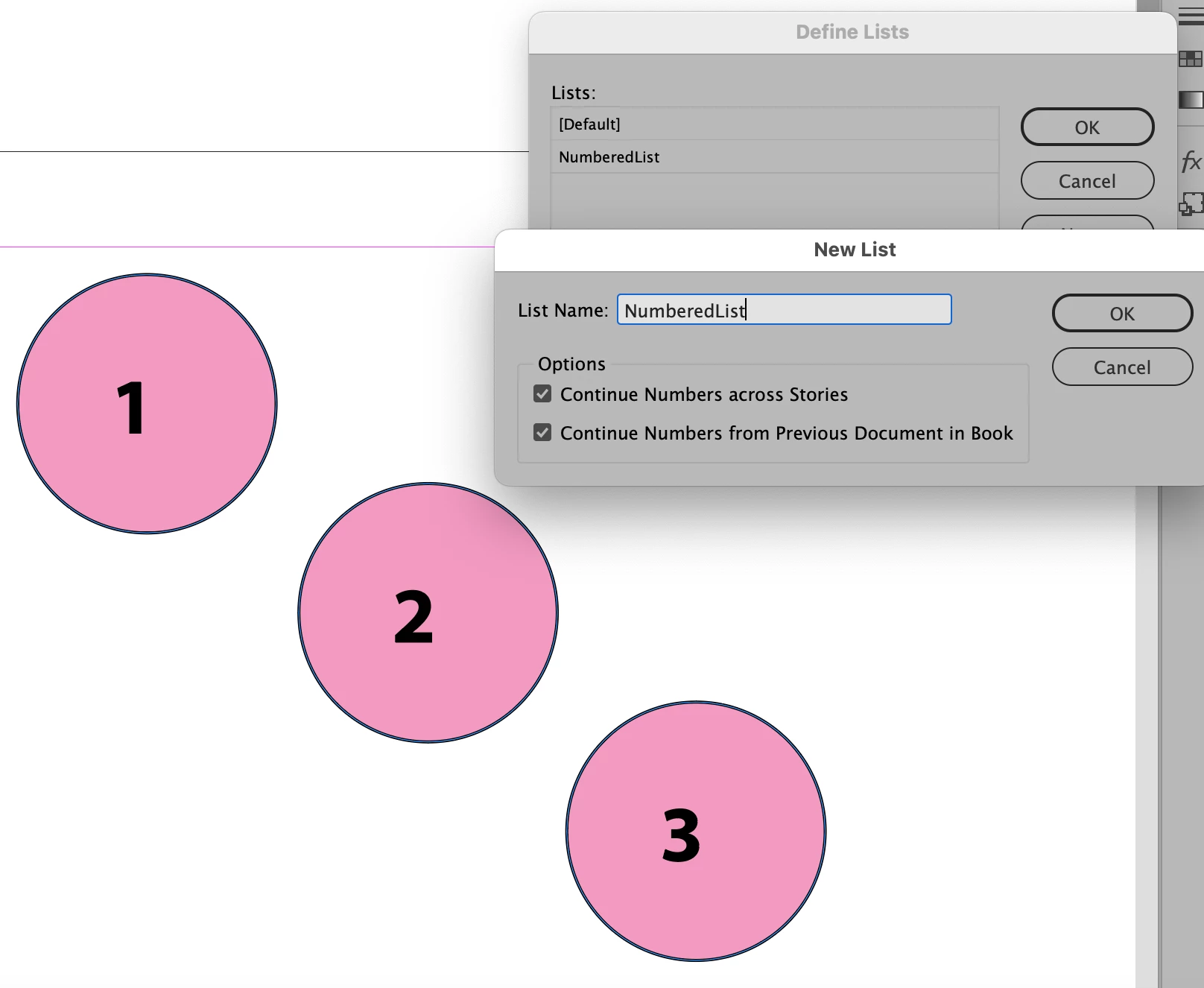
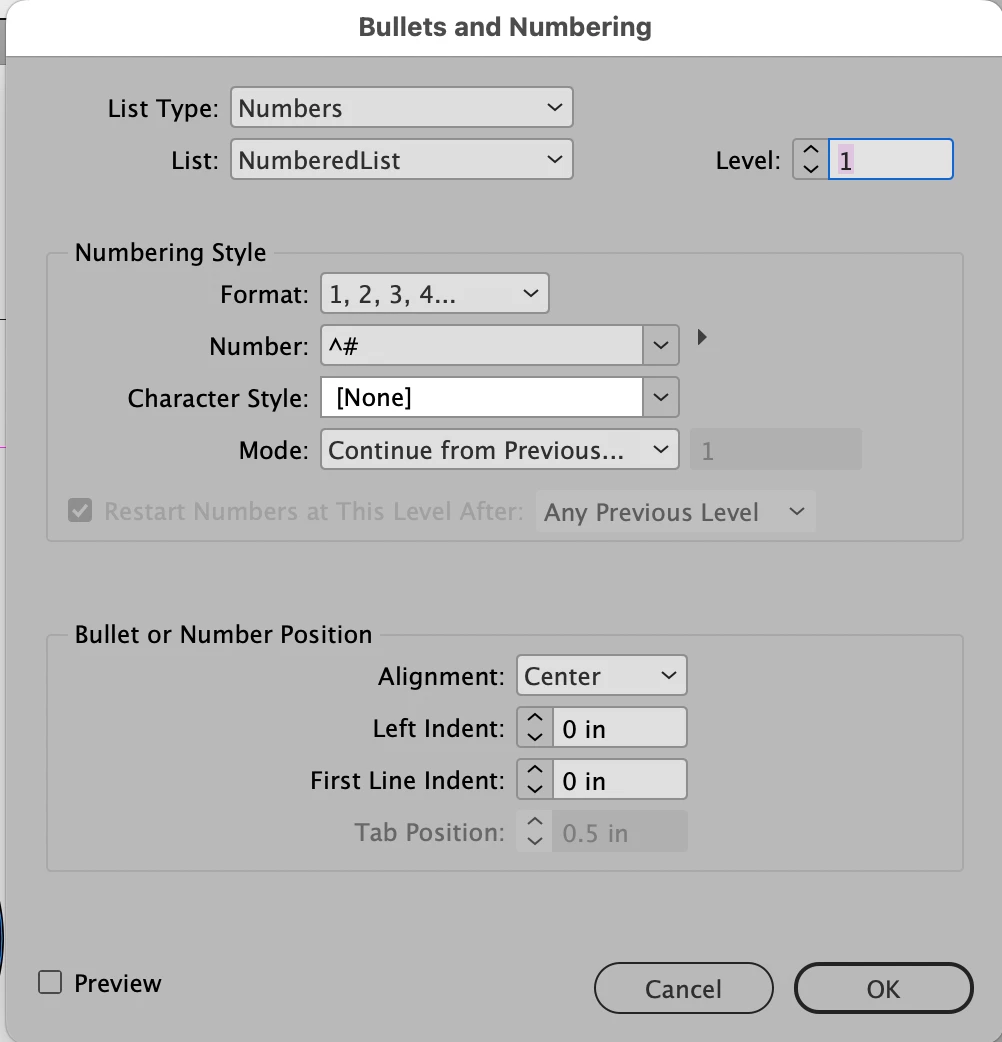
@AuroraPenticton has give you a great suggestion. I took the old reference from CreativePro.com and adapted it to the way to get what you want:


2 replies

AuroraPenticton
Inspiring
March 24, 2023

This page on creating numbered tickets should also work for you. Just scroll past the "CS2 and earlier" instructions:


https://creativepro.com/making-numbered-tickets/

Steve Werner
Community Expert
Steve WernerCommunity ExpertCorrect answer
Community Expert
March 24, 2023

@AuroraPenticton has give you a great suggestion. I took the old reference from CreativePro.com and adapted it to the way to get what you want:


ikbentheoAuthor
Participant
March 27, 2023

Thanks for your answer! I forgot to mention that I use this numbered circles in my masters. But when I use this masters in my pages, it will restart the numbering at 1 every time. 


Mike Witherell
Community Expert
Community Expert
March 24, 2023

Instead of using the default list, make a custom named List like List1

Mike Witherell
ikbentheoAuthor
Participant
March 27, 2023

Thank you for your answer!