Participant
May 13, 2020
Answered

How to create InDesign document using different page sizes

  • May 13, 2020
  • 3 replies
  • 3833 views

Hi, i'd love to be more creative on indesign, and would love to know how you can design a book/magazine with different page sizes. I've tried looking up tutorials online, but couldn't find any.

If anyone could help, i'd really appreciate it.
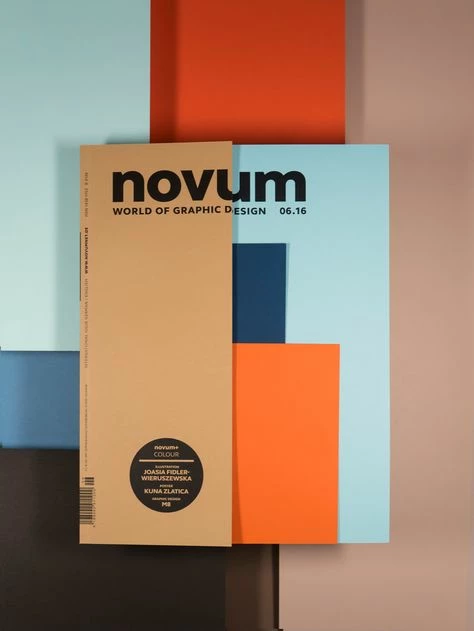
 

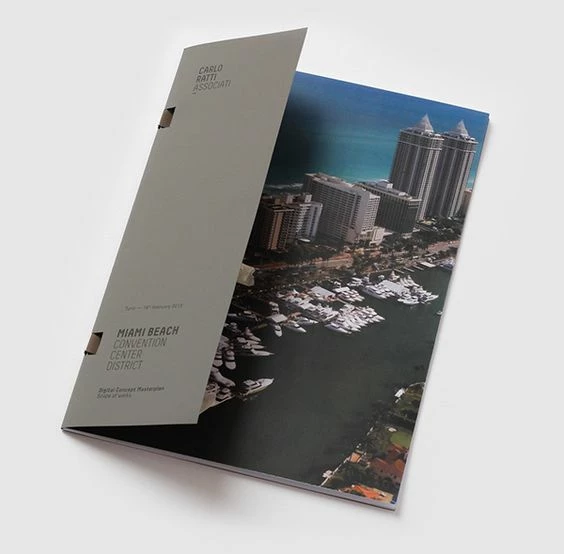
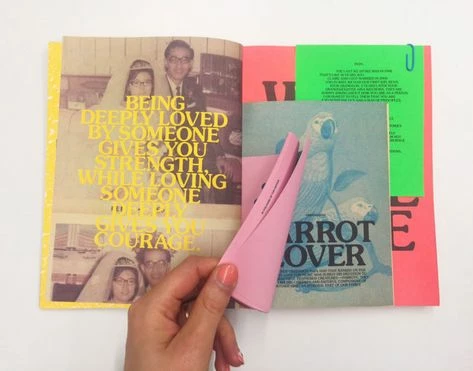
(examples found on pinterest)


{Renamed by MOD}
This topic has been closed for replies.
Correct answer Barb Binder

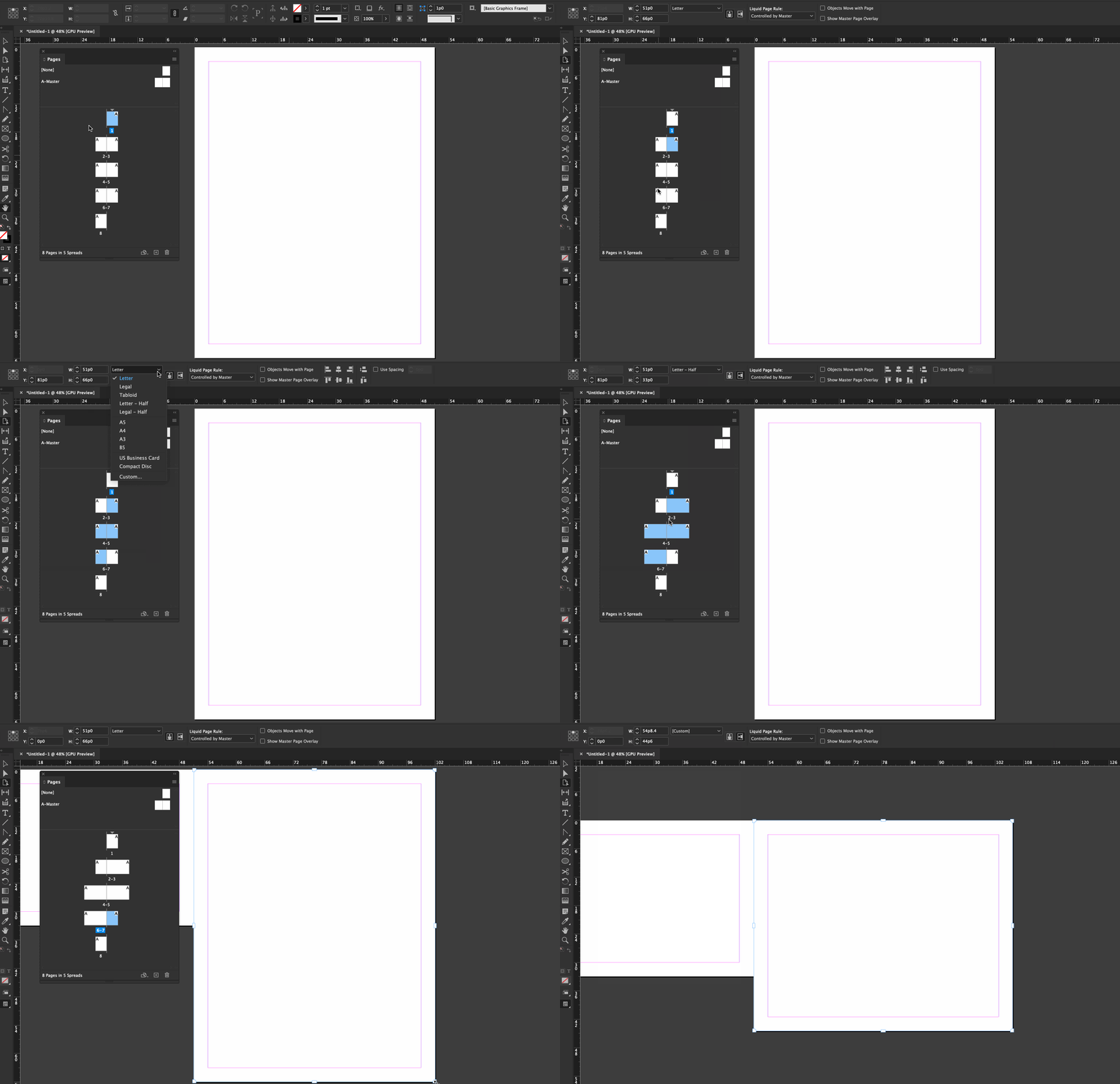
Here are two approaches, both require selecting one or more pages with the Page tool in the Pages panel (selected pages turn blue).


Option 1: Select the pages and define the specific page size using the Control Panel

Option 2: Alt/Opt drag the sizing handles to resize visually


~Barb


3 replies

Ashutosh_Mishra
Inspiring
May 13, 2020

Hi there,


Thanks for reaching out to the Adobe InDesign community. In addition to great responses given by Ian and Barb, I would request checking out this Youtube tutorial on https://www.youtube.com/watch?reload=9&v=pXWvphg6iNM
Hope it helps.


Regards,

Ashutosh

JSLEAuthor
Participant
May 13, 2020

Thank you all so much! I'll definitely check out the tutorial. 

Jongware
Community Expert
Community Expert
May 13, 2020

Make sure to coordinate this with your printer. They may not appreciate it when in the middle of a magazine, a few pages are smaller (or larger!) than others.


To be able to print, they may require all pages be the same size (of course your design can be for a much smaller page), where smaller pages are cut down later; or, the other sizes might need printing on another machine and/or paper stock.

Barb Binder
Community Expert
Barb BinderCommunity ExpertCorrect answer
Community Expert
May 13, 2020

Here are two approaches, both require selecting one or more pages with the Page tool in the Pages panel (selected pages turn blue).


Option 1: Select the pages and define the specific page size using the Control Panel

Option 2: Alt/Opt drag the sizing handles to resize visually


~Barb


~Barb at Rocky Mountain Training
Inspiring
May 13, 2020
 Use the Pages Panel

At the bottom of the Pages panel, click on the Edit Page Size button. A drop-down menu will appear with a list of pre-set sizes. Select one of these sizes and the new Master Page will change to that size.


Or

  1. Using the Page tool, select one or more master pages or layout pages that you want to resize. ...
  2. Specify settings in the Control panel to change the page size of the selected pages: