How to create one spread in a doc of single pages
I am working with a long doc of single pages. One graphic demands a spread because of size. Oddly, I have done this before and remember there was a particular, non-intuitive, technique for dragging the single pages to make the spread.
Here is the initial setup. Master page I is the format for the spread (p43 & 44 in the image).
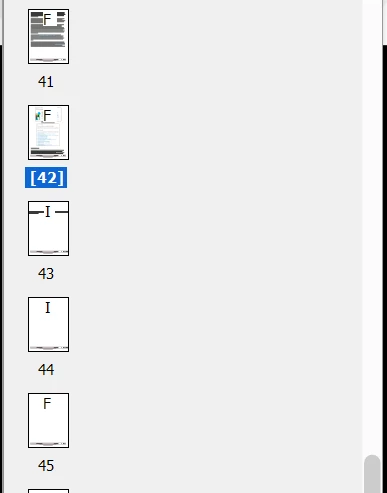
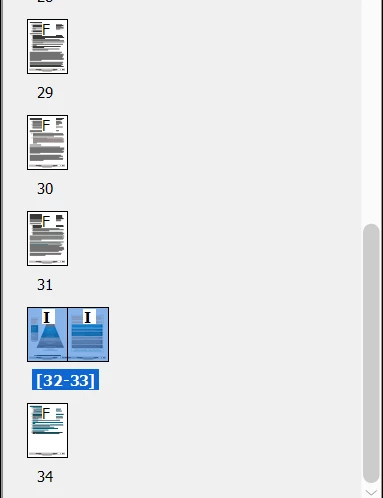
I am attempting to drag the second "I" page to the right-hand side of the first "I" page, but it will not "stick." What I want to do is creat a two-page spread, like this, done in the same template:
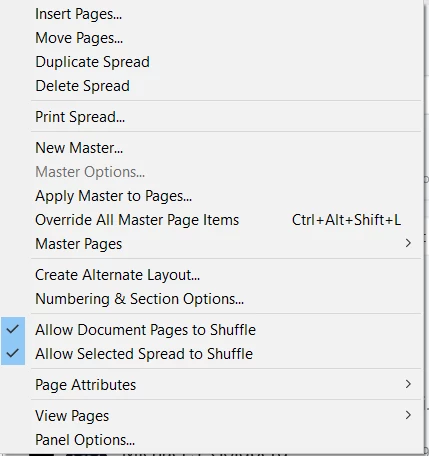
I have my Pages menu set up to allow shuffling:
I vaguely recall there was some weirdness to the technique -- dragging the second page to the number of the preceding page, but not on top of the page or next to it, or something like that (obviously, I don't recall, or I would have done it). It was tricky. I do recall that I did not have to turn the whole document into a facing-pages document. I only want the one spread in the one location.
Any how-to advice would be appreciated.
-j
 AdChoices