

OFFICER#88
Inspiring
July 26, 2016
Question

How to create the dotted line as it is in the image bellow...

  • July 26, 2016
  • 4 replies
  • 22623 views

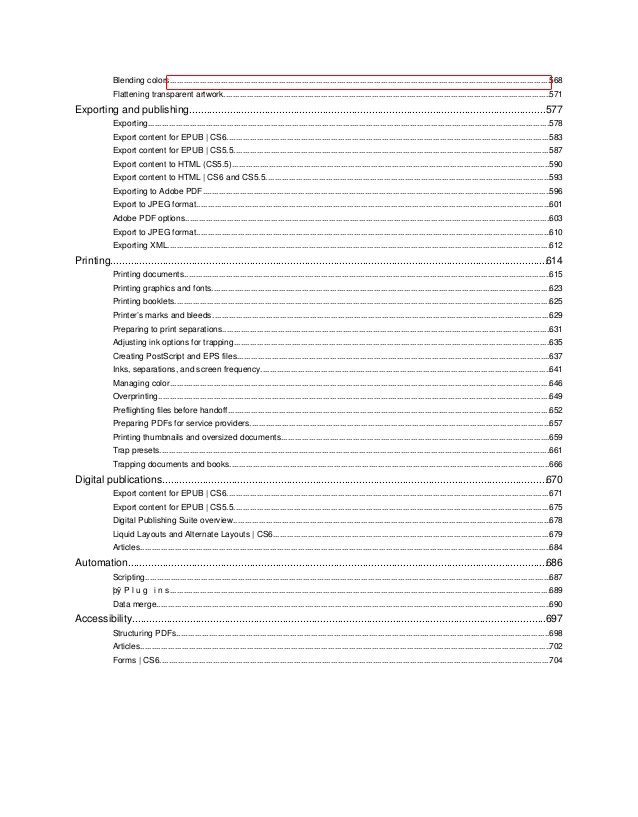
Hello Comunity, please help me someone how to reach the result as it is in the image i attached bellow. I have text box where is the text aligned to the left side and i want to fill the rest of the each rows with dotted line automaticly... I am creating the "track list" where on the right side on the end of the text box will be time.
    4 replies

    Peter Spier
    Community Expert
    Community Expert
    July 26, 2016

    The indicated leader in the screen grab looks more like underscore characters than dots used in the leader field, but here's an alternative method that I use: Define a custom underline using a dotted or dashed stroke and apply it to the tab as a character style (can be done as a nested style). An advantage to this method is it can be used easily with Right-indent tabs that keep the text aligned to the right edge even if you change the column width, regular tab leaders cannot.

    Sandee Cohen
    Legend
    July 26, 2016

    It's just as easy to apply a leader to a tab character that is before the end of the text. Then that leader will be applied to a right-aligned tab.

    Peter Spier
    Community Expert
    Community Expert
    July 26, 2016

    But that requires an extra tab, which might be a problem in some text. Plus, with the underline you have more control over simple dots or dashes than you can get using periods or underscores. I often use the Japanese dots stroke style, for example, with it's smaller dots and set a light stroke weight to make the leader less obtrusive. You could also use it to change the color of the leader if you wish.

    Underlined tabs are certainly not the only way to go -- it's a matter of personal choice -- but something to be considered if you want more control.

    Geоrge
    Legend
    July 26, 2016
    Remember, never say you can't do something in InDesign, it's always just a question of finding the right workaround to get the job done. © David Blatner
    Sandee Cohen
    Legend
    July 26, 2016

    It's called a tab leader. You create it by selecting the tab stop in the Tab panel and then entering a period in the small "leader" field.

    Let us know if you need more details and I'll spell it out.

    Geоrge
    Legend
    July 26, 2016

    Three dots than space insert to leader field in tabs panel (CTRL+SHIFT+T) and than apply to your TOC style this.

    Remember, never say you can't do something in InDesign, it's always just a question of finding the right workaround to get the job done. © David Blatner