Answered

This topic has been closed for replies.
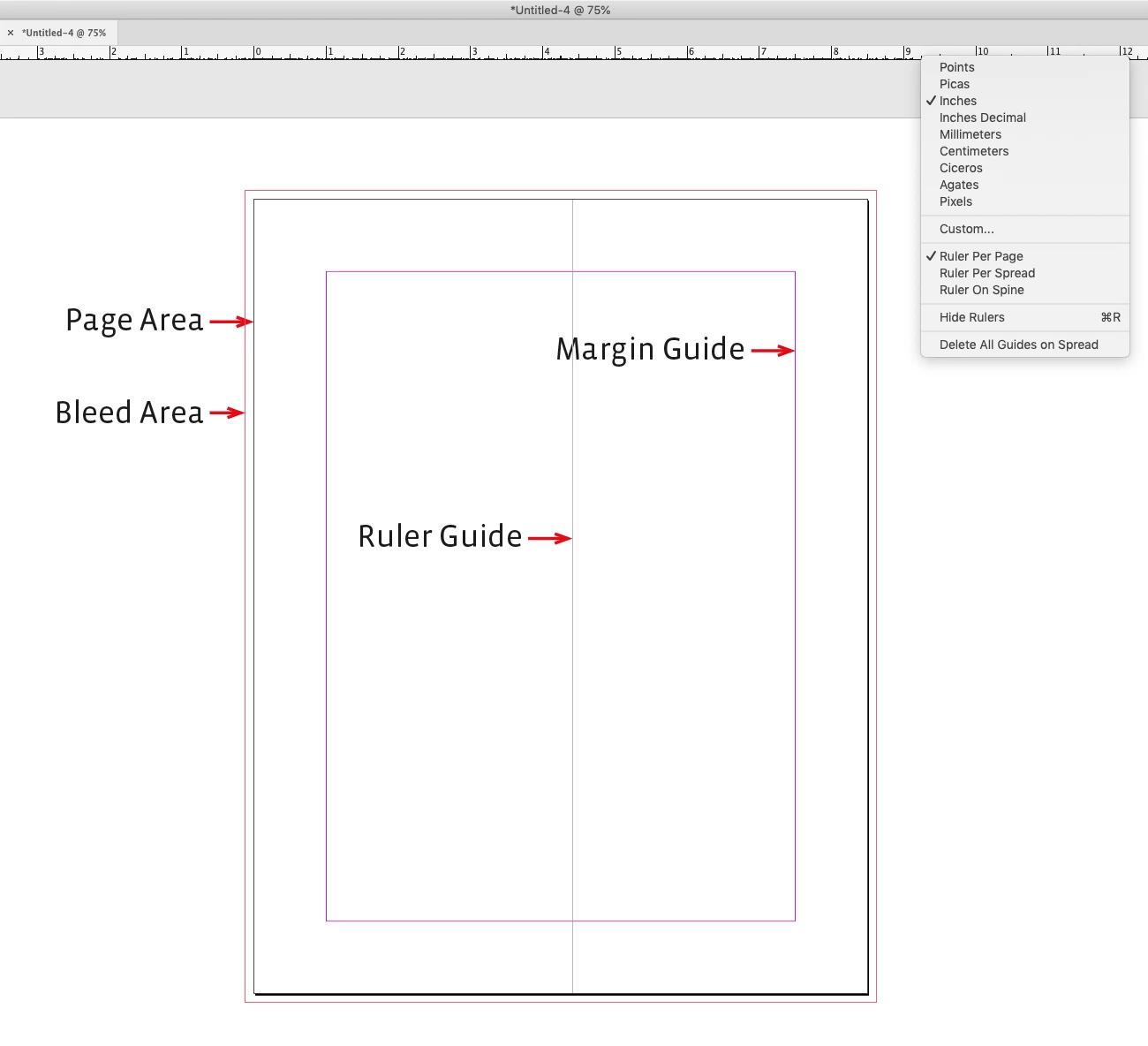
The page area is what prints, you also have the option to include a printable bleed area. Margin and ruler guides do not print or affect the print area. The document’s ruler units are set in Preferences>Units & Increments, or by control-clicking the rulers:
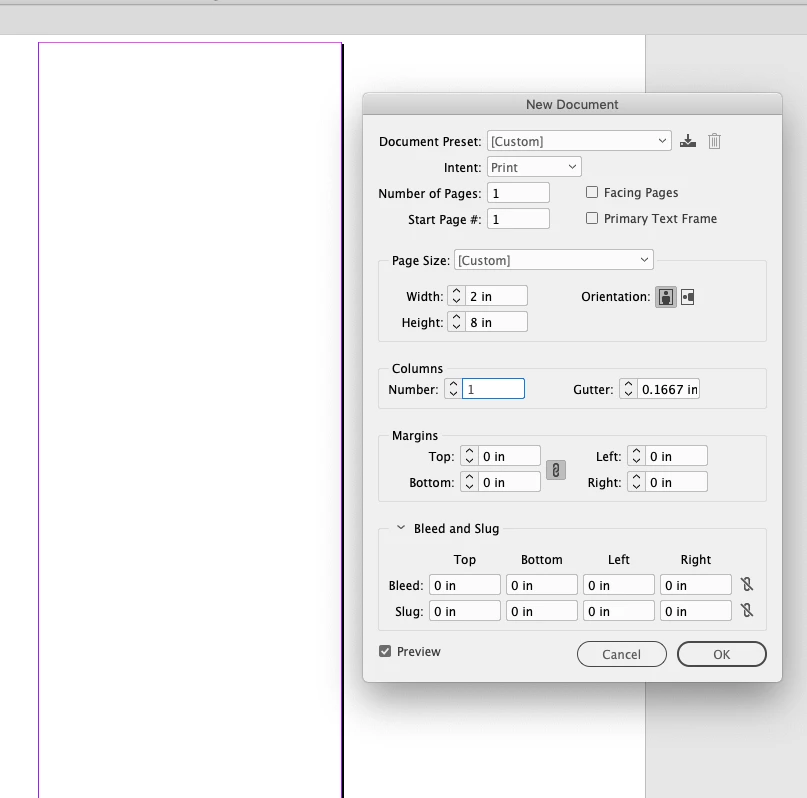
The easiest way to print part of a page would be to make a new document to the desired dimensions, place the larger InDesign page, and export or print the cropped page;
Sign up
Already have an account? Login
To post, reply, or follow discussions, please sign in with your Adobe ID.
Sign inSign in to Adobe Community
To post, reply, or follow discussions, please sign in with your Adobe ID.
Sign inEnter your E-mail address. We'll send you an e-mail with instructions to reset your password.
 AdChoices