
Participant
August 16, 2022
Answered

How to delete footer in a Template!

  • August 16, 2022
  • 1 reply
  • 300 views

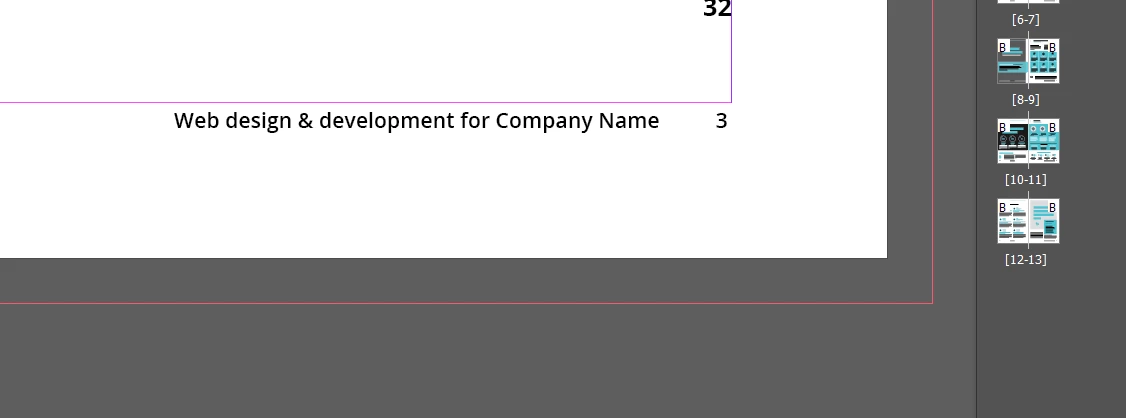
I am using a template to make an annual report. I cannot seem to get the footer to be editable. Below is a screen shot. I want to edit the text next to the page number. I have tried everything and I cannot click on it, delete, or edit. Please help!
 

This topic has been closed for replies.
Correct answer Laubender

Hi @Visit Yuma ,

it's very likely that you'll find the text frame for the footer on parent page B.


Regards,
Uwe Laubender
( Adobe Community Professional )

1 reply

LaubenderCommunity ExpertCorrect answer
Community Expert
August 16, 2022

Hi @Visit Yuma ,

it's very likely that you'll find the text frame for the footer on parent page B.


Regards,
Uwe Laubender
( Adobe Community Professional )