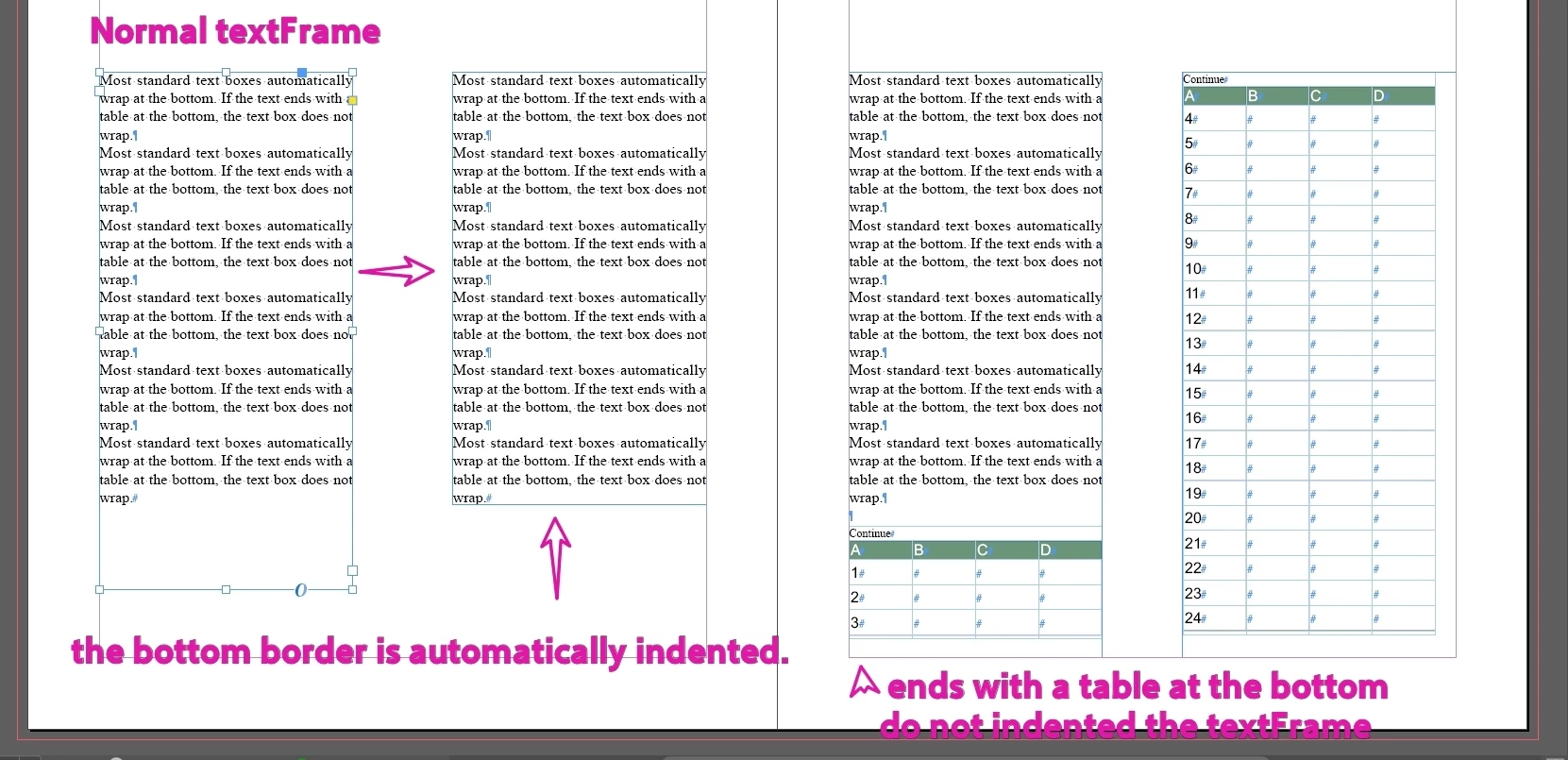
Hi @dublove, here is a little function that attempts what you ask. See what you think. If it works, just put the function in your code, not the whole script.
— Mark
/**
 * @file Text Frame Safe To Adjust.js
 *
 * Demo of first attempt at `isSafeToAdjustTextFrameHeight` function
 * Might need more work to handle different situations.
 *
 * @author m1b
 * @version 2026-04-11
 * @discussion https://community.adobe.com/questions-671/how-to-determine-if-the-bottom-of-a-text-frame-is-a-table-rather-than-plain-text-1557176
 */
(function () {

    var doc = app.activeDocument;
    var items = doc.selection;
    var goodTextFrames = [];

    for (var i = 0; i < items.length; i++) {

        if (isSafeToAdjustTextFrameHeight(items[i]))
            goodTextFrames.push(items[i]);

    }

    alert('' + goodTextFrames.length + ' are safe to adjust.');

    /**
     * Returns true, when the text frame is deemed okay to adjust.
     * @param {TextFrame} tf - the text frame to analyze.
     * @returns {Boolean}
     */
    function isSafeToAdjustTextFrameHeight(tf) {
        return (
            // we only want text frames
            TextFrame === tf.constructor
            // if the textframe has no characters, it might be filled with a table's rows
            && tf.characters.lastItem().isValid
            // u0016 is a table
            && '\u0016' !== tf.characters.lastItem().contents
        );
    };

})();
So here is how you could test it. First select all the text frames on your example spread and run it. But to actually fit the frames, use it something like this:
var doc = app.activeDocument;
var items = doc.selection;

for (var i = 0; i < items.length; i++) {

    if (isSafeToAdjustTextFrameHeight(items[i]))
        items[i].fit(FitOptions.FRAME_TO_CONTENT);

}





 AdChoices