dublove
Legend
December 18, 2025
Answered

How to determine if the current selection is an object? Not just the cursor being inside a text box.

  • December 18, 2025
  • 2 replies
  • 403 views

I need to identify the current cursor state:
case A: Object selected (including: text frames, images, geometric shapes).
case B: Cursor inside a text box (including: within text, within a table).
Currently, I'm using `items.length >= 1` to determine this.
Like this:

var doc = app.activeDocument;
var item = doc.selection[0];
var items = doc.selection;
if (items.length >= 1) {
alert(items.length);
}

But this feels unscientific.
I suspect `items.length` also equals 1 when the cursor is in a text box.
Does this mean I need to exclude text boxes too:

(! item.hasOwnProperty(‘parentTextFrames’) && “Table” != item.parent.parent.constructor.name)

This gets complicated and feels unscientific.

Translated with DeepL.com (free version)

Correct answer rob day

Hi @rob day .

Thank you,

That's exactly what I mean.
Can `hasOwnProperty` be applied to tables?
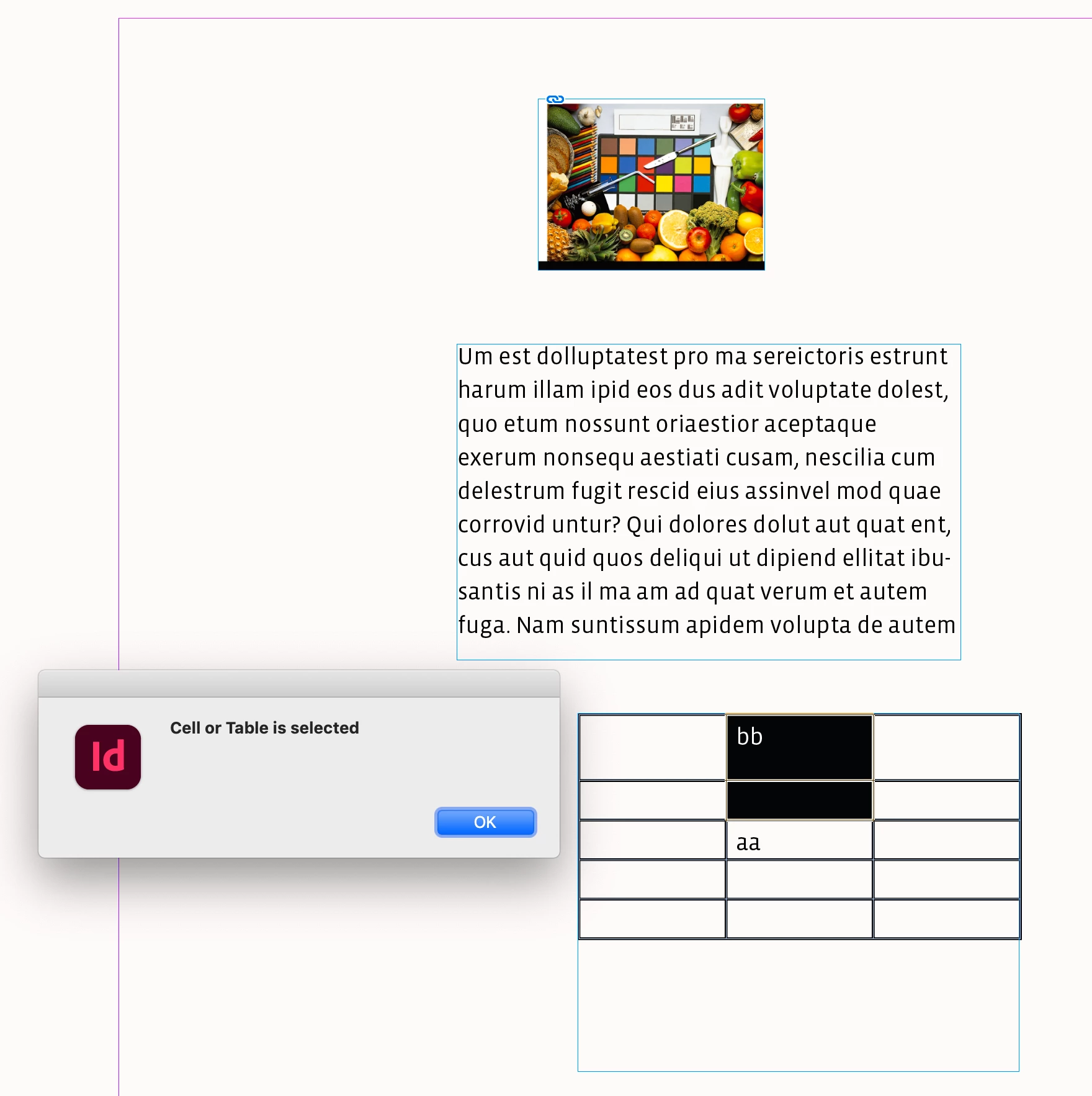
Because I also need to exclude cases where I select the entire table or individual cells.

dublove_0-1766075787251.jpegdublove_1-1766075800596.jpeg


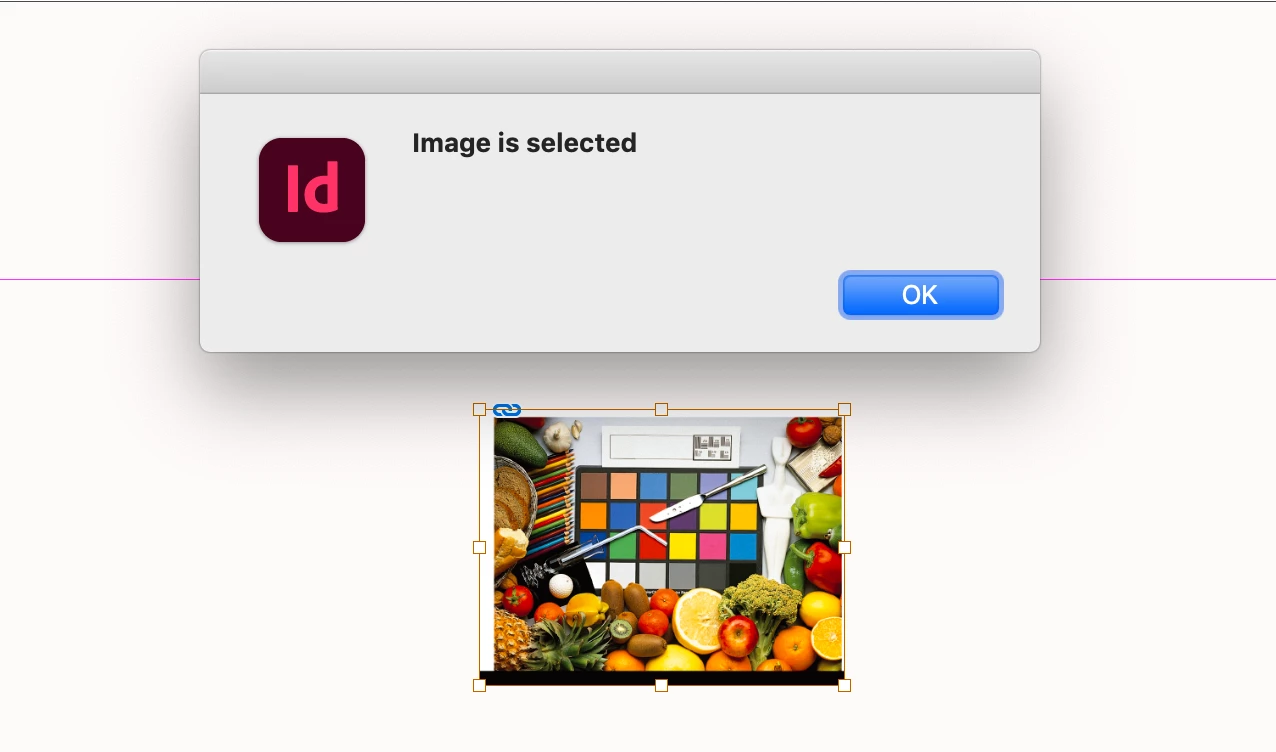
Also, do images have an `Image` property?


You can test the selection—a selection is an array of items. The length of a text selection is always 1:


var doc = app.activeDocument;
var items = app.activeDocument.selection;

if (items.length == 0) {
    //checks for nothing selected
	alert("No Selection")
} else if (items.length > 1){
    //checks for a selection with multiple items
    alert("Multiple items selected")
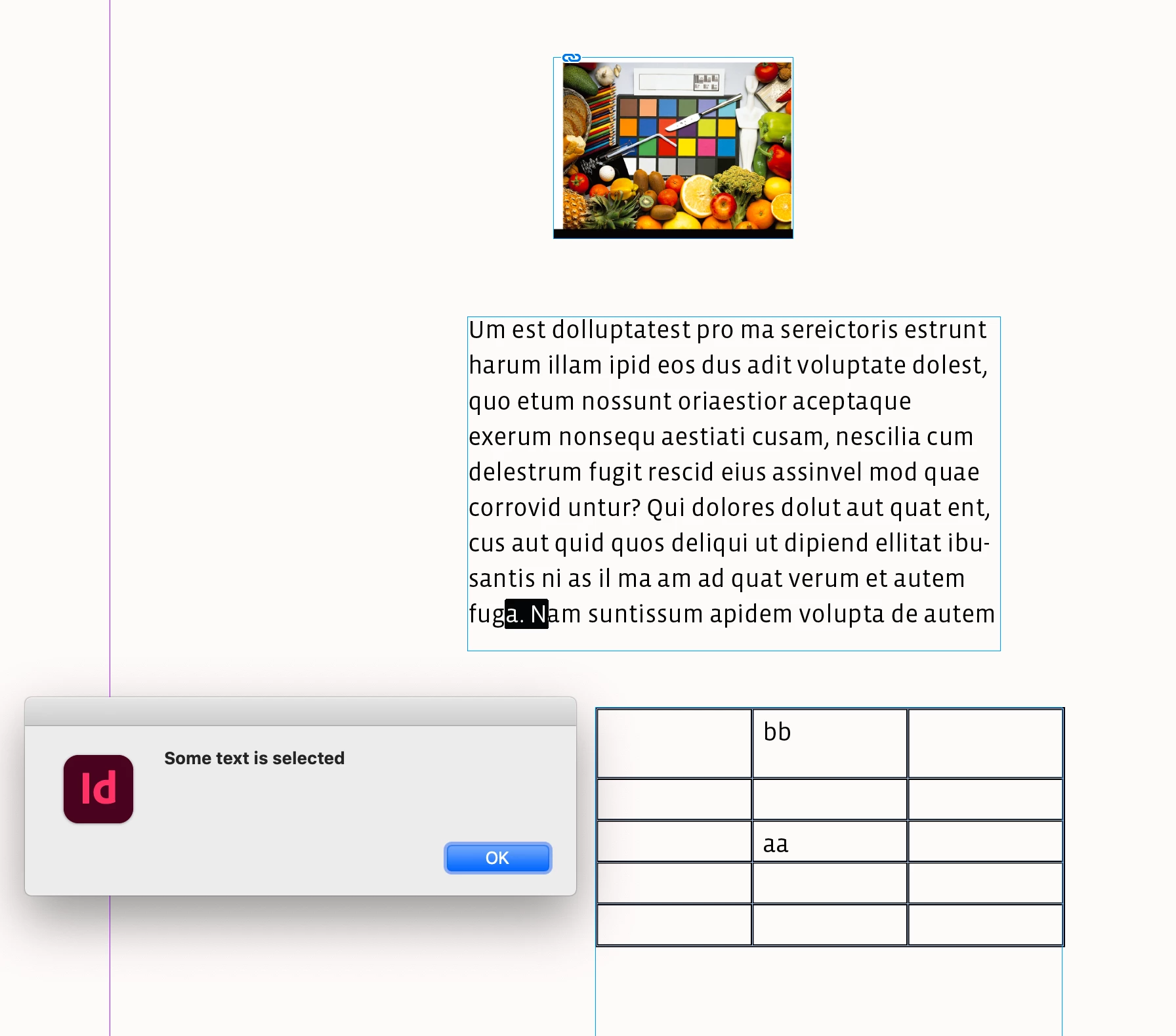
} else if (items.length == 1 && items[0].hasOwnProperty("appliedFont")){
    //checks for a text selection
    alert("Some text is selected")
} else if (items.length == 1 && items[0].constructor.name == "Cell" || items[0].constructor.name == "Table"){
    //checks for a selected table or cell
    alert("Cell or Table is selected")
} else {
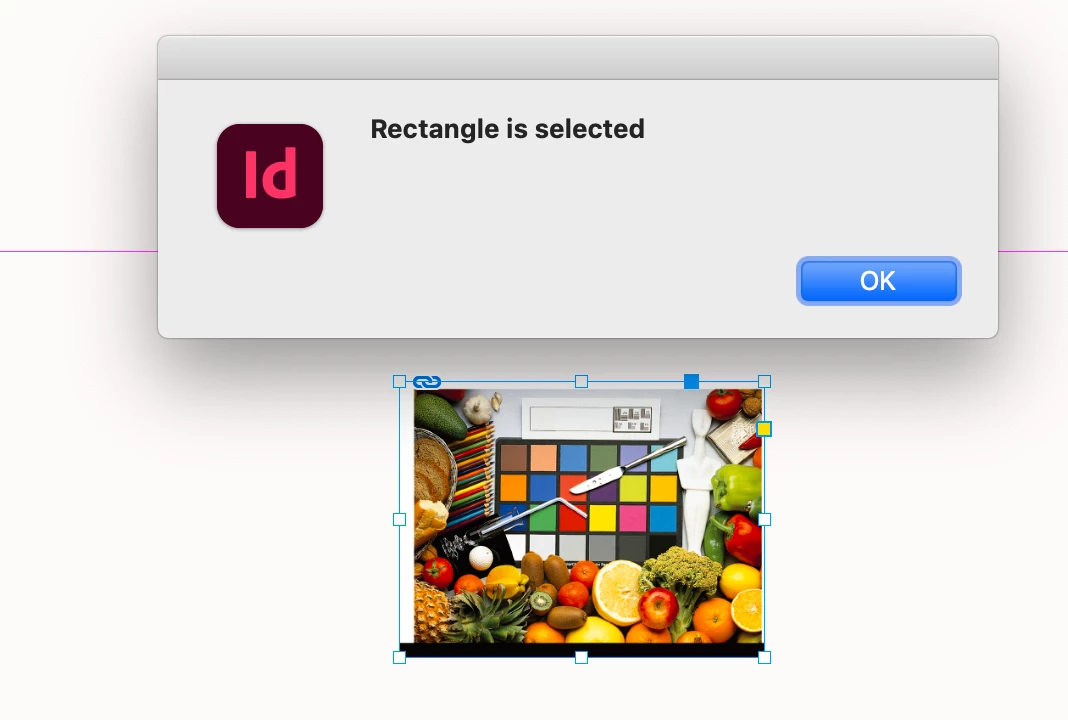
    alert(items[0].constructor.name + " is selected" )
}


Screen Shot 29.png


Screen Shot 30.png


Screen Shot 31.png


Screen Shot 32.png


2 replies

rob day
Community Expert
Community Expert
December 18, 2025

Hi @dublove , Not sure if this helps, but if the selection is text, items length would always return 1:


var items = app.activeDocument.selection;
alert("Selection lenght = " + items.length)


Screen Shot 24.pngScreen Shot 25.png


2 Text frames selected:


Screen Shot 23.png

dublove
dubloveAuthor
Legend
December 18, 2025

@rob day @Manan Joshi 

I want to use simple code to distinguish between two states:
whether an object is selected or the cursor is inside a text box.

Perhaps I can only determine specifically whether I currently have an image selected or a text box selected.

rob day
Community Expert
Community Expert
December 18, 2025

If the selection is text the length would be 1, so check if it has a text property like appliedFont:


var doc = app.activeDocument;
var items = app.activeDocument.selection;

if (items.length == 1 && items[0].hasOwnProperty("appliedFont")) {
	alert("Some text is selected")
} else {
    alert(items[0].constructor.name + " is selected")
}
Community Expert
December 18, 2025

appe.selection[0].constructor.name == "InsertionPoint" would be true if the cursor is inside an textframe or a cell where the user can type

So your condition should be to check whether the selection has length > 0 and what is the constructor name of the selection 

-Manan

-Manan