
Question
How to Exclude Pasteboard When Exporting Spreads to PDF in Adobe InDesign
I need desperate (and fast) help. I have received templates for an agency, for use in production of our packaging material. It's a paper banderole. The back and front is the same size on all product, but the gusset (top and bottom) vary a great deal in size. So the agency have put all parts of the design on separate pages, so I will only have to change the page with the gusset on to the correct size before data merging inn all the info. But when exporting to PDF spread (5 parts, 5 pages), the InDesign pasteboard become a white part of the exported document, and the banderole is the wrong size. Can I exclude this in any way?
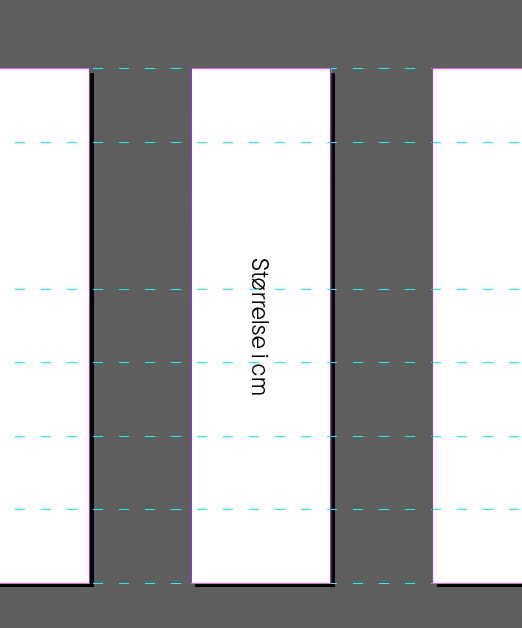
The pink part here is the real pages, the white part is the pasteboard on the exported PDF.

 AdChoices