



dublove
Legend
September 23, 2024
Question

How to Fix Broken Lines in Vectors When Zooming in InDesign

  • September 23, 2024
  • 5 replies
  • 390 views

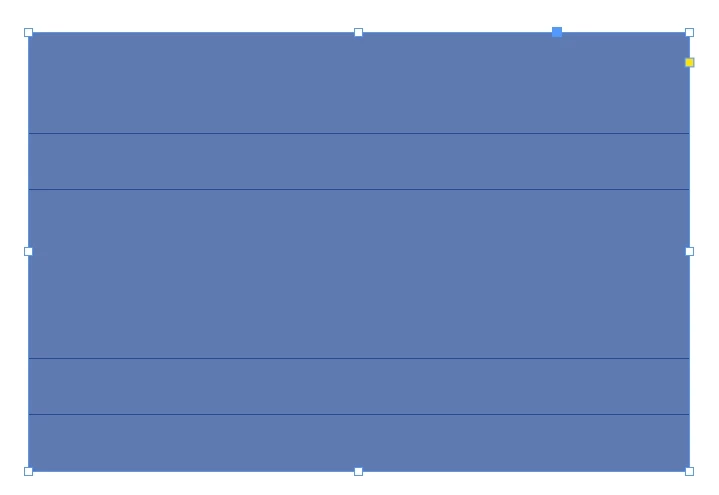
I know it doesn't detract from the end result.
It's just uncomfortable to look at.


How do I get these lines to not show up?
I need to upgrade my display card?


<Title renamed by MOD>

This topic has been closed for replies.

5 replies

m1b
Community Expert
Community Expert
September 23, 2024

Hi @dublove I think upgrading your display card *might* fix it, but another option is to use menu View > Preview on CPU (converted to Chinese of course). This will bypass your GPU and fixes most glitches. However, Indesign won't be as responsive, such as it won't do real-time zooming.

- Mark

dublove
dubloveAuthor
Legend
September 23, 2024

I didn't find a preview in the CPU.
It is there in Ai, not in ID.
I unchecked the box in front of “Proof Color” and it worked.

m1b
Community Expert
Community Expert
September 23, 2024

This is the menu in Indesign 19.5 English:


Yours looks quite different. Choosing Overprint Preview will have the same effect, because in overprint view mode it always "previews on CPU". But then you are in that preview mode all the time, which might not be ideal.

- Mark