Answered
How to Fix Image Not Turning Black and White When Using Blend Mode in InDesign
why isn’t my image turning black and white if the the blend mode is on luminosity and the box is filled in black??
see below
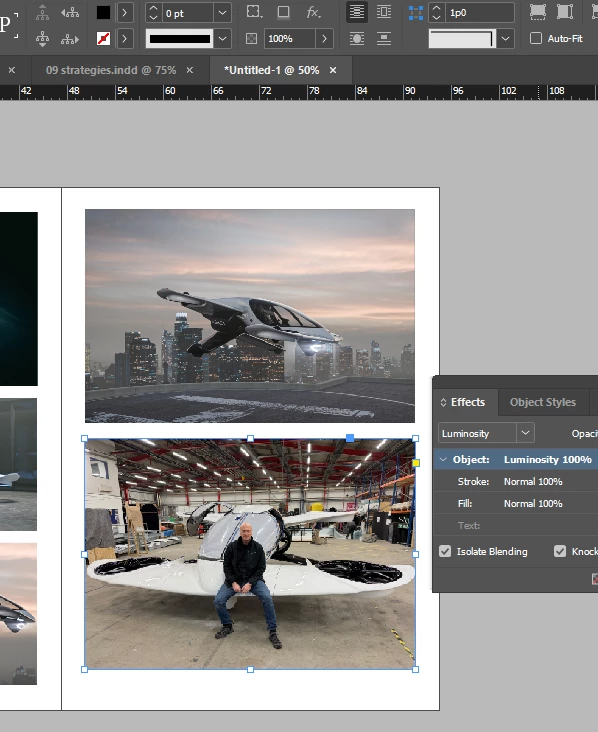

why isn’t my image turning black and white if the the blend mode is on luminosity and the box is filled in black??
see below
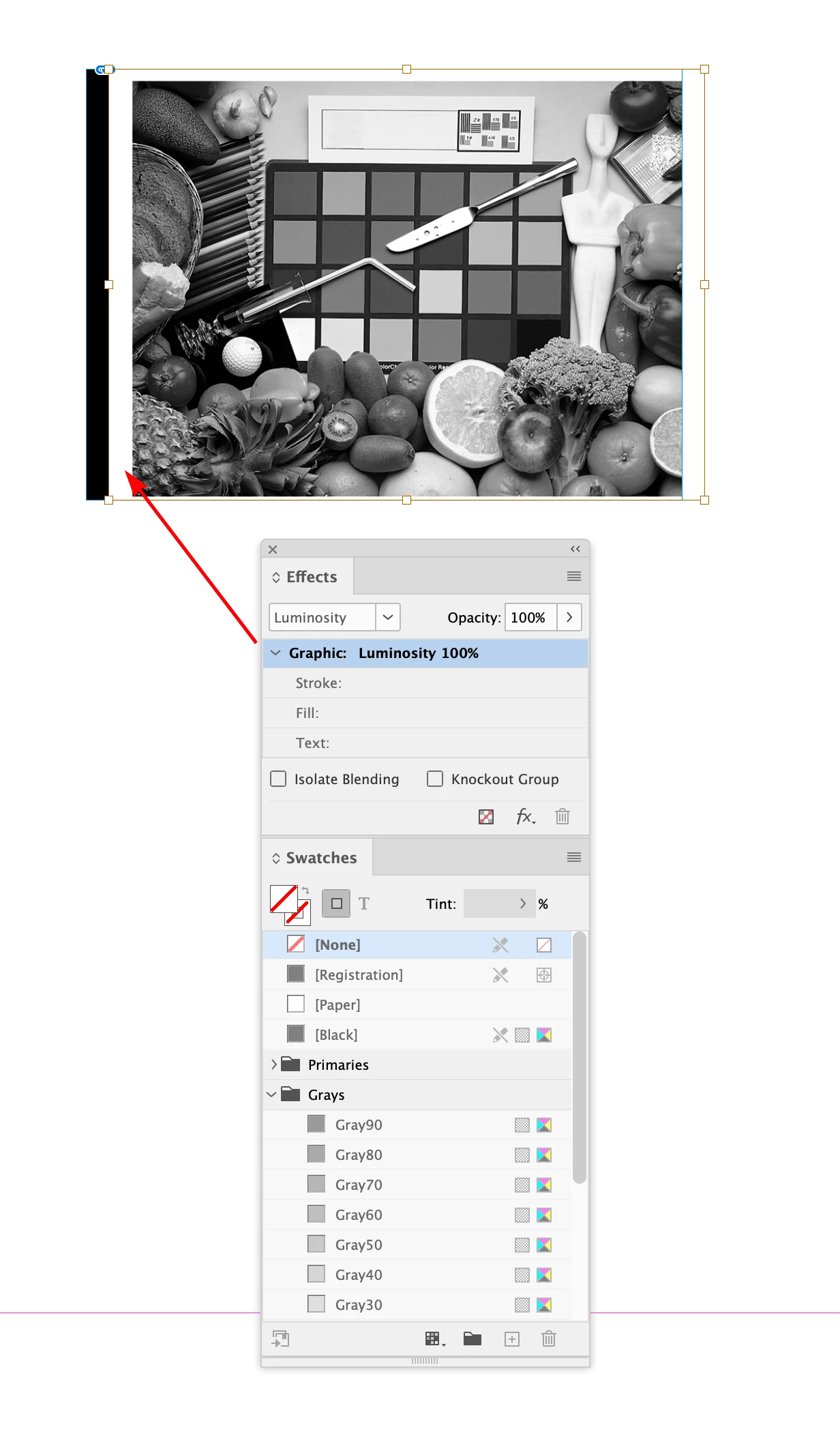
You can also select the Graphic and apply the Luminosity to the image rather than its container:
Already have an account? Login
No account yet? Create an account
Enter your E-mail address. We'll send you an e-mail with instructions to reset your password.


 AdChoices